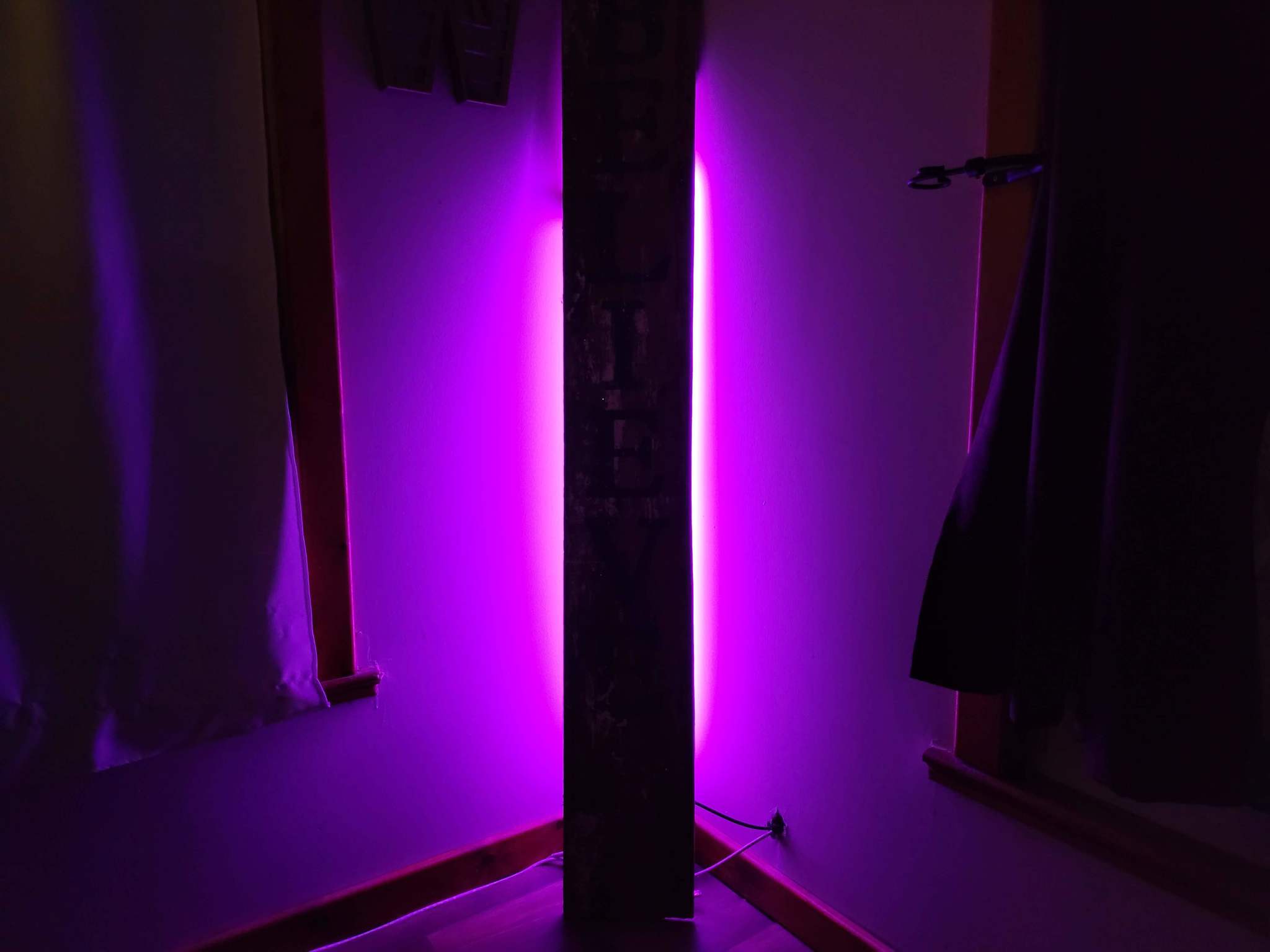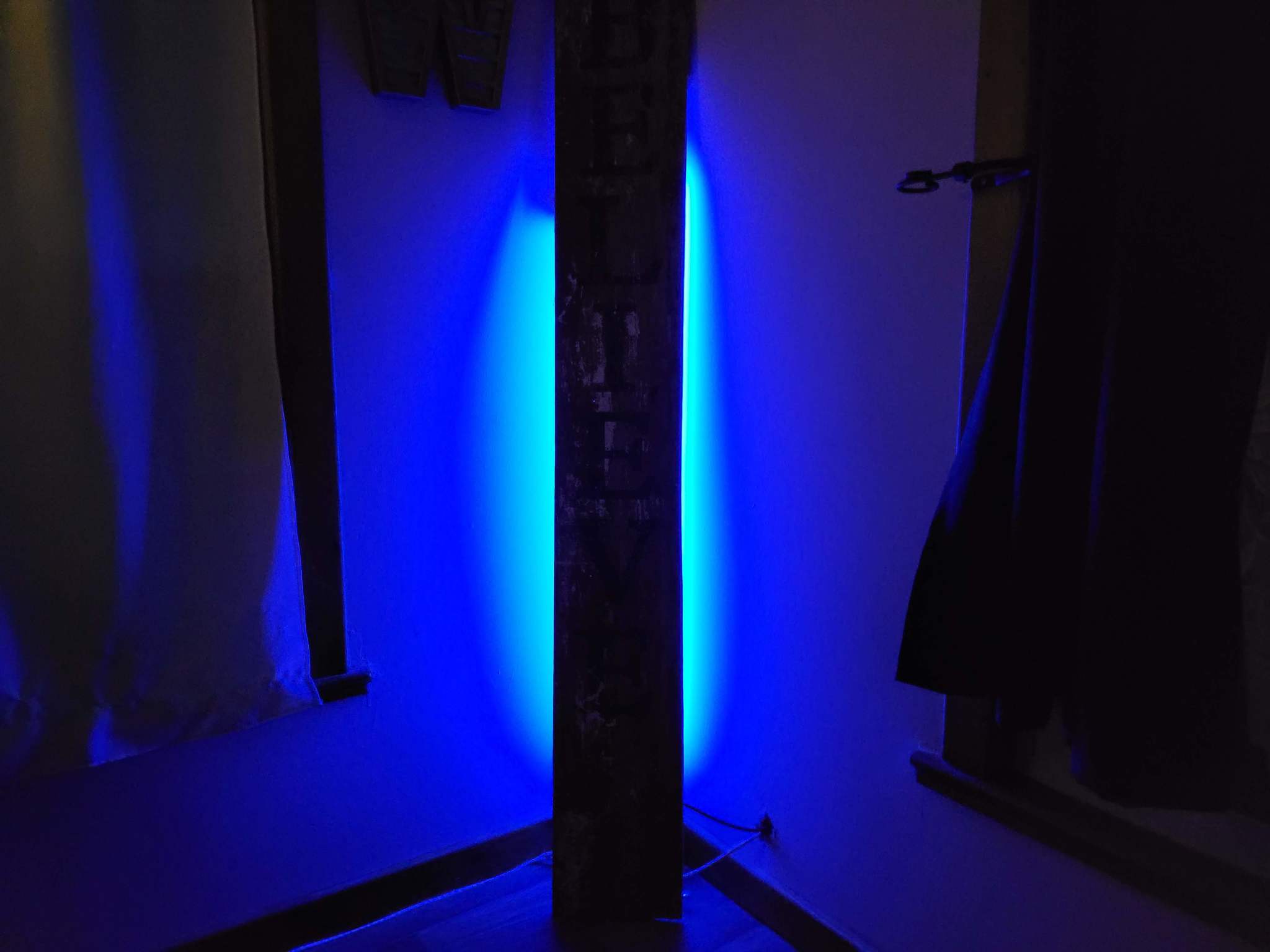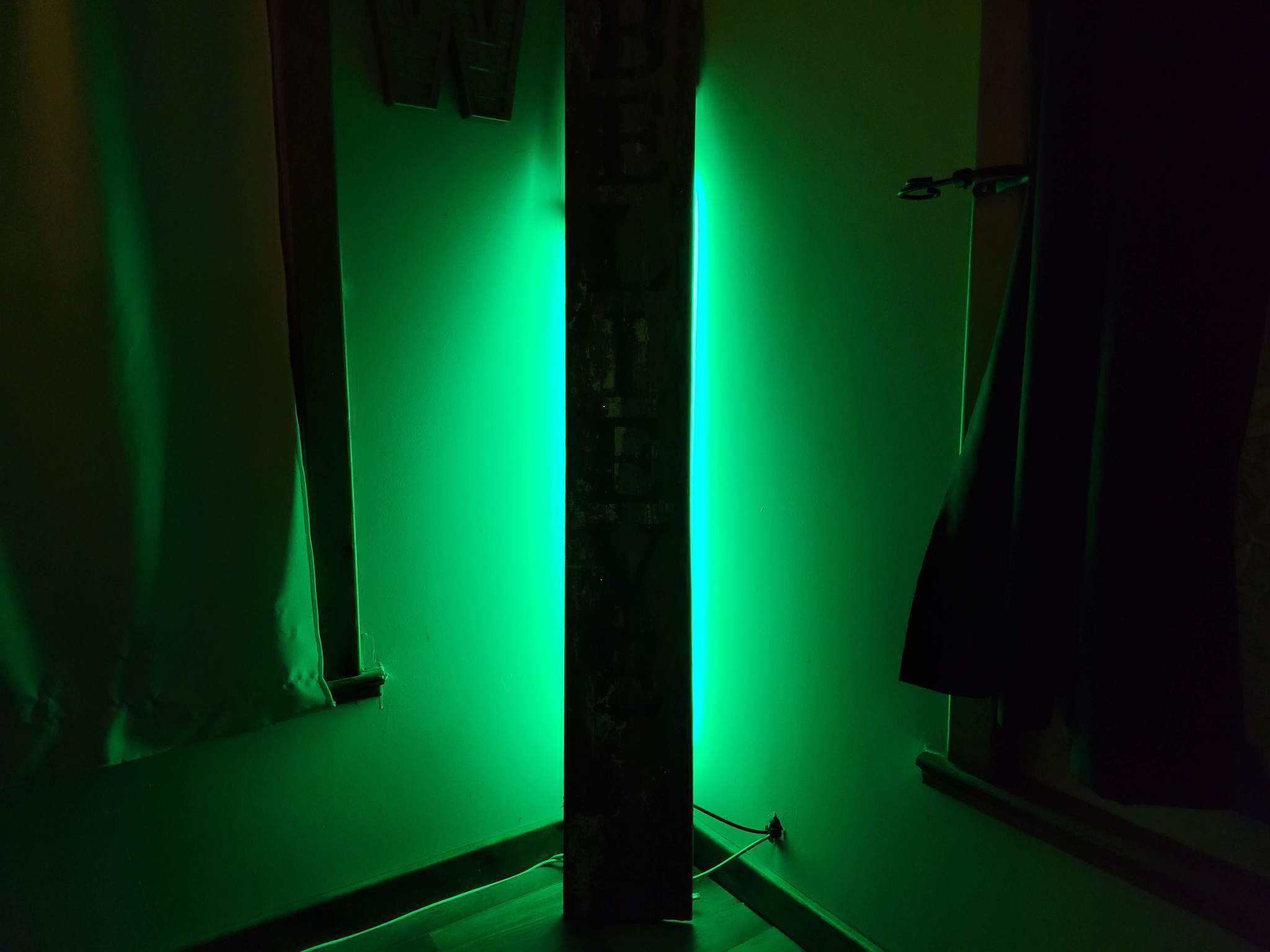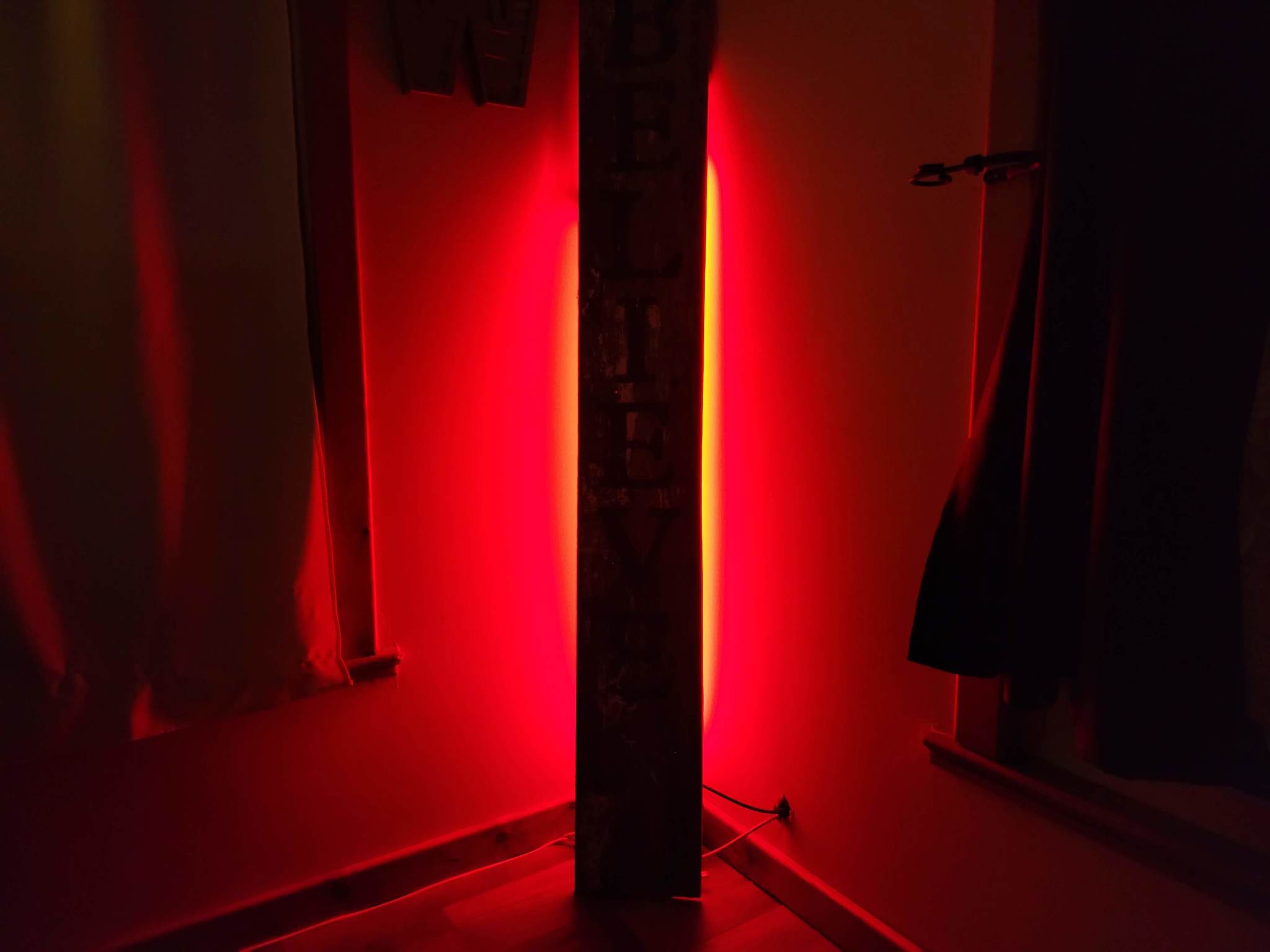
Translate

Thursday, July 1, 2021

Review: Govee Lyra Corner Floor Lamp paints your walls with light

Painting your walls can be labor-intensive and messy, but when you use a light capable of 16 million colors — it's so easy.

For years, the idea of a light source in our homes was a light bulb that only turned on or off with the flick of a switch; that is no longer the case. In 2021, the range of lights for homes is extensive in both form and function — and Govee is at the forefront of pushing that innovation. Because of this, I was very excited to check out the Govee Lyra corner floor lamp.

While Govee may not be the first name you may think of when it comes to smart lights, it's quickly becoming one that should. Though Govee does make some products that skew traditional in design, the company is pushing this sector forward with unique products like the Govee Immersion TV backlight and the Govee Glide Wall Lights.

From a technology standpoint, there are tons of excellent smart light bulbs that are in a traditional form-factor, to immersive lights for an incredible gaming experience that come in so many shapes and sizes. The Govee Lyra has a uniquely designed light fixture that aims to blend in and stand out in a crowd of smart lighting options — and it succeeds glowingly.

Bottom line: The Govee Lyra corner floor lamp has a clean, unassuming design that can liven up any space once it's turned on. With multiple lighting modes, smart assistant integration, and amazing colors, it's a wonderful addition to almost any space.

The Good

  • Clean and minimal design
  • Excellent color blending
  • Very bright
  • Lots of options in the app
  • The RF remote is helpful

The Bad

  • Power cord could be longer
  • Assembly was a little tricky

$150 at Amazon $140 at Govee

Govee Lyra Corner Floor Lamp: Price and availability
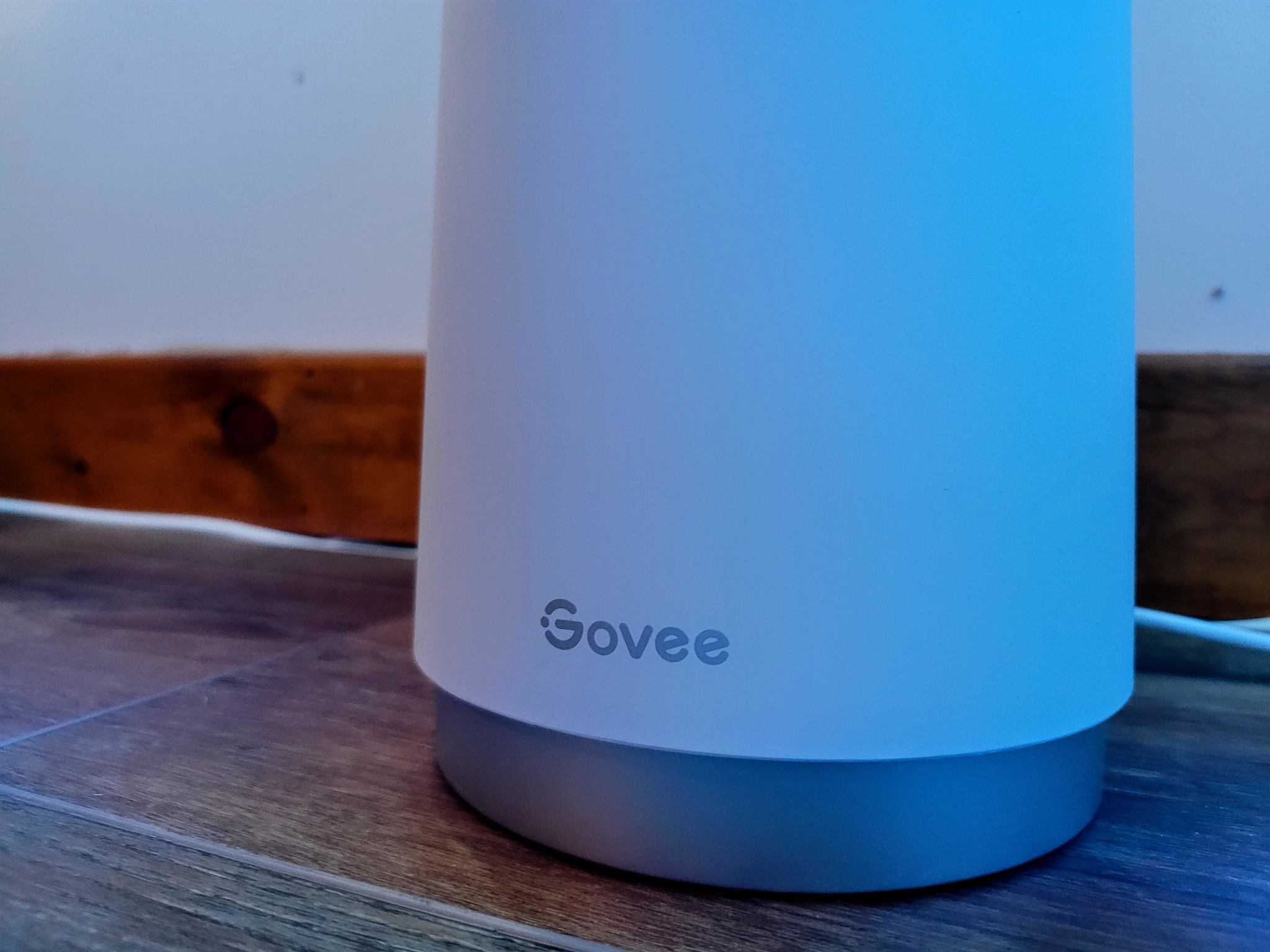
The Govee Lyra corner floor lamp became available for purchase on June 20, 2021, on both Amazon and Govee's website. You can buy the Lyra on Amazon for the launch price of $149.99 and on Govee's storefront for a sale price of $139.99. The Lyra does require some assembly before use, but you'll get everything you need to put it together and begin using the lamp inside the box.

Govee Lyra Corner Floor Lamp: What's good
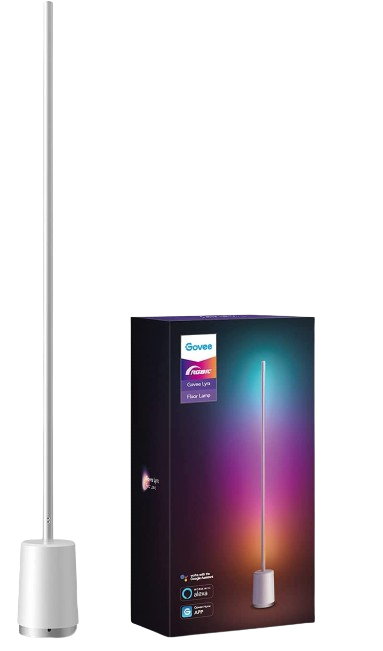
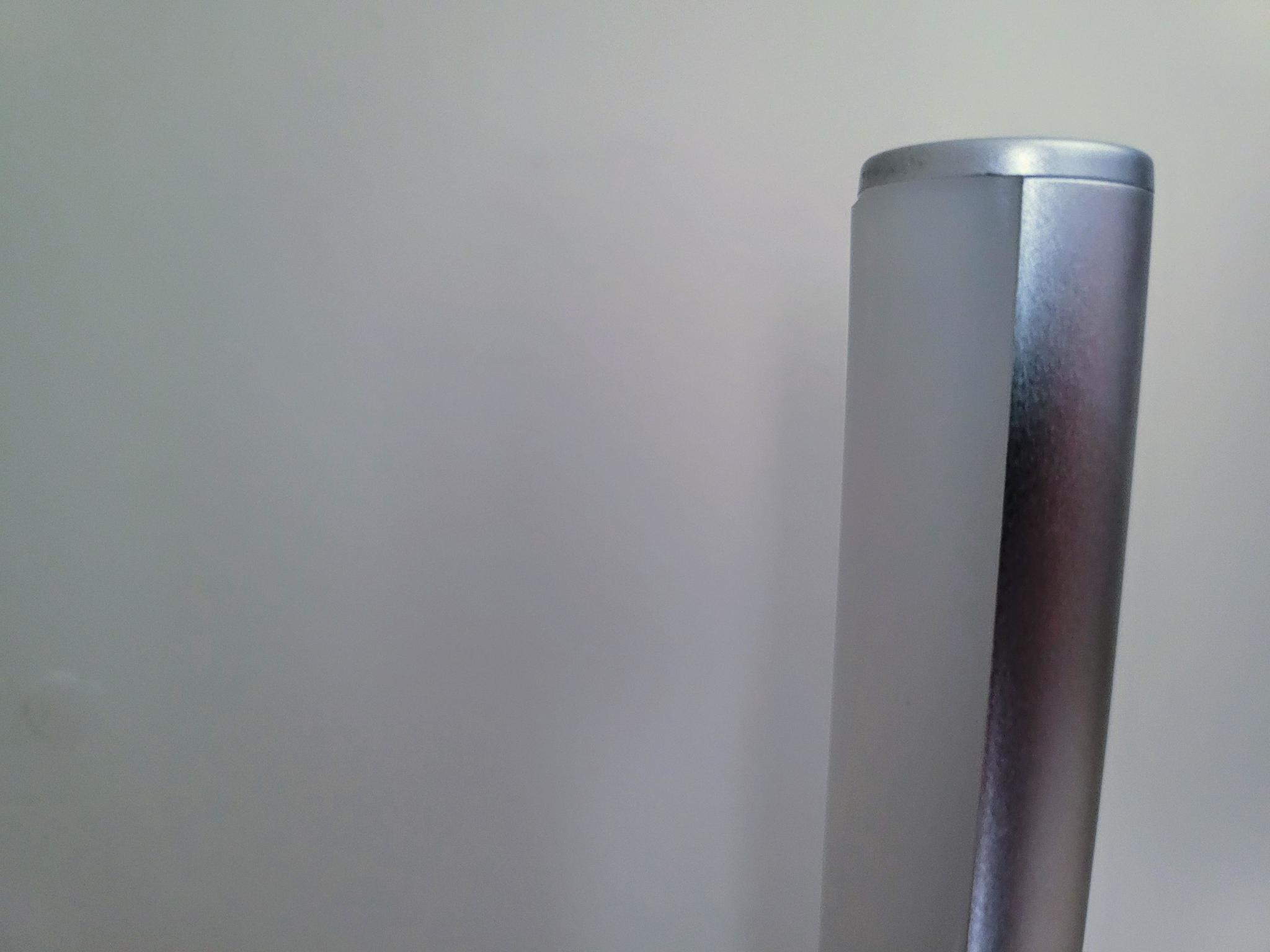
When the box arrived containing the Govee Lyra, I was excited about the possibilities for what I could do with it — but first, I had to put it together. The main part of the lamp is comprised of three parts — the base, the frame, and the light strip. The frame is made from a nice matte silver aluminum that comes in three sections that slide together and is held together with the included screws — there's even a screwdriver in the box.

Specs Govee Lyra Corner Floor Lamp
Dimensions 5.4" x 5.4" x 57.1"
Power Cord Length 59.05"
LED Type RGBICWW
Colors 16 million
Brightness 1500 lumens
White Color Range 2200k - 6500k
Control Mobile app
RF remote
Smart Assistant Integration Alexa
Google Assistant
Connectivity Wi-Fi
Bluetooth

Once that is done, the assembled frame attaches to the weighted, cylindrical base with some screws. With the base and frame completed, it's time to get the lights ready. The RGBICWW LED strip is inside of a frosted silicone case that presses into the frame. At the bottom is the connector that links the lights to the base for power and controls. I had some complications getting the LED strip installed, but once done, it was time to power it up.
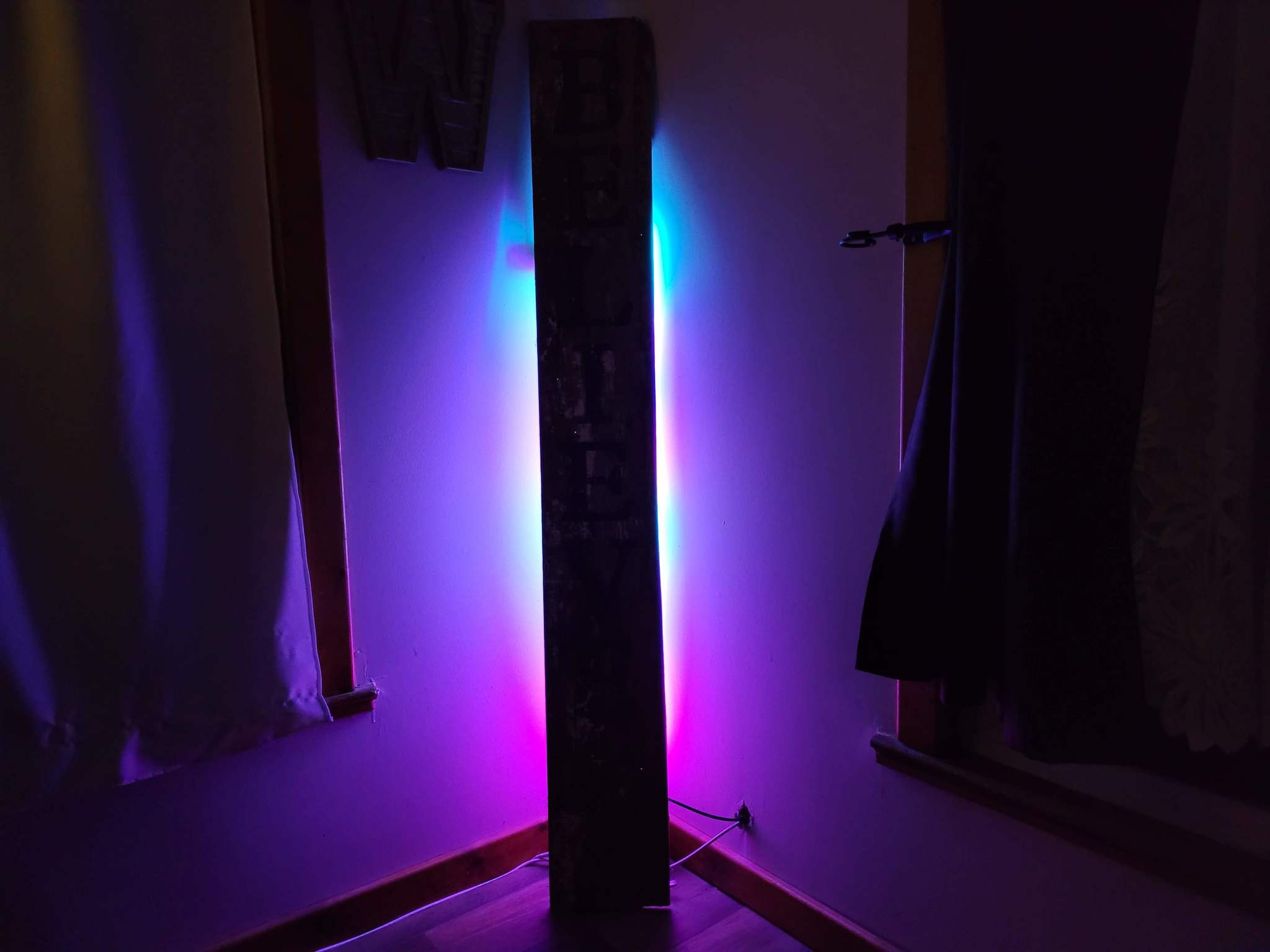
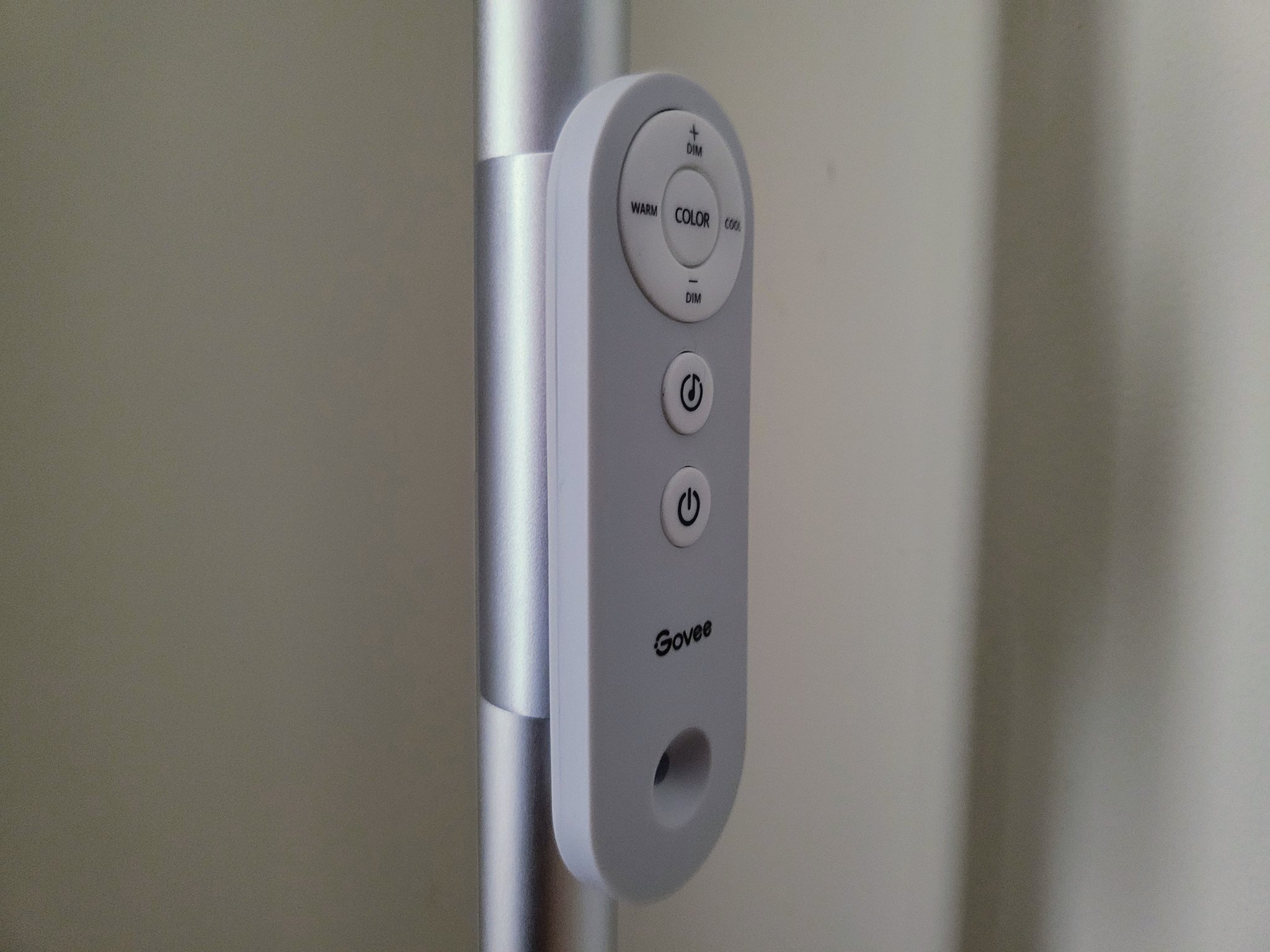
After I decided on a location for Lyra, placing it in a corner for the light to be reflected against, I turned it on with the included remote. It's a relatively simple remote that offers a lot of functionality. It works via RF, radio frequency, so you don't have to worry about line of sight for the lamp to respond. You can change colors, brightness, enable Music Mode, and of course, power. There's also a magnetic holder that clips onto the lamp for attaching the remote.

The Govee Lyra's minimal design helps it blend into the surroundings very well when it's not in use.

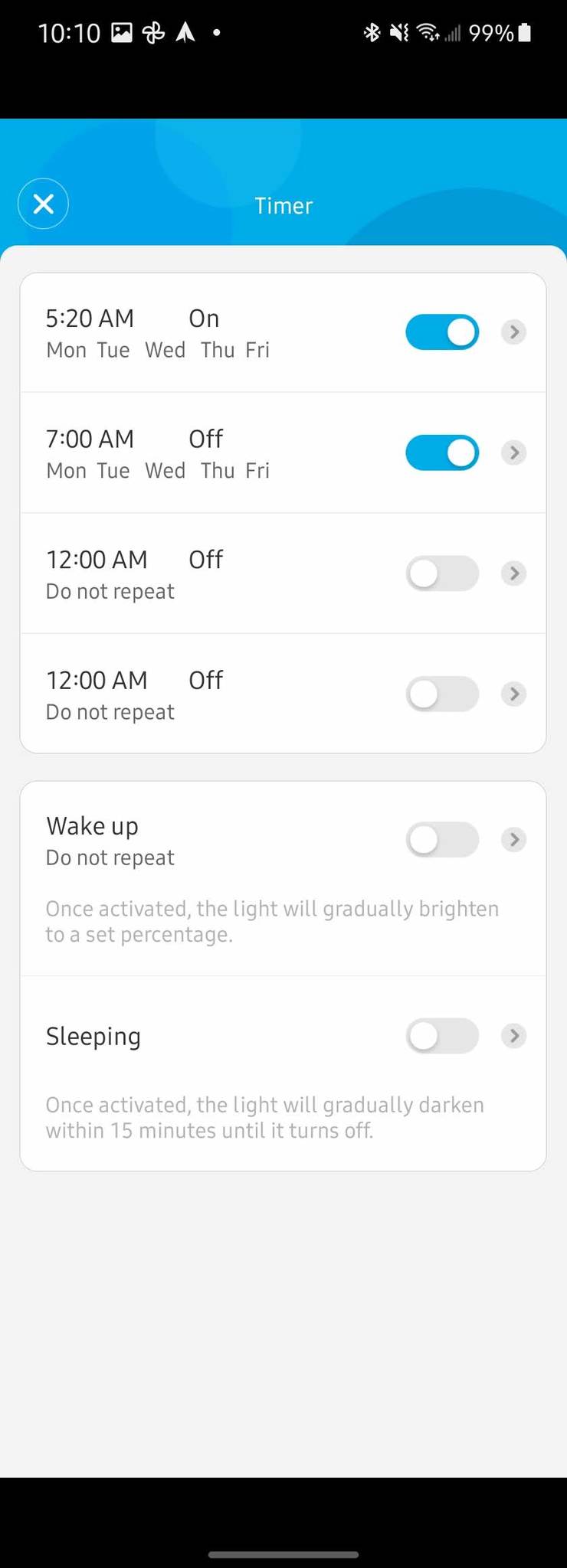
I have some Govee smart lights in my home, so I already have the companion app installed on my phone, and I had an idea of what to expect from the LED quality — and does the lamp ever deliver. After adding the Lyra to the app, I began to play around with some of the settings. Thanks to the variety of options within the app, the Lyra can be everything from a solid color from over 16 million choices or a white with a temperature range from warm 2200k to cool 6500k.
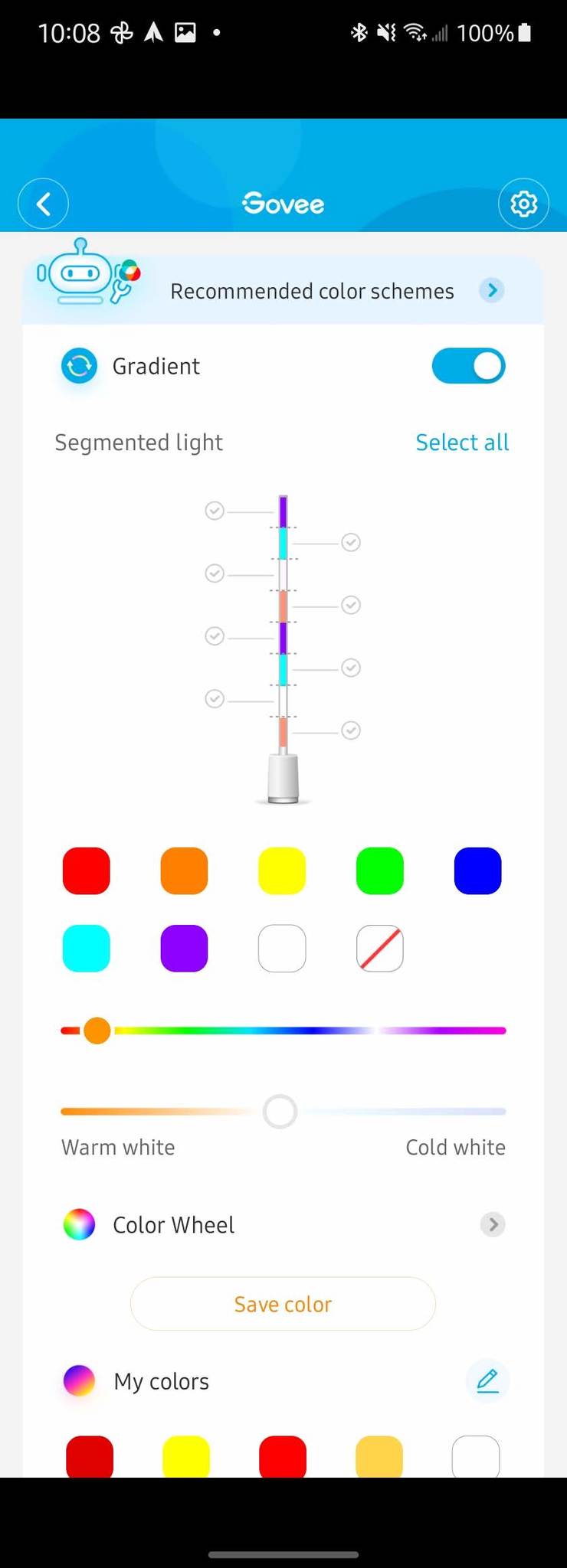
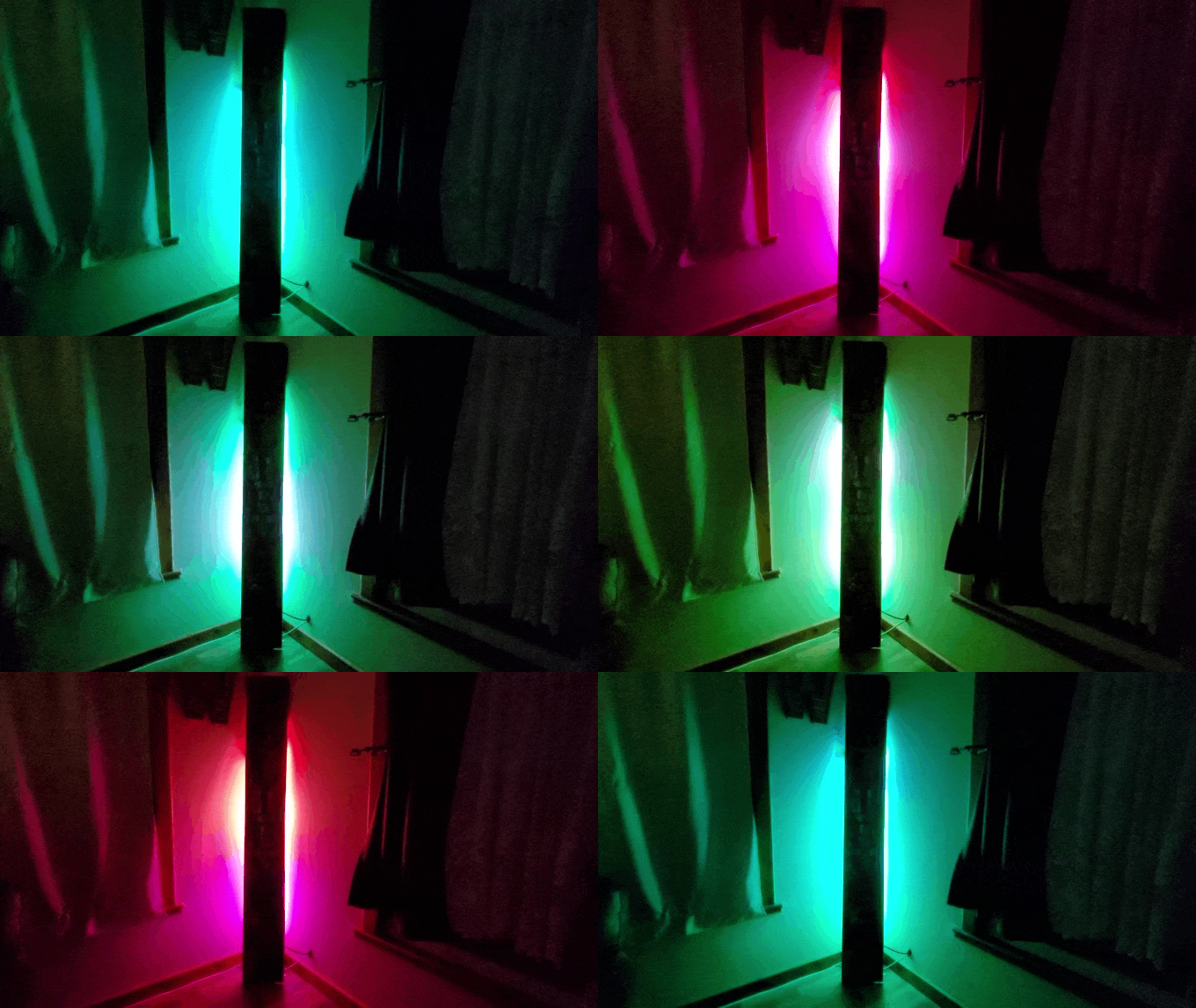
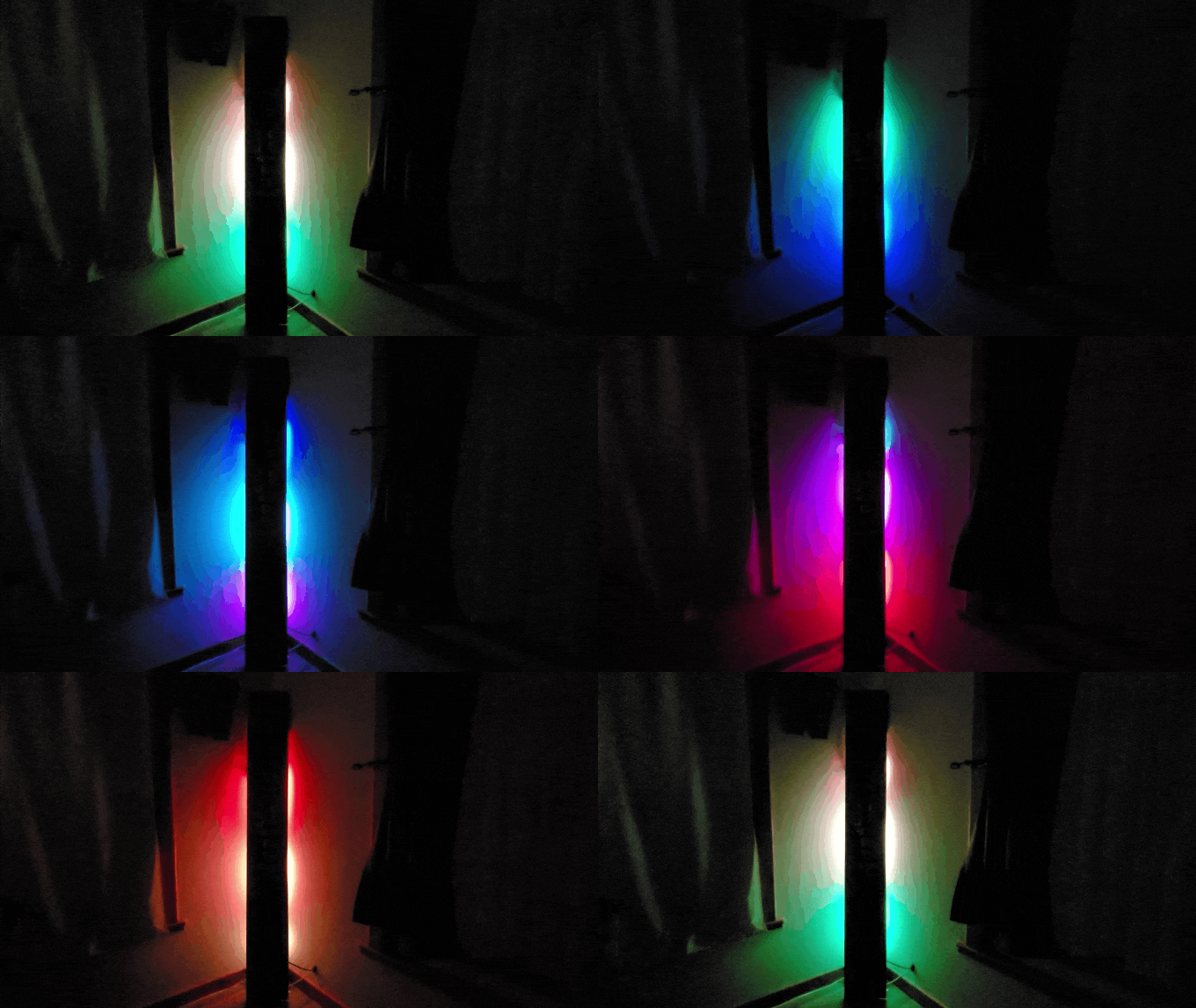
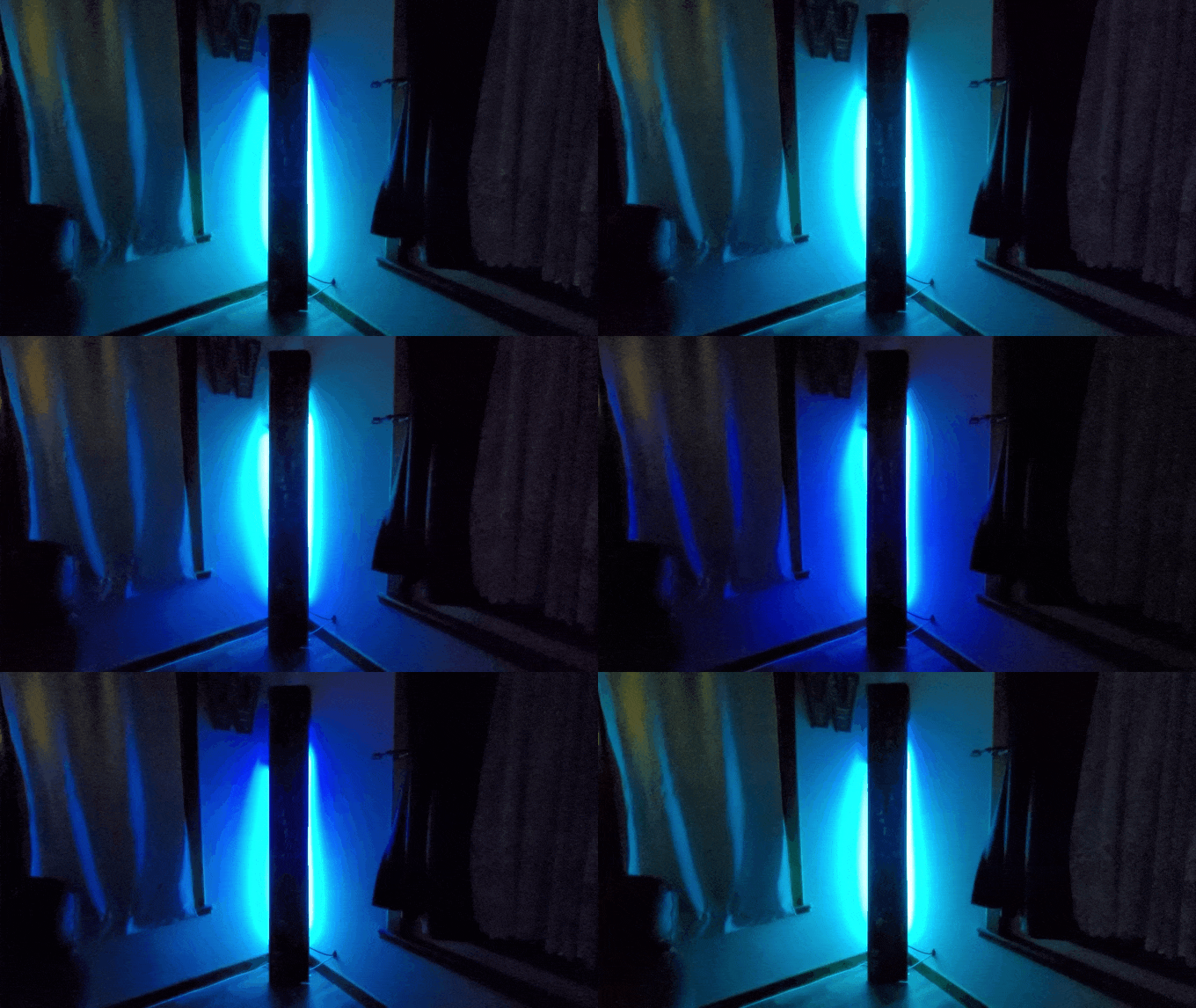
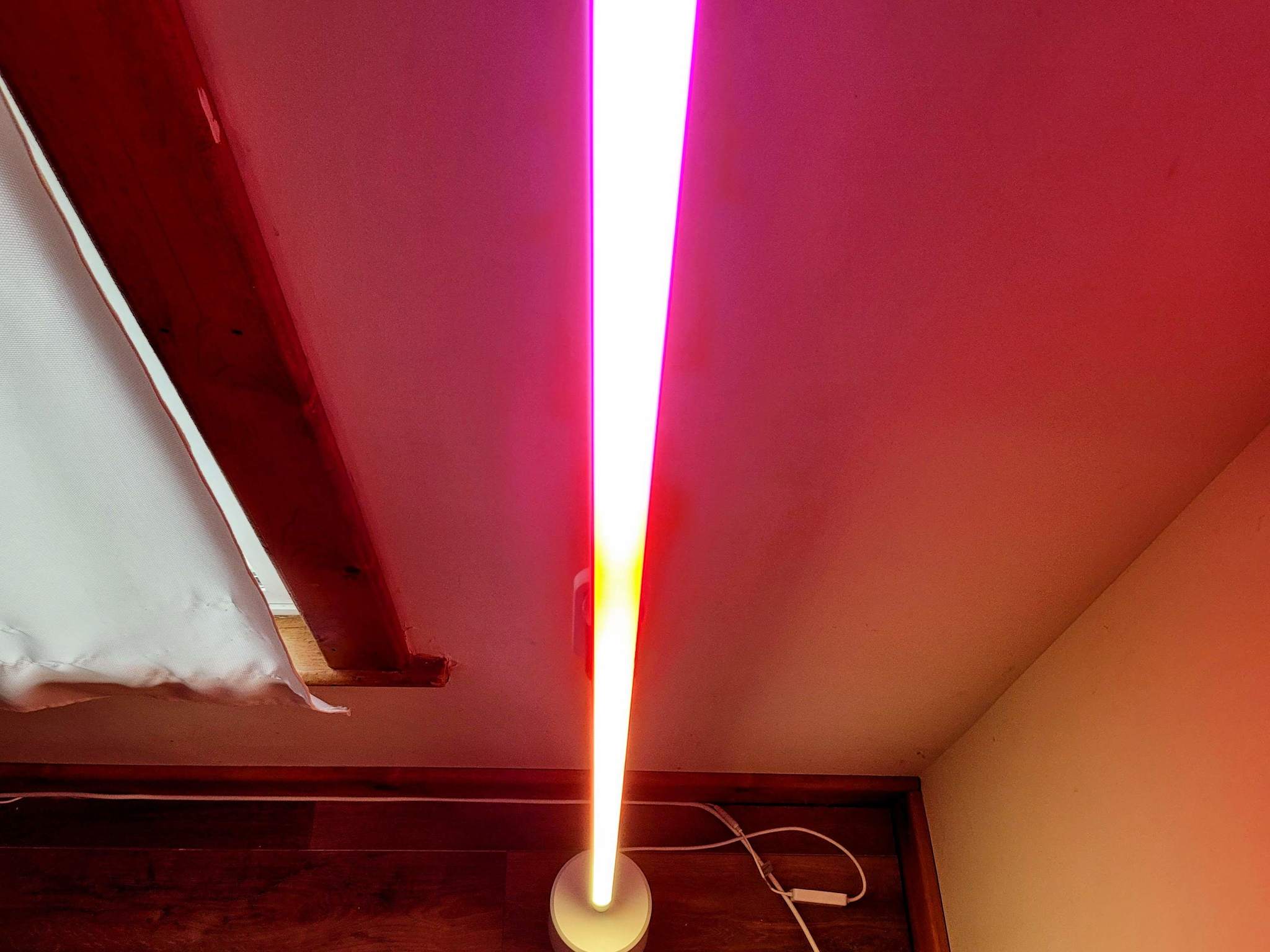
The Govee Lyra shines in its ability to blend colors together. Because the lightstrip uses RGBICWW LED technology, it can produce a very wide range of colors and whites and produce different colors at the same time across the strip. When enabling gradients in the app, the vibrant colors perfectly blend for a very impressive glow.
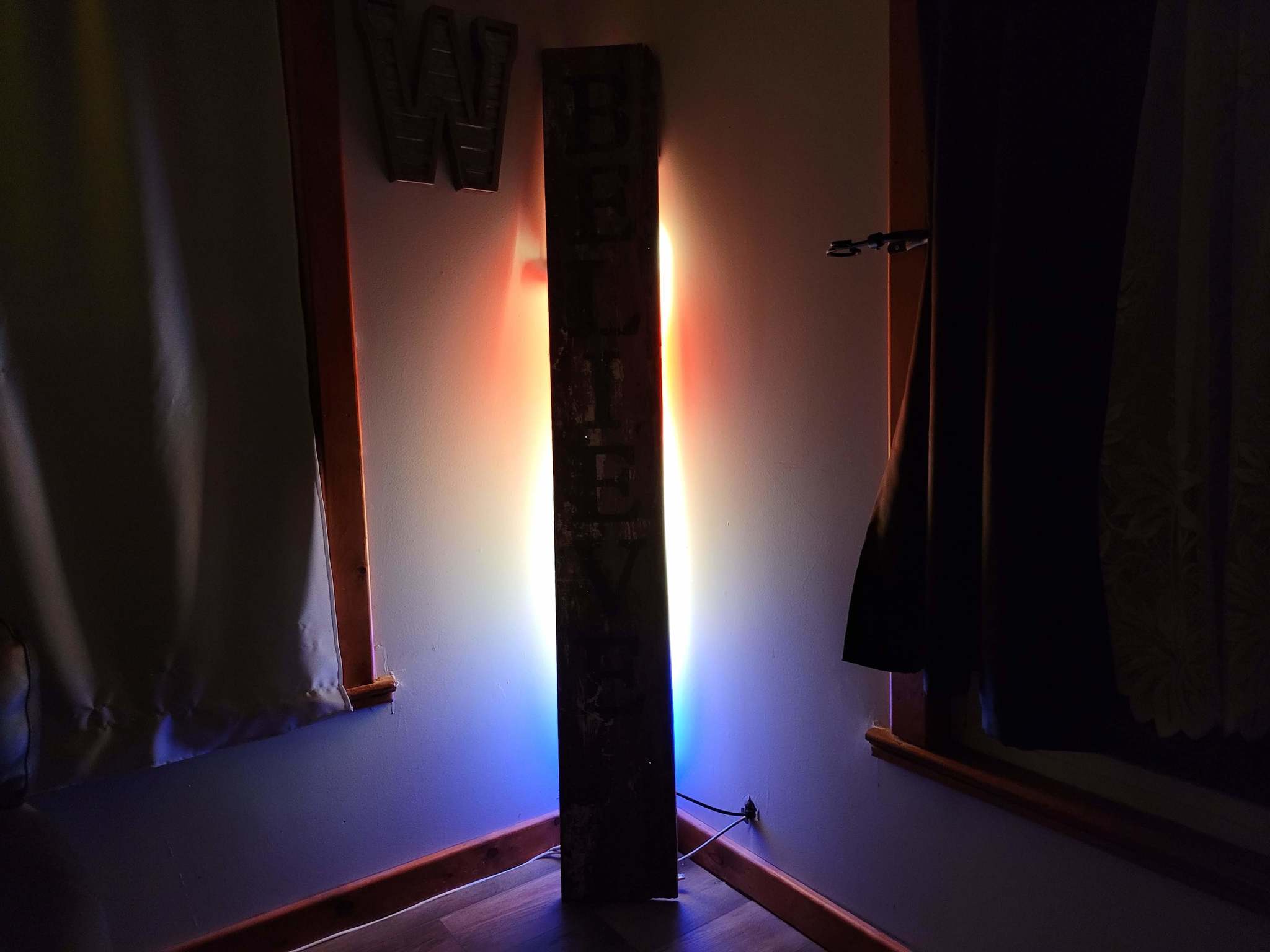
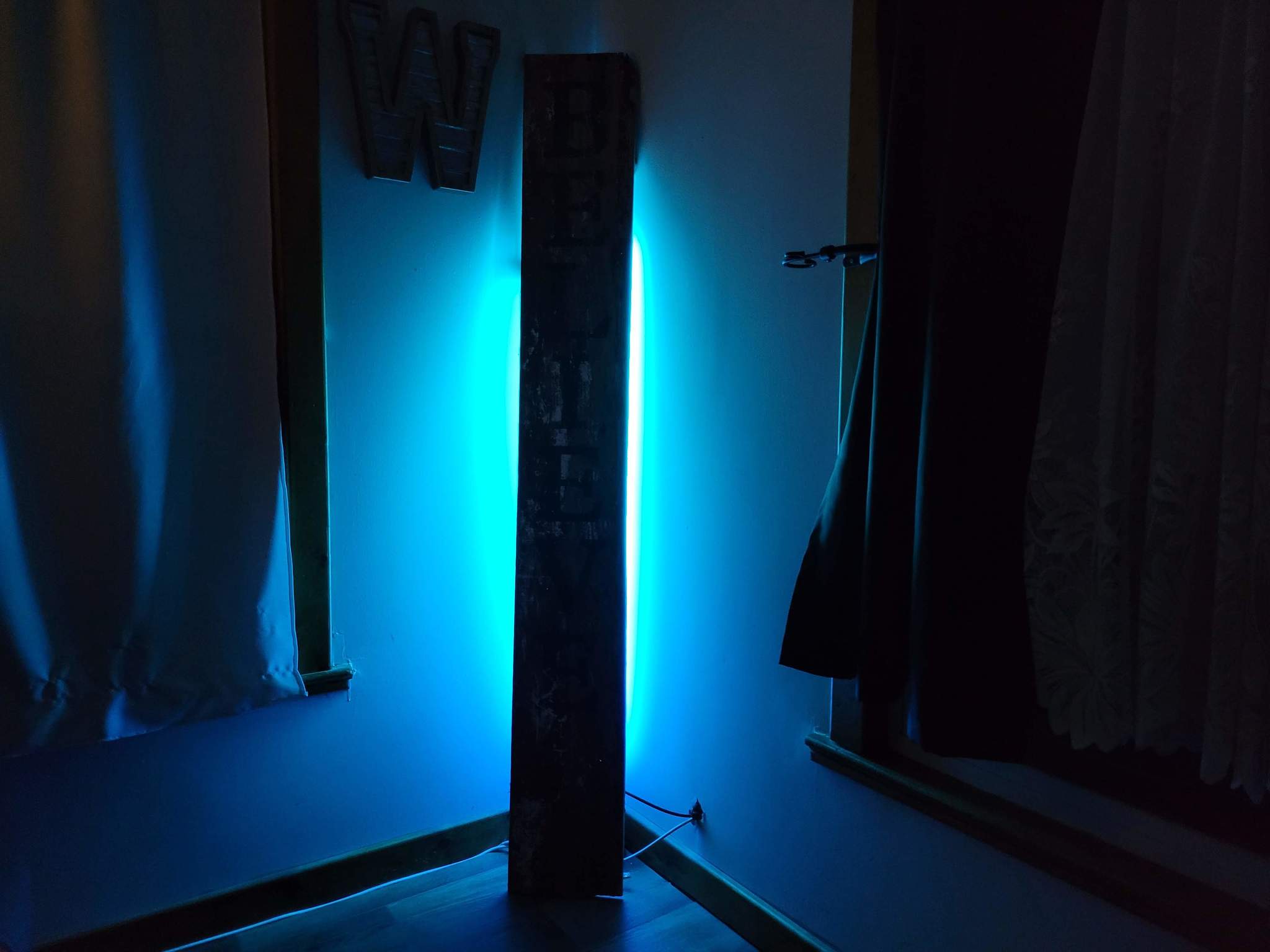
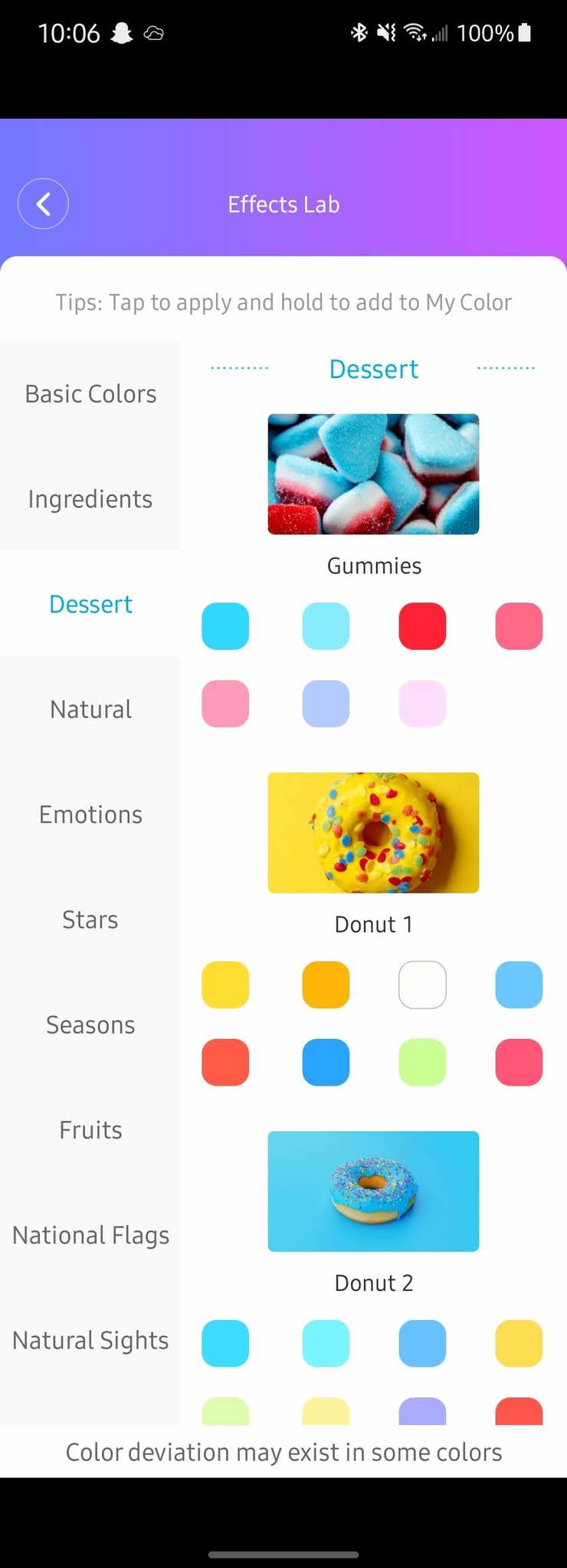
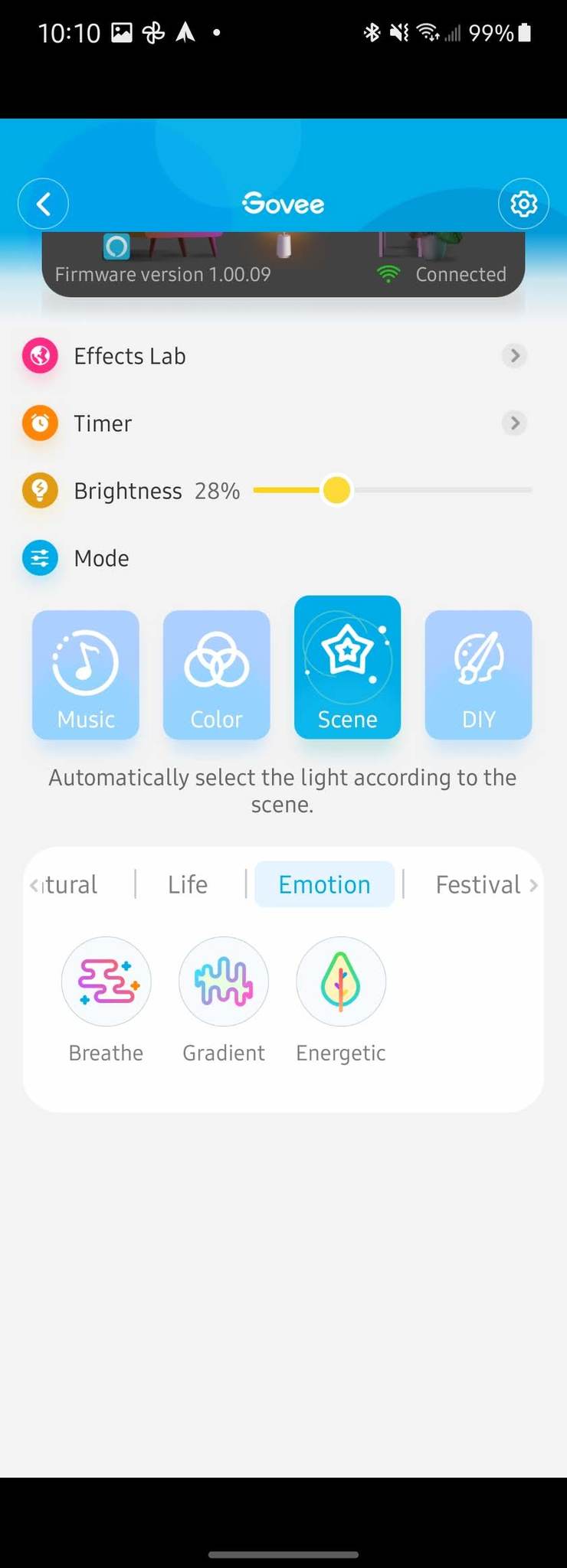
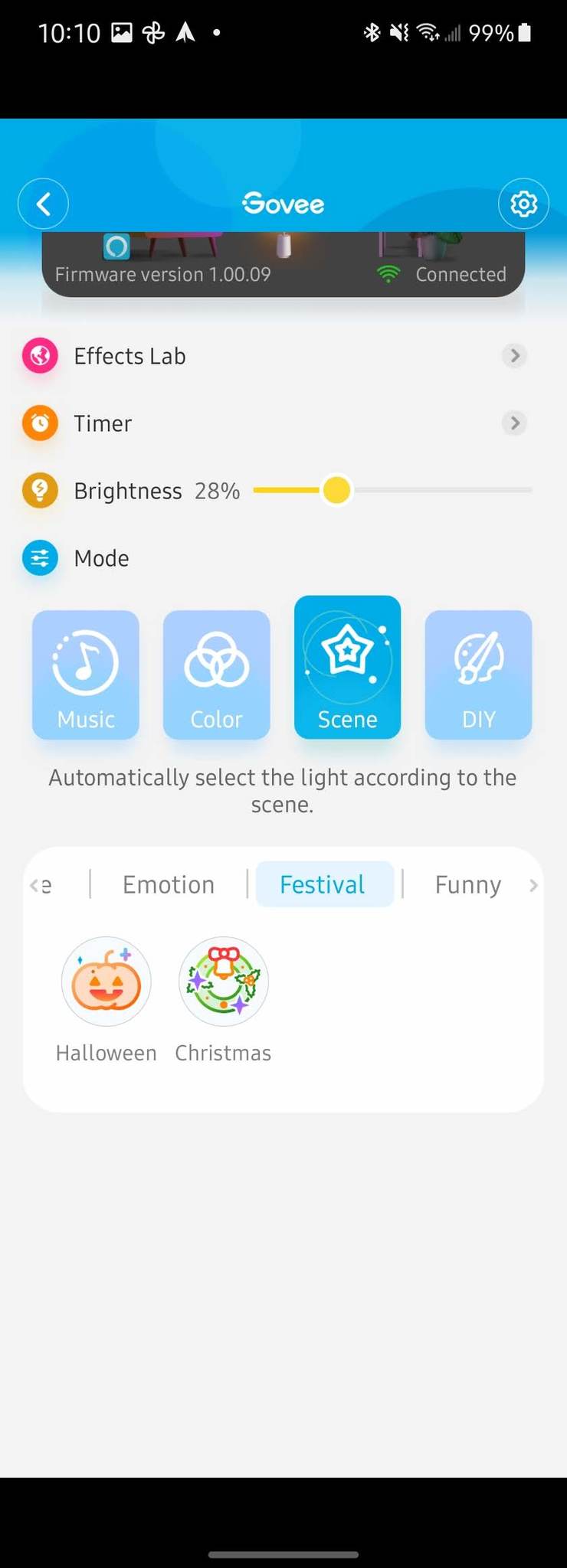
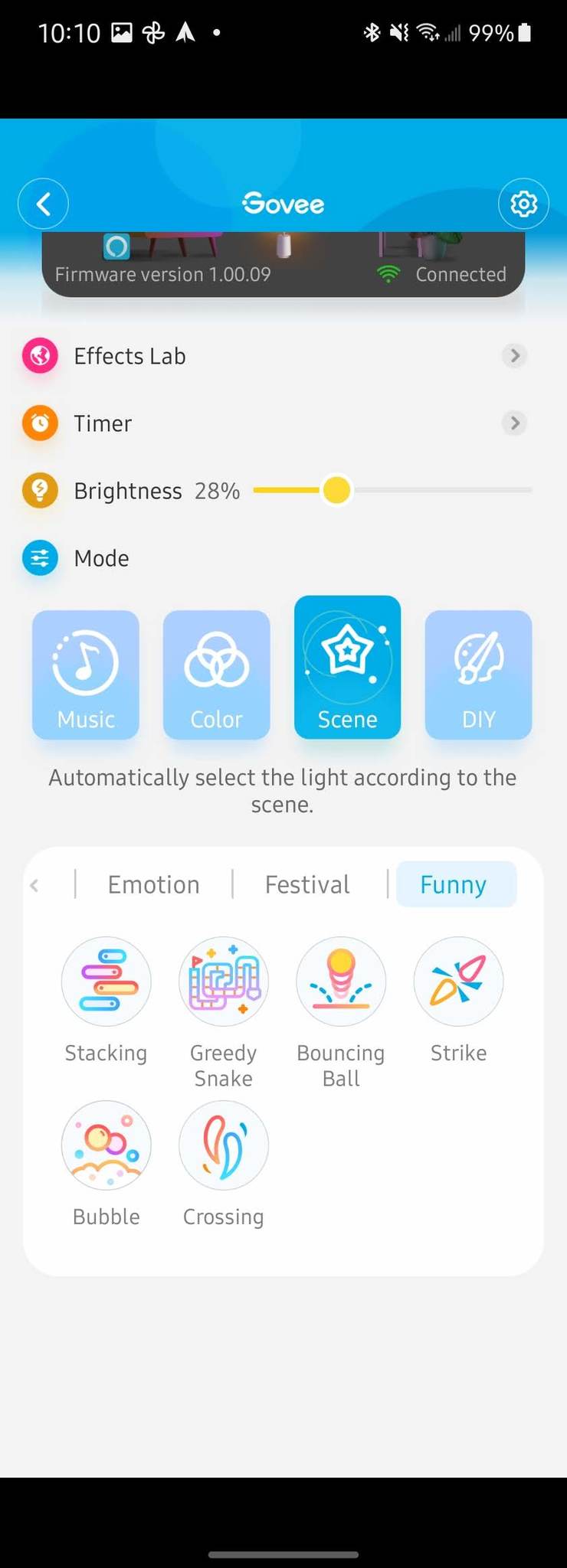
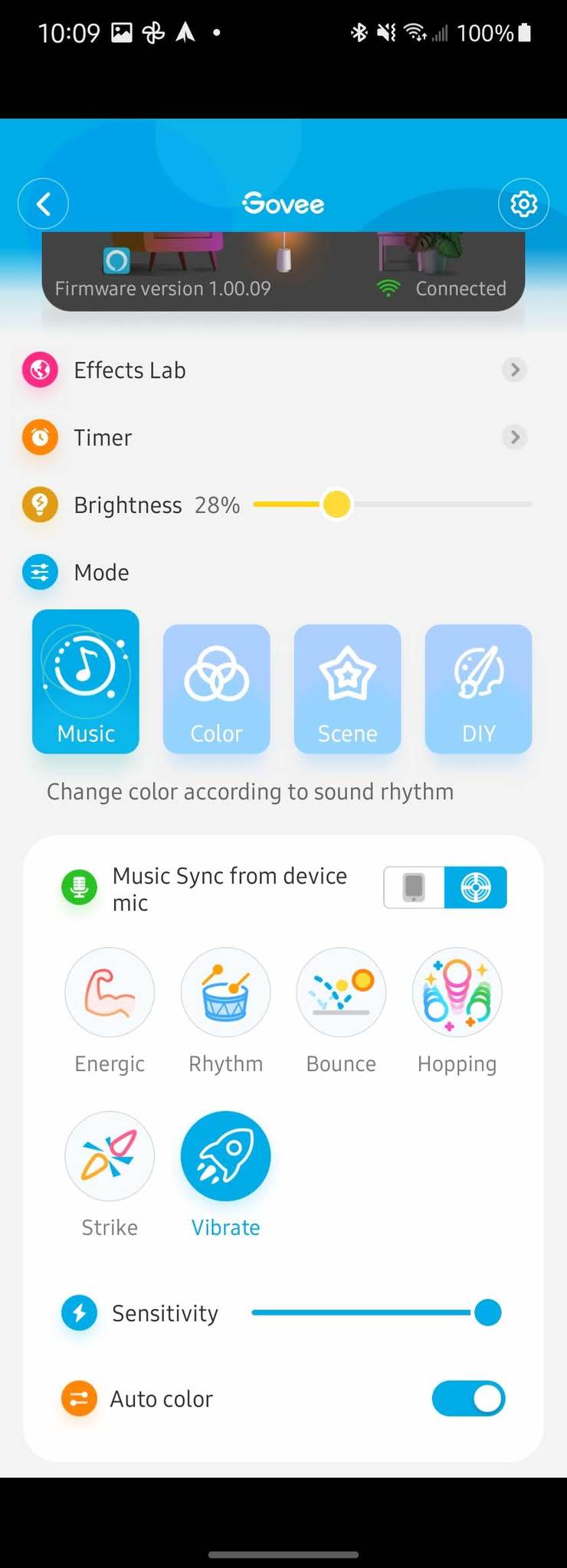
While that is impressive itself, the fun really kicks in when you add motion to the mix. The combination of beautifully blended hues and the movement that the Govee app enables is mesmerizing. In addition, there are over 25 different scenes built into the app that invoke different types of movement across the Lyra.
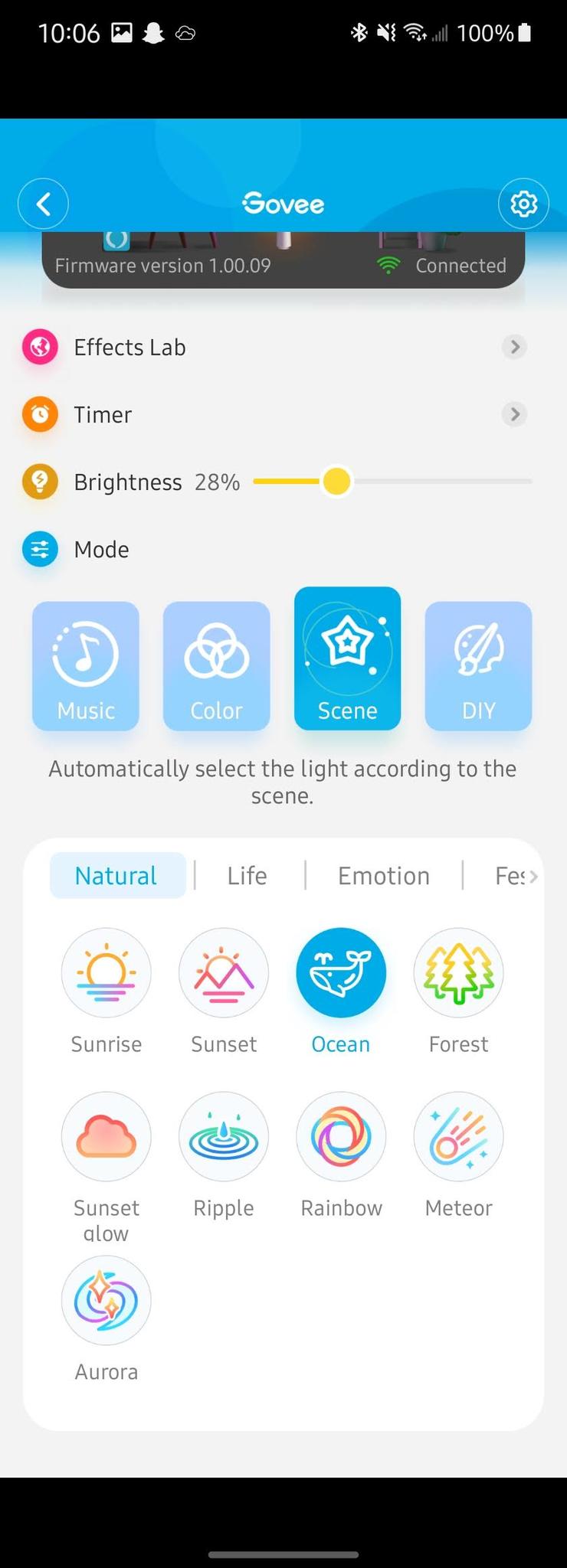
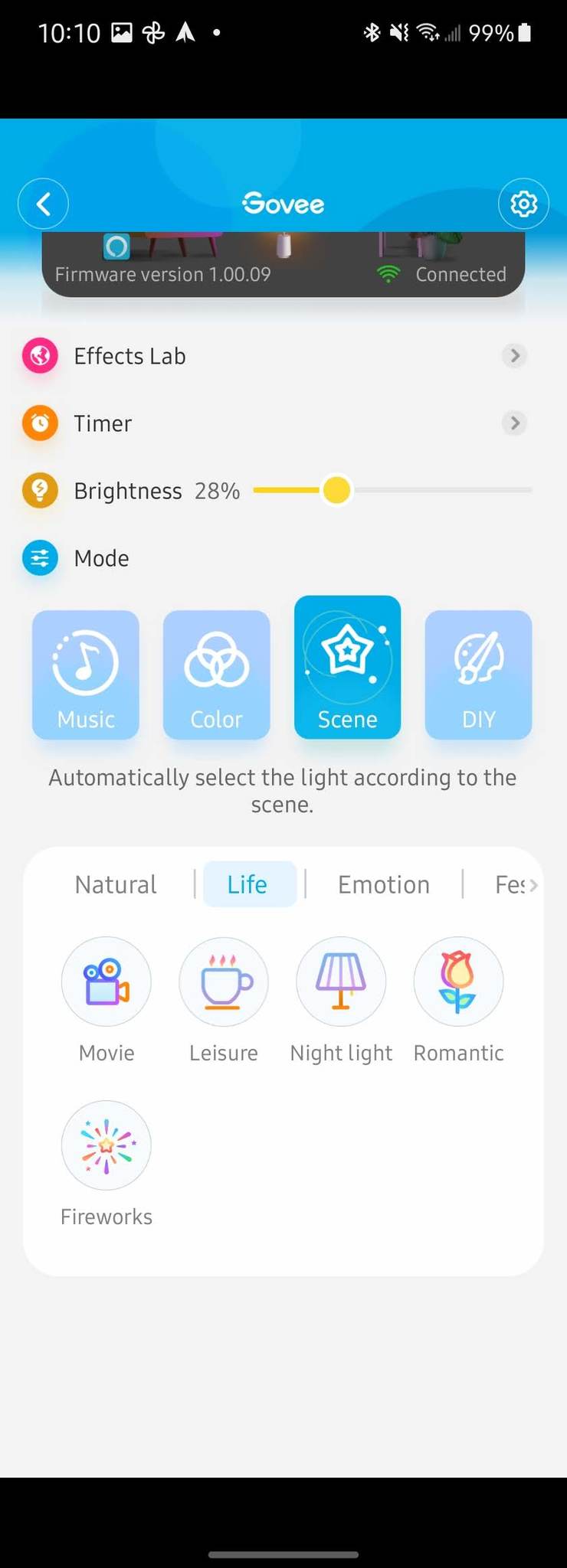
Music mode has six different styles to sync your Lyra and use either the microphone on the lamp or your phone to react to.

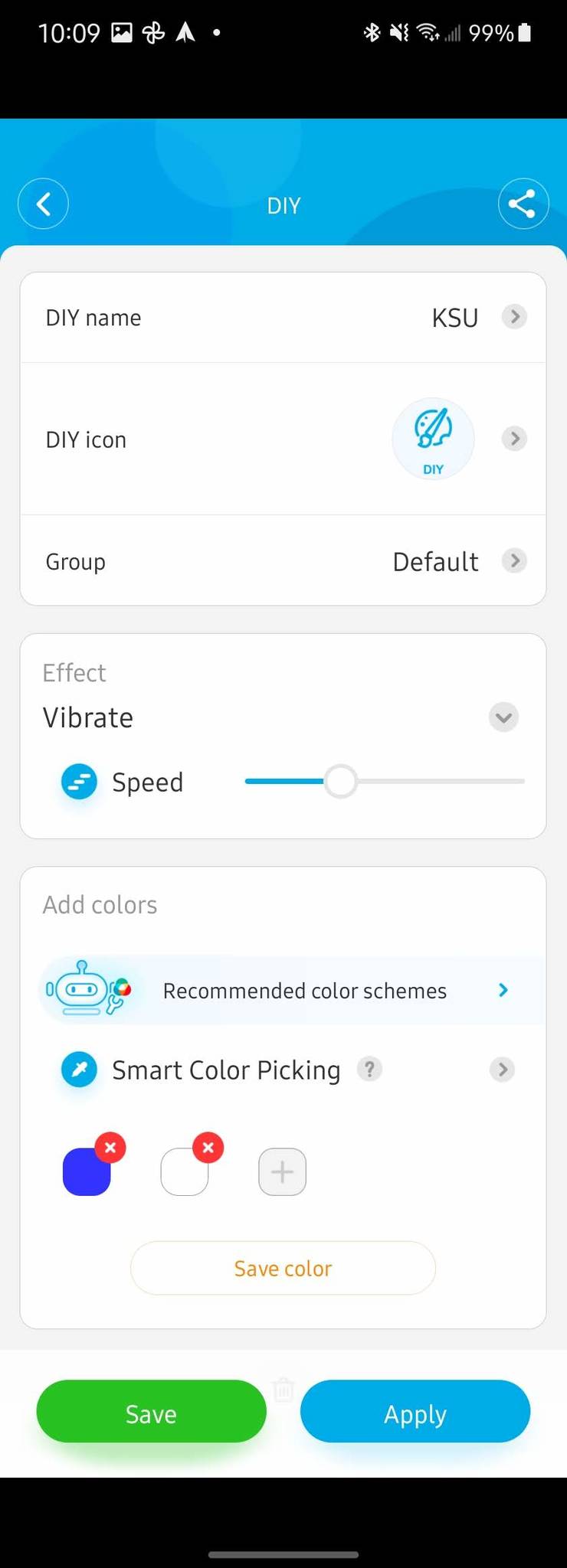
While the preset scenes great, you can get creative and make your own as well. The DIY section of the app allows you to make design lighting that fits whatever situation you want. For example, I made some that match some of my favorite sports team's colors. Then because the motion feature is so great, there are eight different options for motion and one to enable Music Mode with your custom colors.

Govee Lyra Corner Floor Lamp: What's not good
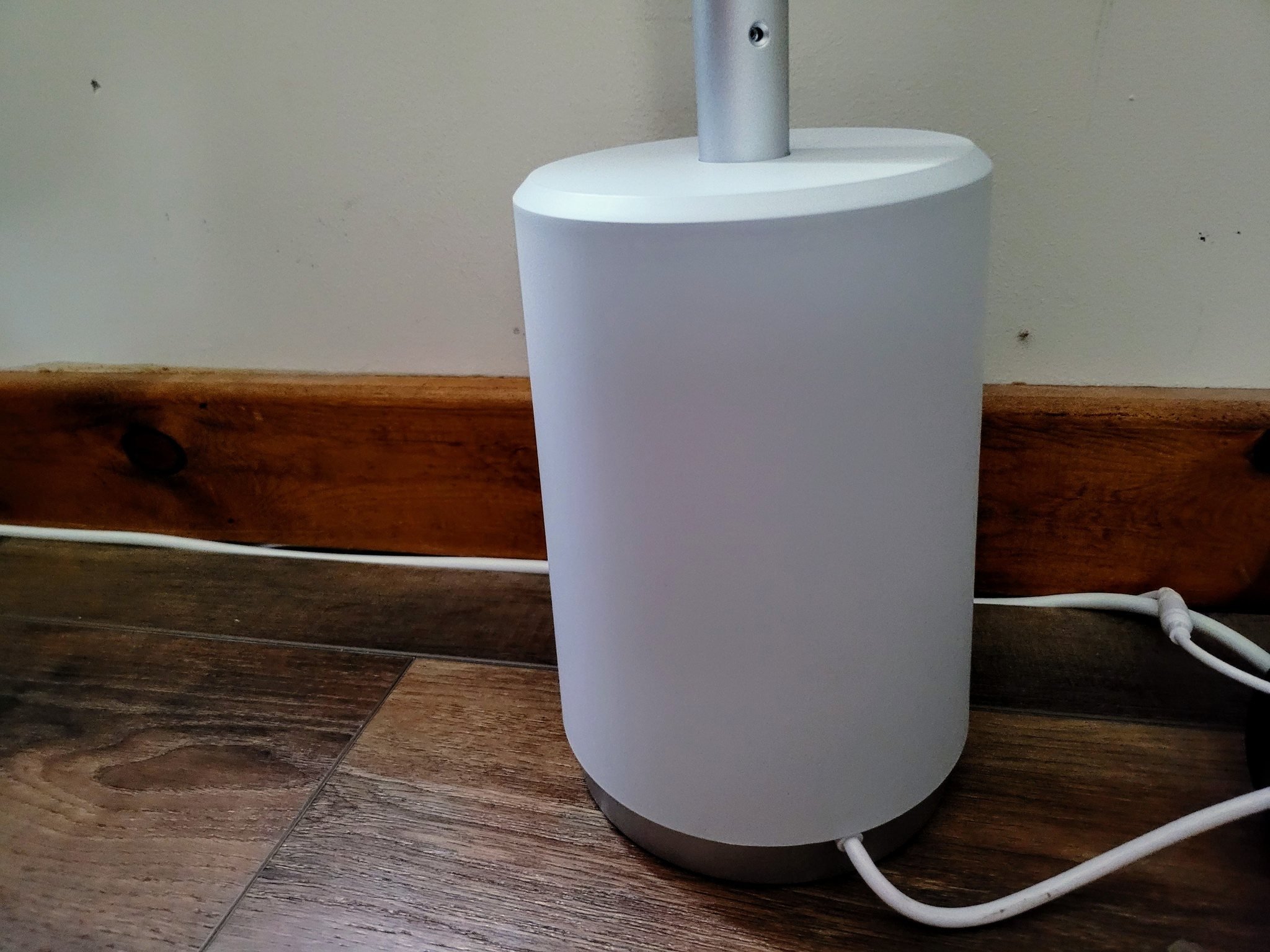
The Govee Lyra does a fantastic job of illuminating a space, and it even looks great when it's not on. From a functionality standpoint, I really can't fault it at all. The issues I have with the lamp aren't with its functionality but with some of its physical characteristics. I really only have a couple of nitpicks about the Lyra — its power cord and the assembly process.

I really love the materials used and the color choices Govee made with the Lyra. When powered off, it blends in wonderfully into almost any space, and when noticed, the Lyra is sleek and modern looking. If you aren't a fan of the lamp's style, it has a small enough footprint that it can be tucked behind furniture and glow from behind it. However, finding where to put the lamp is made even more difficult due to the short power cord.

At just under five feet long, the Lyra's power cord limits its placement unless you want to drag out an extension cord.

Depending on your home, you may have a lot of power outlets and have plenty of options for where you can plug in your lamp. However, if your home doesn't — like mine — then being able to put the Lyra exactly where you want may require an extension cord. While yes, this does solve the problem, I'd rather be required to wrap up the built-in power cable to shorten it than use a clunky extension cord for my new sleek floor lamp.
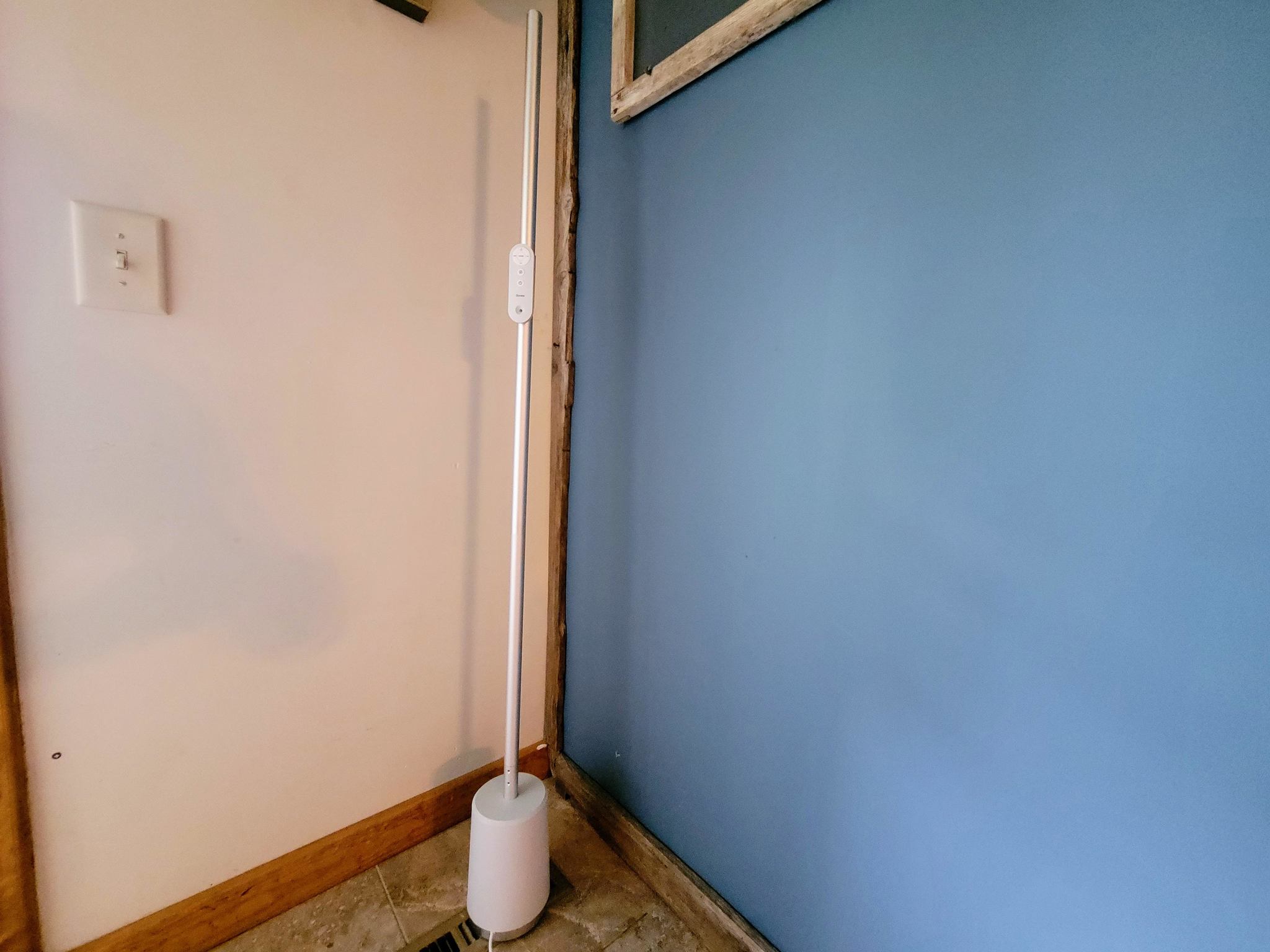
The other issue I had with the Govee Lyra was in the assembly process. I've put together my fair share of tech products and am pretty handy overall — I live on a farm; it's a pre-requisite. But there were a couple of points during the construction of the lamp that I had issues with, the most worrisome of which was the connection of the base to the LED strip.

The wires that go into this plug are very small, and the plug, while it isn't particularly large, is a bit on the clunky side for the size of the frame. I was concerned that the wires would be damaged when trying to tuck it into the frame as it was a very tight fit. A more elegant method of connecting the two parts would be much appreciated.

Govee Lyra Corner Floor Lamp: Competition
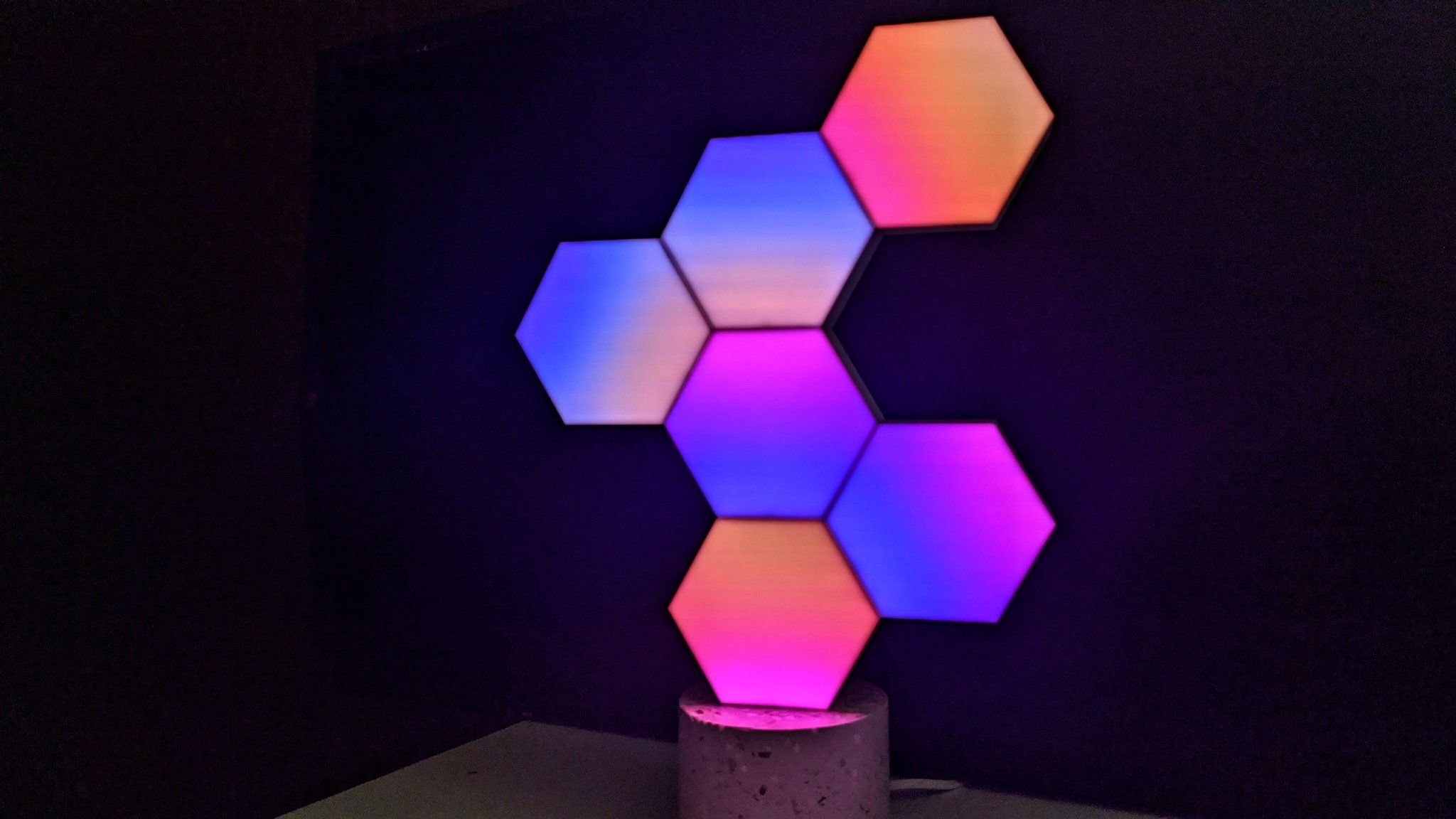
As unique as the Govee Lyra is, finding options that are a direct competitor is difficult in both form and features. If the flexibility in lighting options and the wonderful blending of lights in a lamp form factor you are looking for, then the Cololight may be worth considering.

It is much smaller than the Lyra but offers some similar features for a smaller price tag. It is comprised of small hexagons that link together to create a variety of shapes, and you can purchase additional sections to expand your lamp. The Cololight app lets you create your own designs, use preset options, and offer both motion and music interactivity. It won't get as bright as the Lyra, so it doesn't offer quite as much in terms of illuminating an entire room.
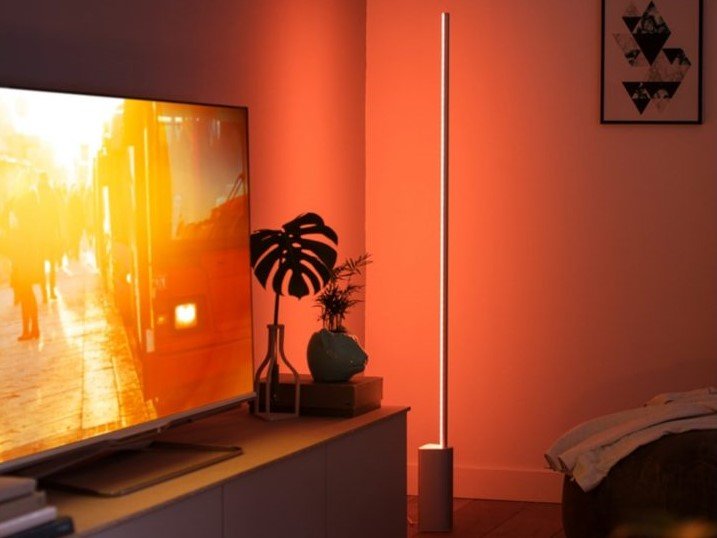
However, if it's the Lyra design and form factor you like, then maybe the Philips Hue Signe is one you should look at. On the surface, the Signe looks very similar to the Govee offering, except the base is triangular rather than round. The biggest difference, though, is in the features.

Philps Hue makes some of the most popular smart lights on the market, but they are on the pricey side of the line. At $250, the Signe is quite a bit more expensive than the Lyra and lacks many of the features found on the lamp from Govee. You won't find the multi-color blending that the Lyra has or movement either. The Signe makes up for some of that with integration into the expansive ecosystem that Philips Hue has.

Govee Lyra Corner Floor Lamp: Should you buy it?
You should buy this if ...

  • You want a well-made floor lamp that both stands out and blends in
  • You want to add vibrant and lively colors to a room without sticking something to your walls or furniture
  • You want a light that can add ambiance to a room with moving colors or by reacting to music or other sounds -You want a smart floor lamp that can be used with or without the internet

You shouldn't buy this if...

  • Your home's power outlets aren't close to where you'd like to place the lamp, and you don't want to use an extension cord

The Govee Lyra is a floor lamp that can both stand out in a room and simultaneously virtually disappear. Thanks to its slim design, it can go unnoticed until it is switched on. The vivid rainbow of colors and white hues can add so much to a room.

From simply adding light to a dark space to creating a mood with rich colors that dance on your wall, the Lyra is excellent. Just make sure you have power outlets near where you want the light. Otherwise, you'll be dragging out an extension cord due to the short power cable on the lamp.

4.5 out of 5

I have a lot of smart lights in my home. I love the flexibility that current lighting technology offers, from basic tunable white bulbs to multi-colored wall panels. However, there are areas of my home that I'd like to add some lighting flair but haven't because I didn't find the perfect option. The Govee Lyra perfectly fits the bill due to its excellent LED tech and the lamp's form factor.

I wanted to find a light that could be a basic light with tunable whites and add color to the room and energy via movement and blending hues. I could have used an LED light strip and attached it to my wall or something, but I wanted a better option. The Lyra does everything I could ask for and more. The app is easy to use and has plenty of options to customize the light as I choose. I just wish the power cord on the lamp was about three feet longer.

Bottom line: This free-standing floor lamp looks amazing placed against a wall where the dancing colors can liven up any room. The Govee Lyra's companion app lets you use any color or shade of white you want. If you want, you can forgo the phone entirely, use the included remote, or use your voice with Google Assistant or Alexa.

$150 at Amazon $140 at Govee


from Android Central - Android Forums, News, Reviews, Help and Android Wallpapers https://ift.tt/3waCOlC
via IFTTT

Garmin Forerunner 945 LTE review: Peace of mind comes at a cost

Safety and support for those epic training sessions and even more epic races.

I've been slowly getting back into running after years of relative inactivity, and thankfully for me, this period of increased movement has coincided with the release of a number of awesome smartwatches and fitness trackers that I've been able to test out. Of course, I'm miles away from being an elite runner (literally and figuratively), but I nevertheless was excited to be assigned this Garmin Forerunner 945 LTE to review.

To this day, I'm still learning and diving into the amazing number of training modes, metrics, and analyses that Garmin provides with its advanced fitness wearables, but what really intrigued me with this device was the new LTE option. Not because it has cellular connectivity — many smartwatches have this feature — but because it is unapologetically focused on safety, and that's pretty much it. Aside from a ton of fitness features, there are no unnecessary "smart" extras here. To many, this may seem like a huge reason not to get such an expensive wearable, but for elite athletes, it may be just the reason why they run out to buy one.

Bottom line: The Forerunner 945 LTE is a fantastic fitness-first smartwatch for elite athletes, as well as those who aspire to be. It delivers top-of-the-line training, analysis, and support, along with the peace of mind of safety monitoring when you're without your phone. Just don't expect to call, message, or stream with that LTE connection.

The Good

  • Built-in LTE for workout sharing and emergency support
  • Battery life is strong
  • Extremely comfortable and lightweight on the wrist
  • Button navigation is great for when you're sweaty and dirty
  • Visibility outdoors is excellent

The Bad

  • You can get LTE-enabled smart fitness watches for hundreds less
  • LTE model is pricier than the standard version and requires service plans
  • LTE doesn't support media streaming, voice calls, or outbound messaging

$650 at Amazon $650 at Walmart $650 at B&H

Garmin Forerunner 945 LTE: Price and availability

The Forerunner 945 LTE was announced in early June 2021 along with Garmin's entry-level running watch, the Forerunner 55. The 945 LTE is not a new watch per se but rather an update to the existing Forerunner 945 that adds LTE connectivity (with a monthly service plan) to provide phone-free live tracking and emergency assistance. The watch is retailing for $650, and LTE service can be purchased (and renewed) in six or 12-month blocks. The six-month contract runs $6.99/month, while the 12-month contract costs $5.99/month. The Forerunner 945 LTE is available through retailers like Amazon, Walmart, and B&H, as well as on Garmin's website.

Garmin Forerunner 945 LTE: LTE explainer

As I noted above, the LTE version of the Forerunner 945 retails for approximately $50 more than the non-LTE version. Why is this significant? Well, right now, the price difference between the standard and non-LTE versions of what I consider the watch's two biggest competitors — the Samsung Galaxy Watch Active 2 and the Apple Watch Series 6 is $100-$180. Now, the Forerunner 945 LTE starts substantially higher than those other two watches, but at least the "upgrade" to LTE is not as tough of a pill to swallow. That, and the LTE service on the 945 is less than the other watches (which can run $10 or more per month, depending on the carrier). Furthermore, once you acquire your Forerunner 945 LTE, you can choose which LTE plan you prefer, set it up, and pay all from the Garmin Connect app. It's super easy and only takes a minute or two.

LTE on the Forerunner 945: What it can do

The Forerunner 945 LTE is designed for serious, hard-core runners, cyclists, and triathletes who spend hours per day/week training for their next big race or personal challenge. These people are not likely to want to carry any extra weight or distractions, like a smartphone, for example. However, they likely do want to have access to help should they need it. That's what the Forerunner 945 LTE offers.

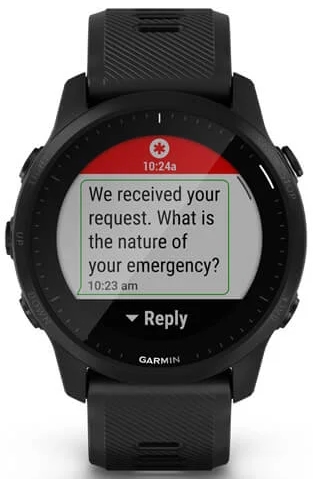
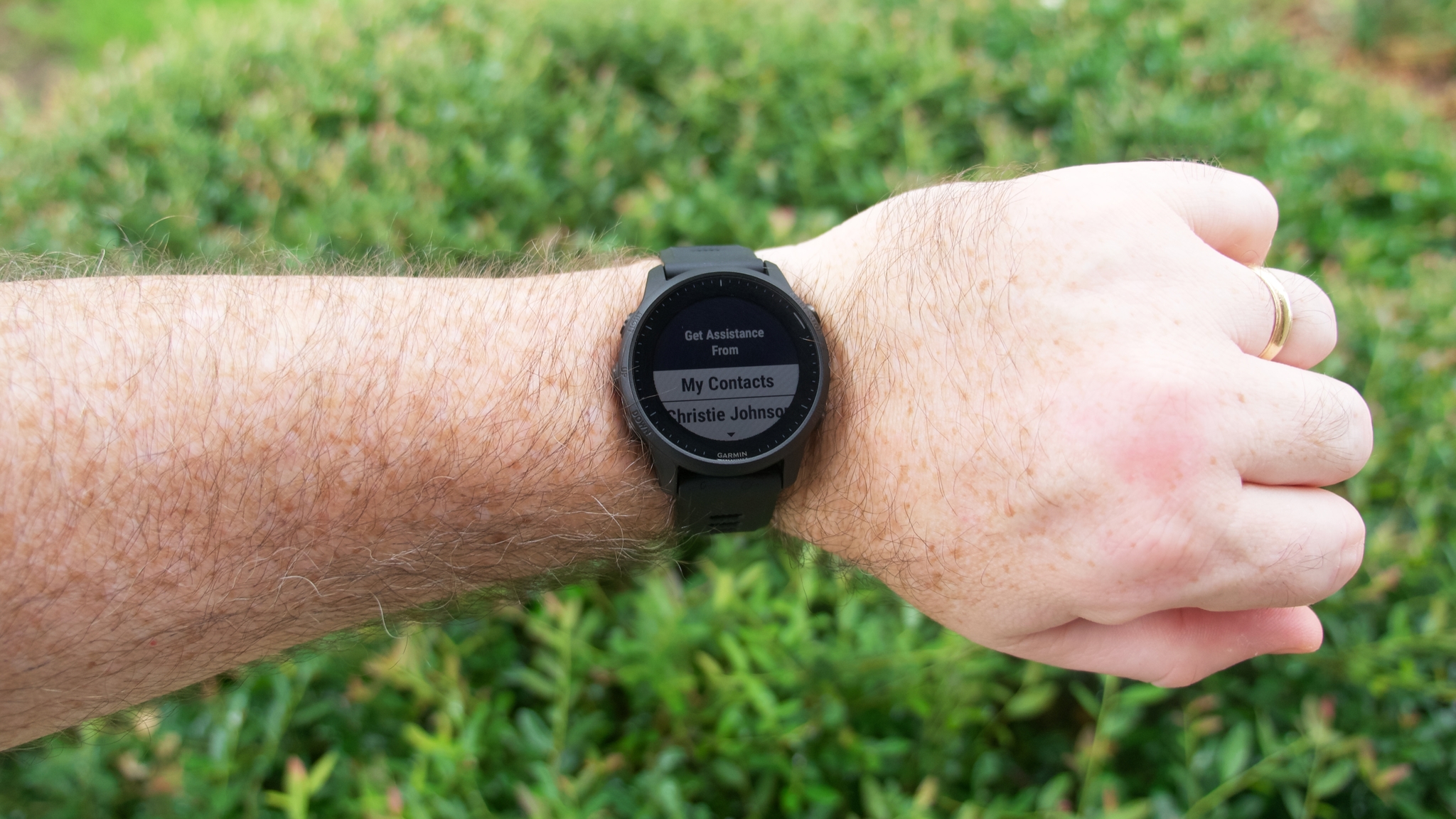
Once you set up the Forerunner 945 LTE with the Garmin Connect App, you can designate personal emergency contacts to notify in case you get into trouble or need assistance while out on your workout. You can also take advantage of Garmin's Assistance Plus feature to automatically send your name and location to a professionally monitored 24/7 call center, which can then immediately coordinate with your local emergency services. Additionally, the Incident Detection feature (which premiered on other connected Garmin smartwatches last year) can automatically trigger these Assistance Plus features if it detects that you've fallen or injured yourself on your exercise activity, whether that be a run, ride, walk, or hike.

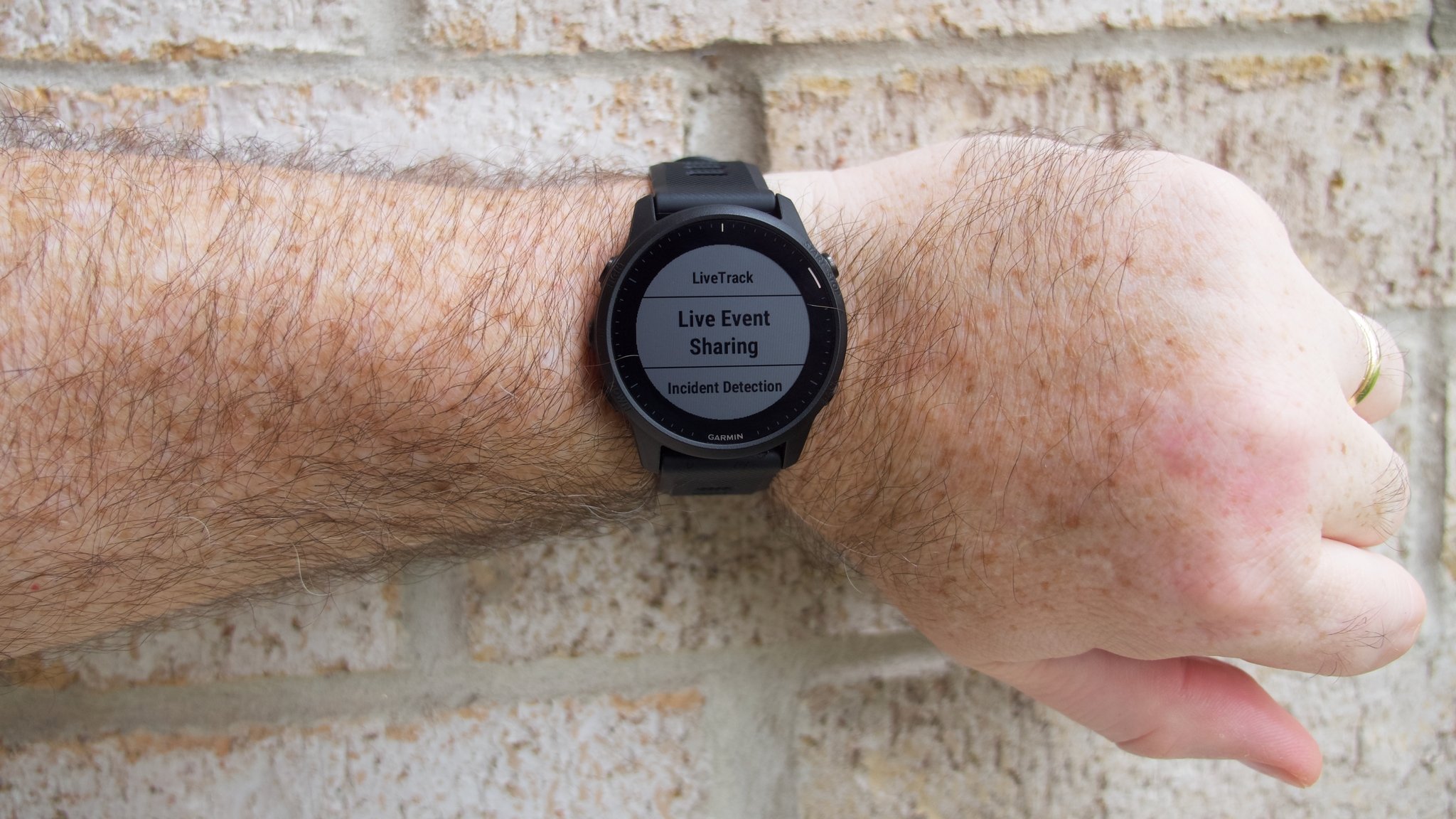
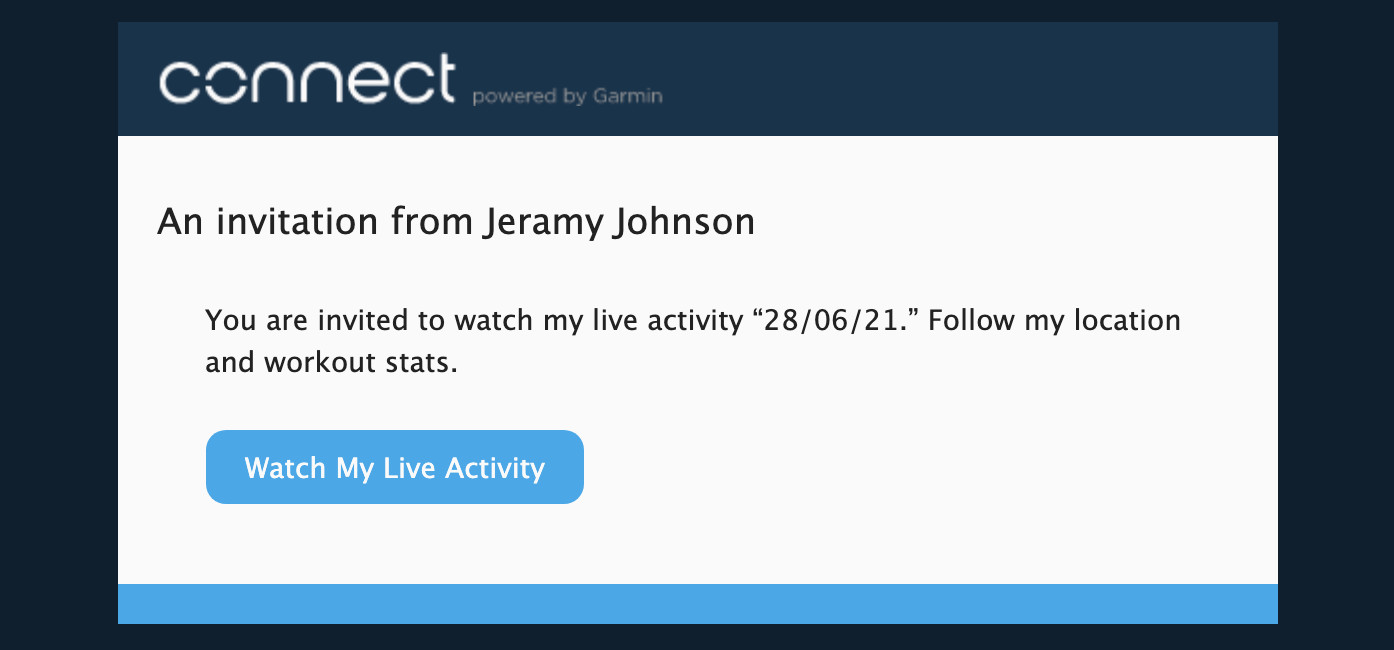
Additionally, the LTE signal allows you to share your location via Garmin's LiveTrack feature, which lets approved friends and family follow your run/ride in real-time. They can also send you motivational audio and text messages to help motivate you and keep you progressing towards your end goal. Plus, they can see your pace and mileage as you go — pretty cool stuff.

LTE coverage is currently available in a handful of countries worldwide, including the United States, Canada, New Zealand, France, Germany, Spain, Singapore, Japan, Isreal, and Mexico, though not all countries have access to the Assistance Plus features. Garmin has a detailed coverage map on its website if you want to check whether you can take advantage of these features where you live.

LTE on the Forerunner 945: What it can't it do

Part of the reason that Garmin's LTE service price is lower than the competition, however, is that it doesn't do as much with that LTE connection; in other words, you pay for what you get here. While you can receive motivational messages from loved ones on your wrist, you cannot respond to those messages, send new messages, or make calls. You can download offline music to play through your Bluetooth earbuds, but you cannot stream music from Spotify, Pandora, or any other streaming service. Nor can you order an Uber to drive you back home post-workout or use any common smartwatch apps on the go. LTE on the Forerunner 945 is primarily a safety feature and not much more. But for many elite athletes, that's not only enough; it's just perfect.

Ok, now that we know what LTE on the Forerunner 945 can and cannot do, let's get into what I thought of the smartwatch and who I think it's best suited for.

Garmin Forerunner 945 LTE: What's good

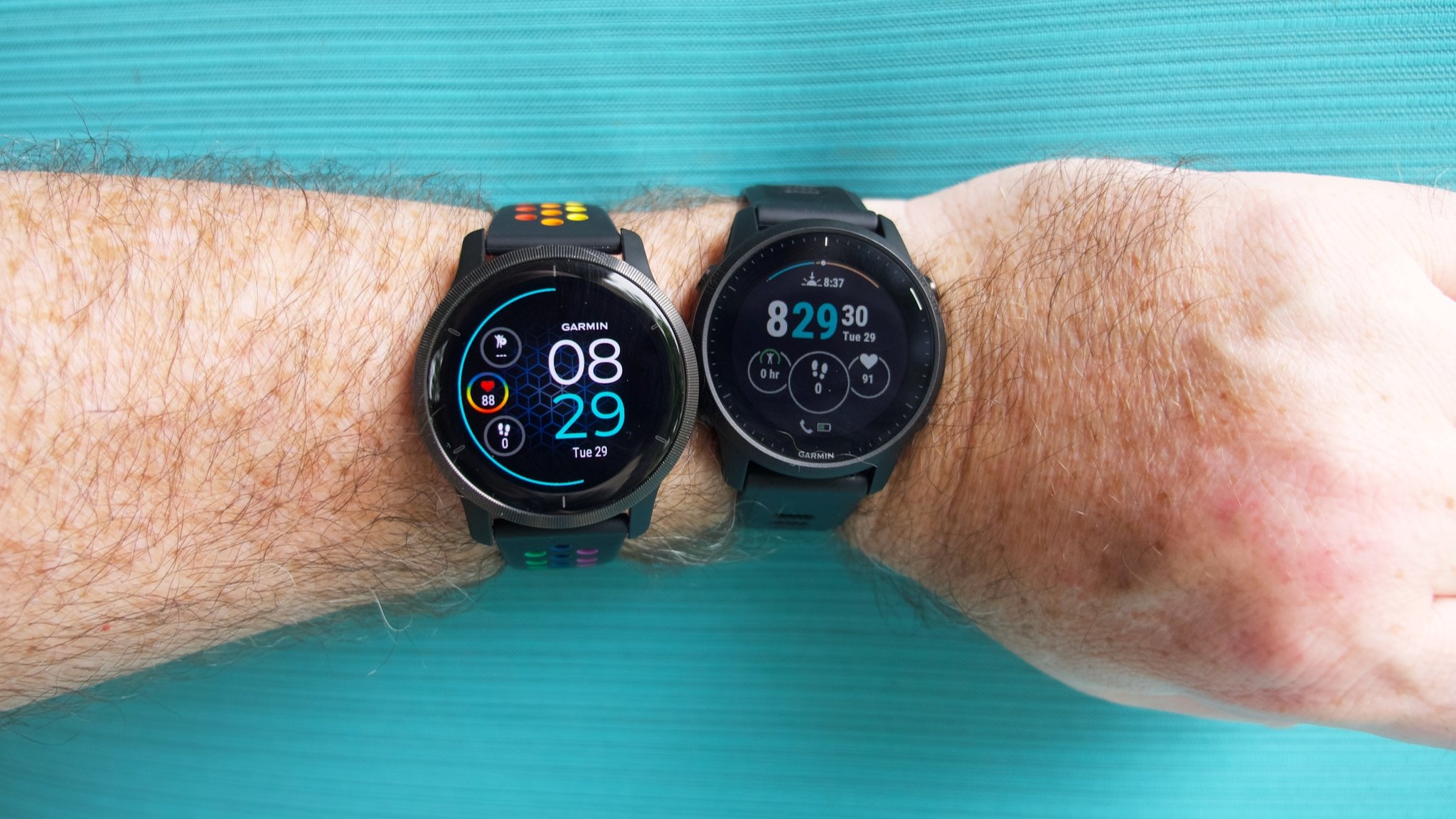
Venu 2 left; 945 LTE right

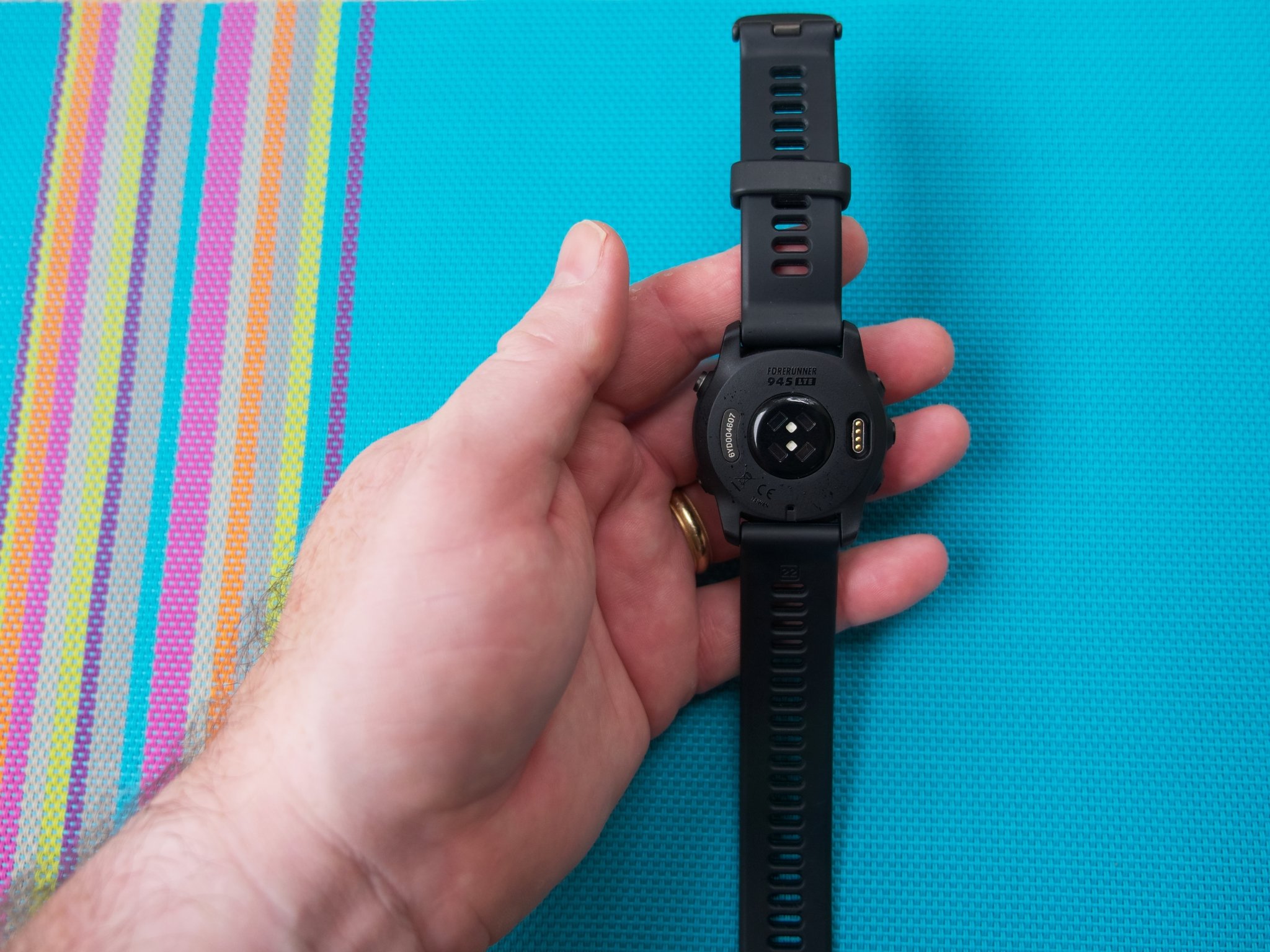
Like other watches in the Forerunner series that I've worn, I found the 945 LTE to be quite lightweight and comfortable on my wrist. Its casing is just slightly smaller than the Venu 2 that I recently reviewed (44.4mm to 45.4mm), but it's a noticeable difference that I can definitely feel. As much as I like the Venu 2, it's pushing the limits of what I'm comfortable having on my wrist, and it would constantly bump against my hand when it was flexed backward. Not so with the 945 LTE.

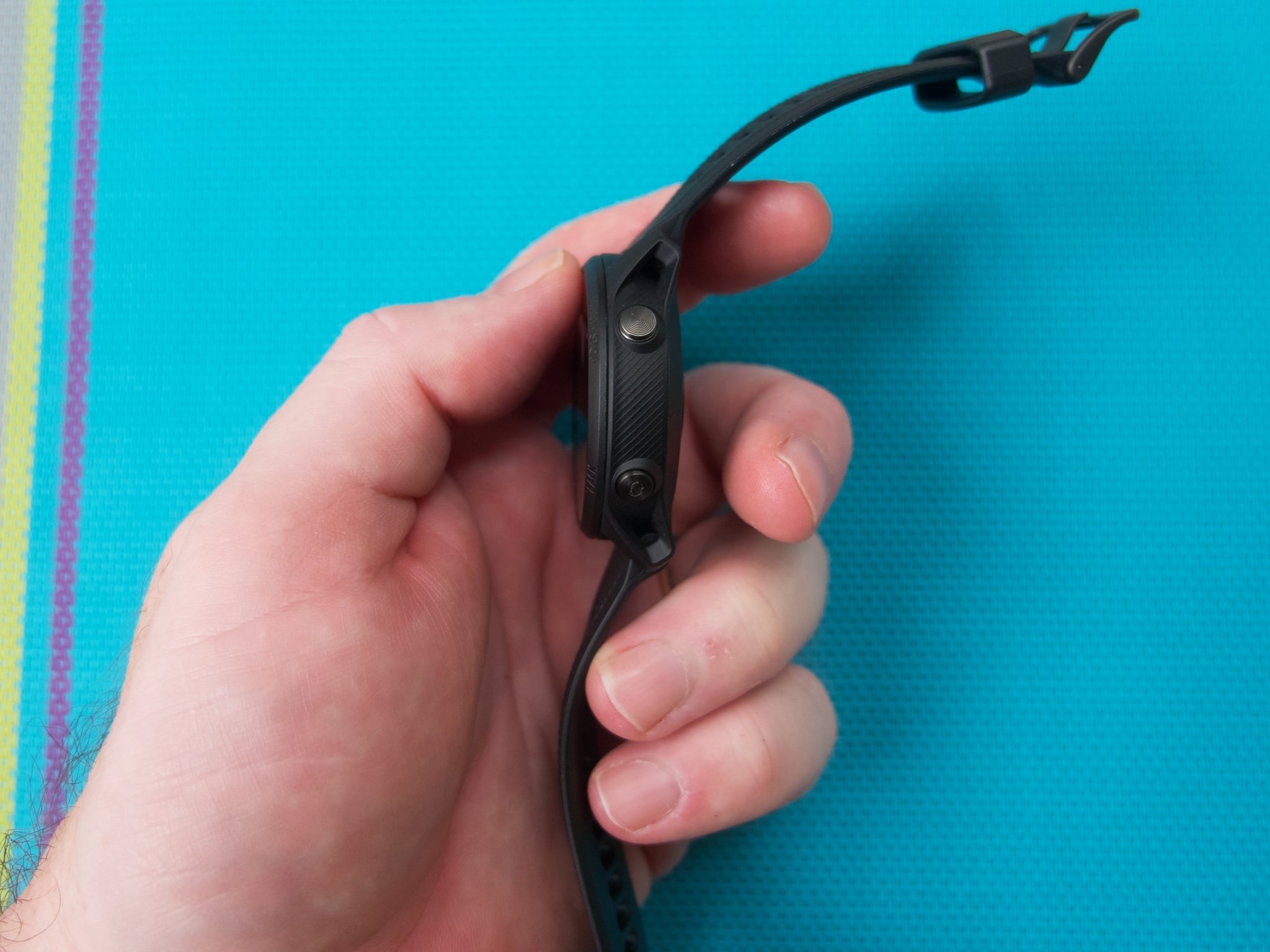
As someone who sweats a lot during workouts, I appreciated the consistent reliability of the pushbutton navigation. The buttons do exactly what you expect of them, every time, which is more than can be said for a slippery touchscreen. I also enjoyed just how easy it was to read the 945 LTE outdoors in bright sunlight. I didn't have to squint or crank up the brightness to see my meager workout stats, which is something I often have to do with AMOLED displays.

I've started to run without music lately (I know, I'm a weirdo), but it was nice to have my workout music downloaded and available on my wrist for those times when I wanted to listen while running without my phone. The 945 LTE can hold up to 1,000 songs, which is more than enough for even the longest of races or training sessions.

It offers over 30 different workout modes and on-device guided workouts, but what really impressed me were all the extra tracking features and analytics on offer. For example, by measuring things like your daily activity, sleep, and body battery, the 945 LTE can offer you daily suggested workouts. The training effect feature can show you how your workouts can affect your endurance, speed, and power, and the training load focus feature provides you with a graphical breakdown of how intense your workouts are. If you're someone who is really trying to maximize an endurance workout plan, this kind of information can be super helpful.

The 945 LTE's battery life is solid, lasting up to two weeks in GPS mode with music, and up to 12 hours if you have LTE LiveTrack enabled in addition to GPS. Even if you keep GPS mode going and don't use music, you can still get more than a day (up to 35 hours).

The connectivity features on the Garmin Forerunner 945 LTE may not be as extensive as on other smartwatches, but they deliver what matters — peace of mind.

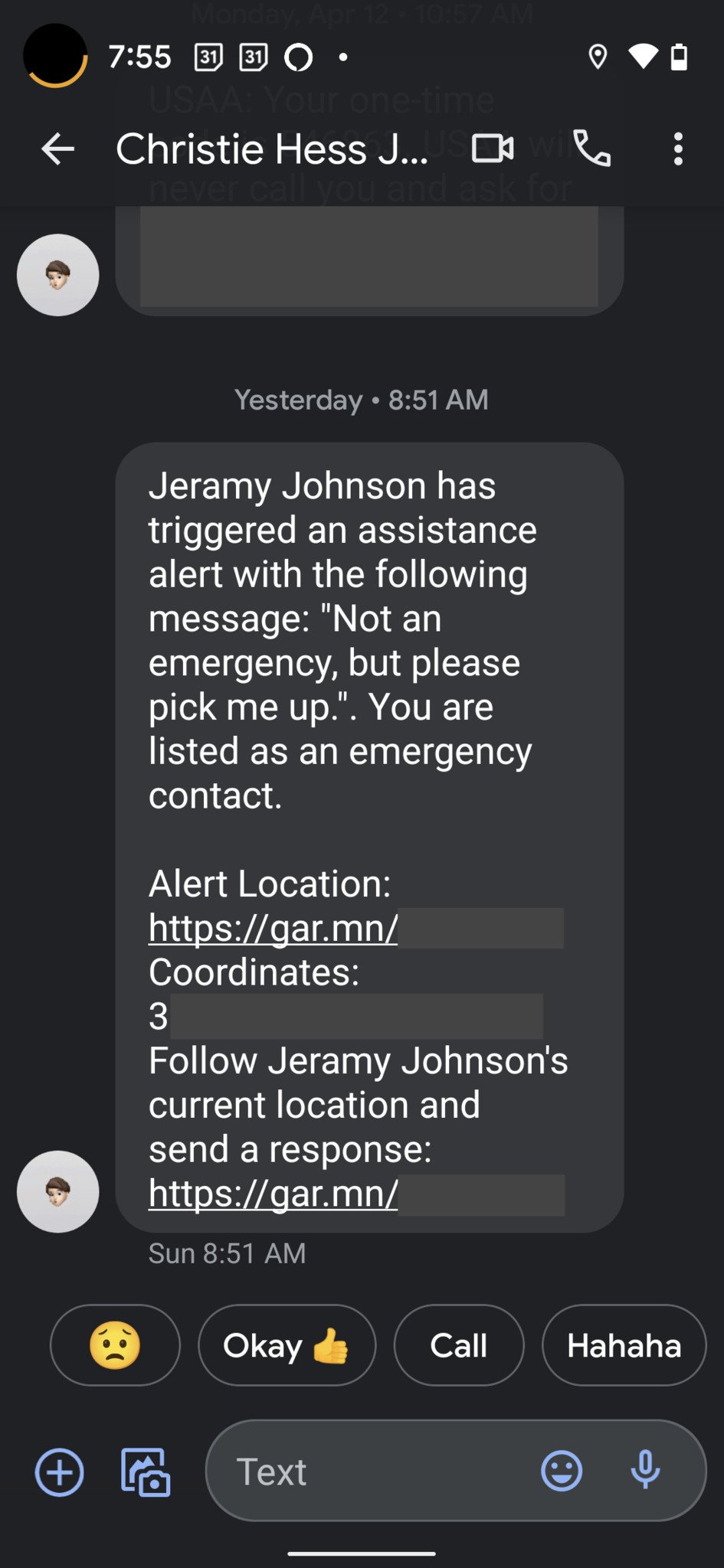
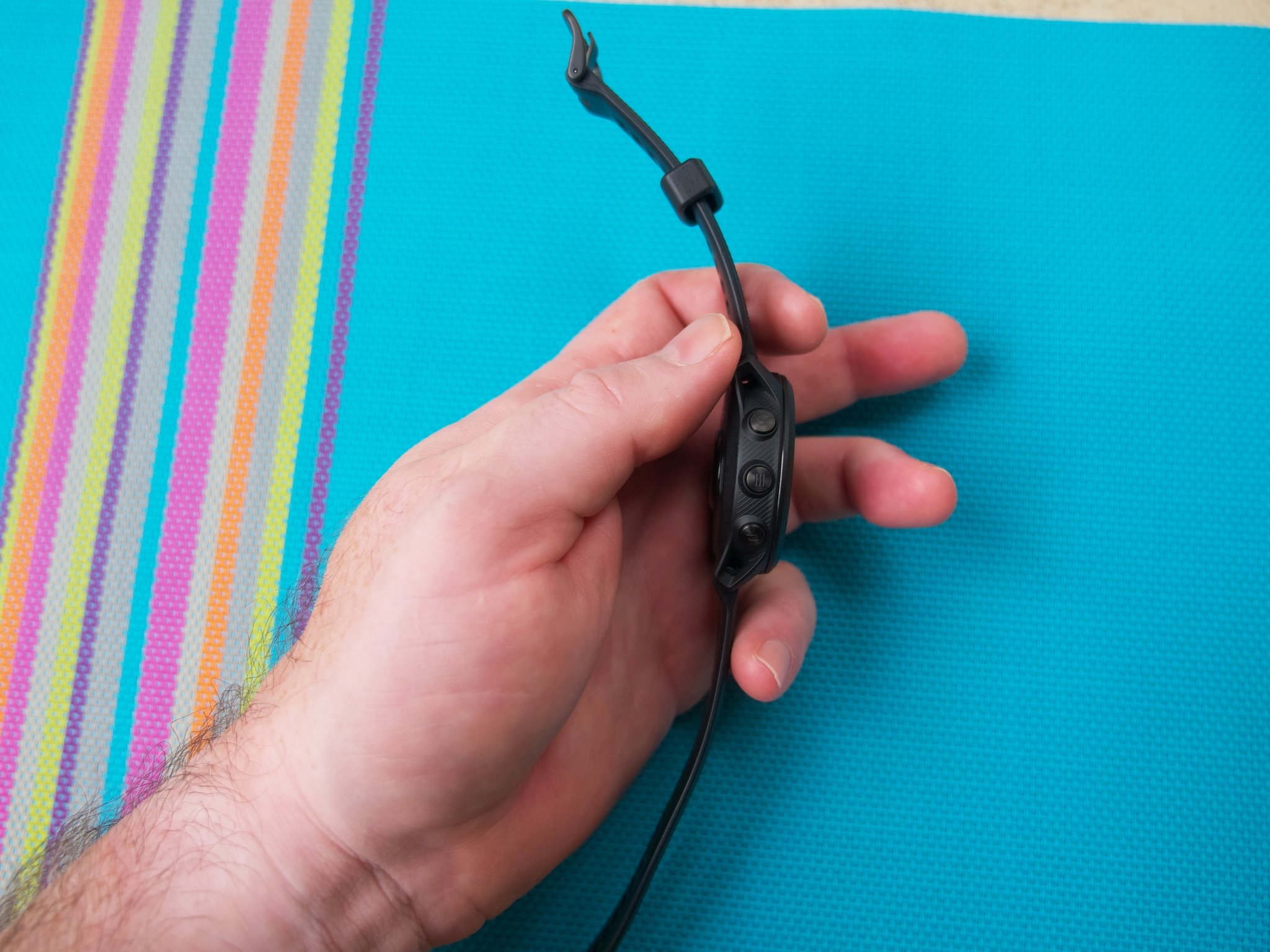
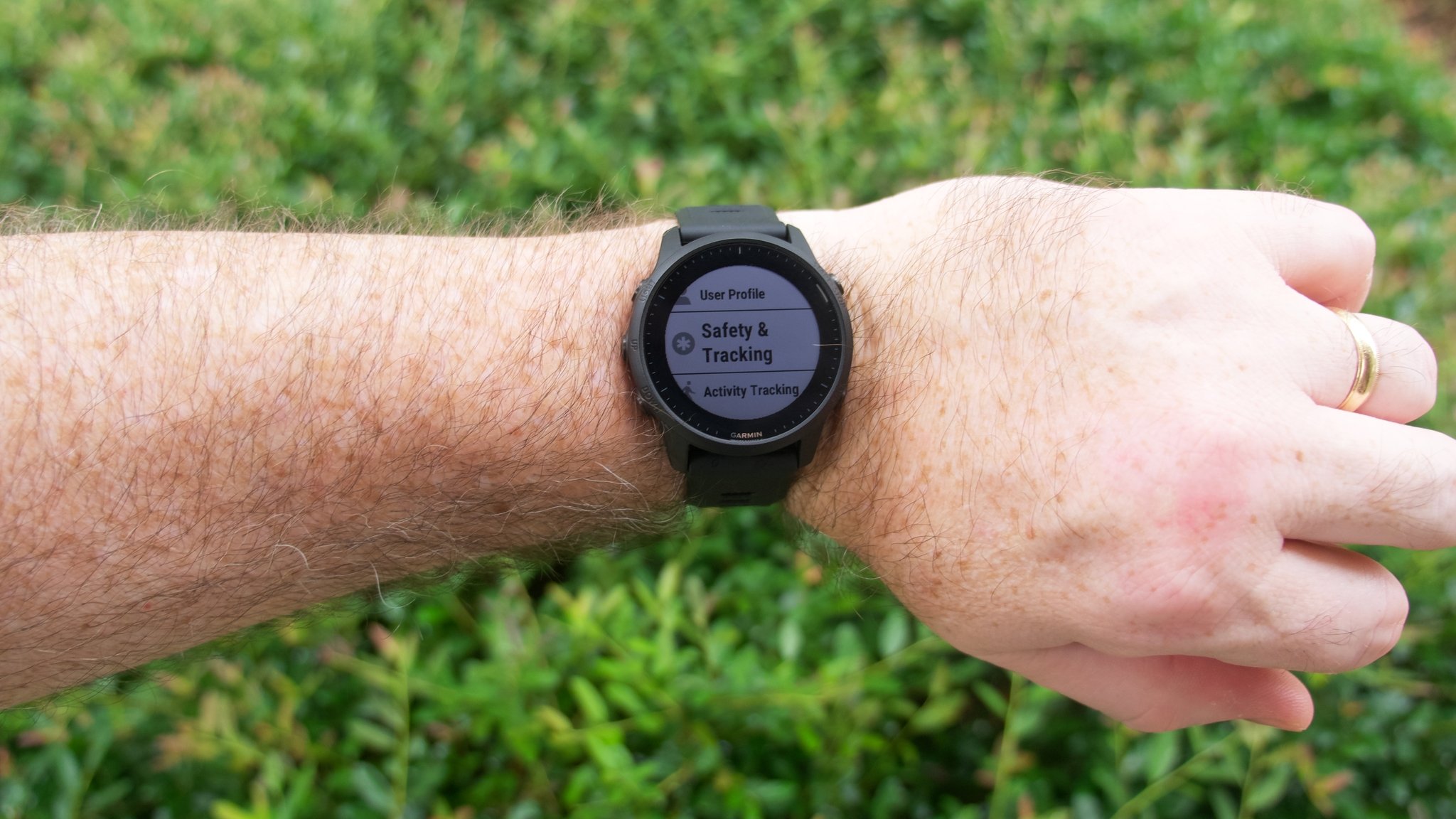
Now let's talk about the LTE features again. As I mentioned earlier, it's really easy to get this feature set up from within the Garmin Connect app, and it's pretty easy to use while you're out on your workout. Holding down on the top left button brings up the Assistance Plus feature, which allows you to select whether you want to contact emergency services or your personal contacts. From there, you can select from preset messages like "It's an emergency. Please get help" or "not an emergency, but please pick me up. There is even a rudimentary keyboard feature that allows you to compose your own message with the on-device buttons, but it's a little like trying to send a text message from a rotary phone. It's challenging, and even a bit frustrating, but at least it's there.

LiveTrack and Live Event Sharing can be accessed through the settings menu by holding down the middle left button and navigating through the settings. This can take several button presses, but it's not too difficult to figure out. You can add up to five recipients to share your location with, and you can even set up certain events to trigger messages to your contacts, though this has to be done in advance from the Connect app.

The 6-month contract is just long enough to keep you on track for that next big race, without saddling you with a huge commitment.

I like that you have the option of signing up for a year of LTE for a reduced rate or signing up for just six months if you're not sure if you'd use the feature for an entire year. Obviously, a month-to-month plan would be better (if more expensive) if you're not sure you'll need LTE, but having it for at least half a year should help keep you on your training plan. Then, of course, if after that big race you don't need it anymore, that's fine, you can cancel it. At least you benefitted from the service when you needed it most.

Finally, I appreciate that Garmin continuously updates and supports its fitness watches. In the weeks preceding this review, the 945 series received updates to improve V02 max tracking, rate of perceived exertion, intensity minutes, and fitness age. It also saw improvements to its sleep analysis, and it received additional animated on-screen workouts, among other updates. One thing is for sure — Garmin watches will last you a long time and be useful during their entire lifespan (which beats just about any other wearable I've tested).

Garmin Forerunner 945 LTE: What could be better

There is an awful lot to like about the Forerunner 945 LTE, for sure, but there are also a few areas where I think it could improve.

To begin with, I know why Garmin chose the particular LTE implementation that it did, and I also believe that hardcore athletes will mostly be fine with the tradeoffs of not being able to proactively call or message from the watch or stream music to it. But that doesn't mean that those same elite athletes wouldn't want those features if they were available, nor does it mean that they wouldn't be willing to pay slightly more — even market rate — for those features. I kind of think that's a missed opportunity for Garmin. It's true that the upgrade price to LTE is less than for other smartwatches and that the monthly fee is less, but the watch is already so much more expensive than those devices that I think that's kind of a moot point here. It might be different to offer sub-optimal LTE on something like the Forerunner 245 or 745, but a top-of-the-line watch deserves top-of-the-line services.

The 945 LTE is a pricey piece of equipment.

And while we're on the topic of price, at $650, the Forerunner 945 LTE is $120 more expensive than the next expensive competitor to it, the Apple Watch Series 6. I know plenty of hardcore athletes that are perfectly happy to stick with an Apple Watch for their endurance training or even switch to a non-LTE Garmin watch to save some money.

Finally, while I like the way the device looks and feels, I know a lot of you will think it too utilitarian for a smartwatch. It doesn't have an AMOLED screen, nor does it have the touchscreen navigation many smartwatch fans are used to and want. If you detest using buttons to get things done, you're not going to enjoy the Forerunner experience.

Garmin Forerunner 945 LTE: Competition

When comparing the best Android smartwatches, even I was a bit surprised to discover that there aren't really a ton of LTE-enabled options; at least, certainly not in the fitness-focused category. Even if you expand the search to include the Apple Watch (which I did), the pickings are pretty slim.

For our audience, I think the best overall LTE-enabled smart fitness watch alternative is the Samsung Galaxy Watch Active 2. It has impressive hardware and battery life, a smooth touchscreen experience, and it also includes NFC for contactless payments. LTE is, of course, an optional upgrade, but even then, it costs less than half the price of the Forerunner 945 LTE.

While it won't work with an Android phone, we'd be remiss if we didn't include the latest Apple Watches in this section, as there are no doubt plenty of iOS users who might consider the Forerunner 945 LTE against the Series 6 or SE. Both Apple Watches have LTE options that run $100 or so above the price of the base models, but even the Series 6 with LTE is over $100 less than the Forerunner 945 LTE. And while it may not have quite as many advanced training modes and metrics as the 945 LTE, you do get more smart functionality with Apple's wearables, including phone-free messaging, calls, and streaming media. Plus, your family and friends can monitor your real-time location through the FindMy app if you share it with them.

There's actually another decent Garmin with LTE, and this one has a touchscreen.

The Garmin vivoactive 3 Music (Verizon) edition smartwatch is a more affordable alternative for those who wish to reap the phone-free benefits of the Forerunner 945 LTE and stay in the Garmin ecosystem. Just like the 945 LTE, this device allows you to have emergency access at the push of a button, but it costs less than half the price. The LTE plan is through Verizon, but it exists separately from your existing phone plan, so you don't have to change carriers to use it. Even though there is a newer vivoactive 4 out, you can still pick this device up from Garmin, as well as retailers like Amazon and Walmart.

There is also a non-LTE version of the Forerunner 945, but if you want to stay connected to friends, family, or emergency services, you'll need to run/ride with your phone. The non-LTE 945 costs $50 less than the LTE version, plus you don't have to mess with another monthly subscription.

Finally, there are also app-based safety tracking solutions that work on Android and iOS. For example, Strava Beacon lets you share your live location with friends and family. MapMyRun has a similar feature, as does Runkeeper. None of these require you to have a specific smartwatch with an LTE plan, though you do need to carry your smartphone with you.

Garmin Forerunner 945 LTE: Should you buy it?

You should buy this if ...

  • You spend hours per week on intense training away from your phone
  • You or your loved ones want to make sure you're able to access emergency help when needed
  • You love the Garmin experience and ecosystem

You shouldn't buy this if...

  • You're not an elite (or aspiring) elite-level athlete
  • You want a more typical touchscreen smartwatch
  • You want to be able to stream music or place calls or texts from your wrist without a phone

The Garmin Forerunner 945 LTE is a fantastic piece of tech, but it is most definitely not for everyone. It is clearly a fitness device, first and foremost. You can certainly find advanced fitness smartwatches (even from Garmin), and there are definitely more comprehensive options for always-on phone-free connectivity.

4 out of 5

However, this watch is meant for elite athletes who want to focus on their training and recovery and who also want the assurance and support of family and emergency services when it's needed. So if you're someone who just wants a standard smartwatch with fitness features, steer clear; this isn't the device for you. But if you're working towards a marathon, triathlon, or ultra race, strap this baby on and go!

Bottom line: The Garmin Forerunner 945 LTE is the perfect fitness watch for the elite athlete, but the rest of us will want to stick with the company's other excellent and less expensive smartwatches.

$650 at Amazon $650 at Walmart $650 at B&H


from Android Central - Android Forums, News, Reviews, Help and Android Wallpapers https://ift.tt/3h74eEH
via IFTTT

Google Photos is working on a new ‘Memories’ homescreen widget for Android

The widget will cycle through photos from your "Memories" albums.

What you need to know

  • The Google Photos app for Android may soon get a new "Memories" homescreen widget.
  • It will allow users to "rediscover moments from Google Photos."
  • Google added a similar widget to the Photos app on iOS last year.

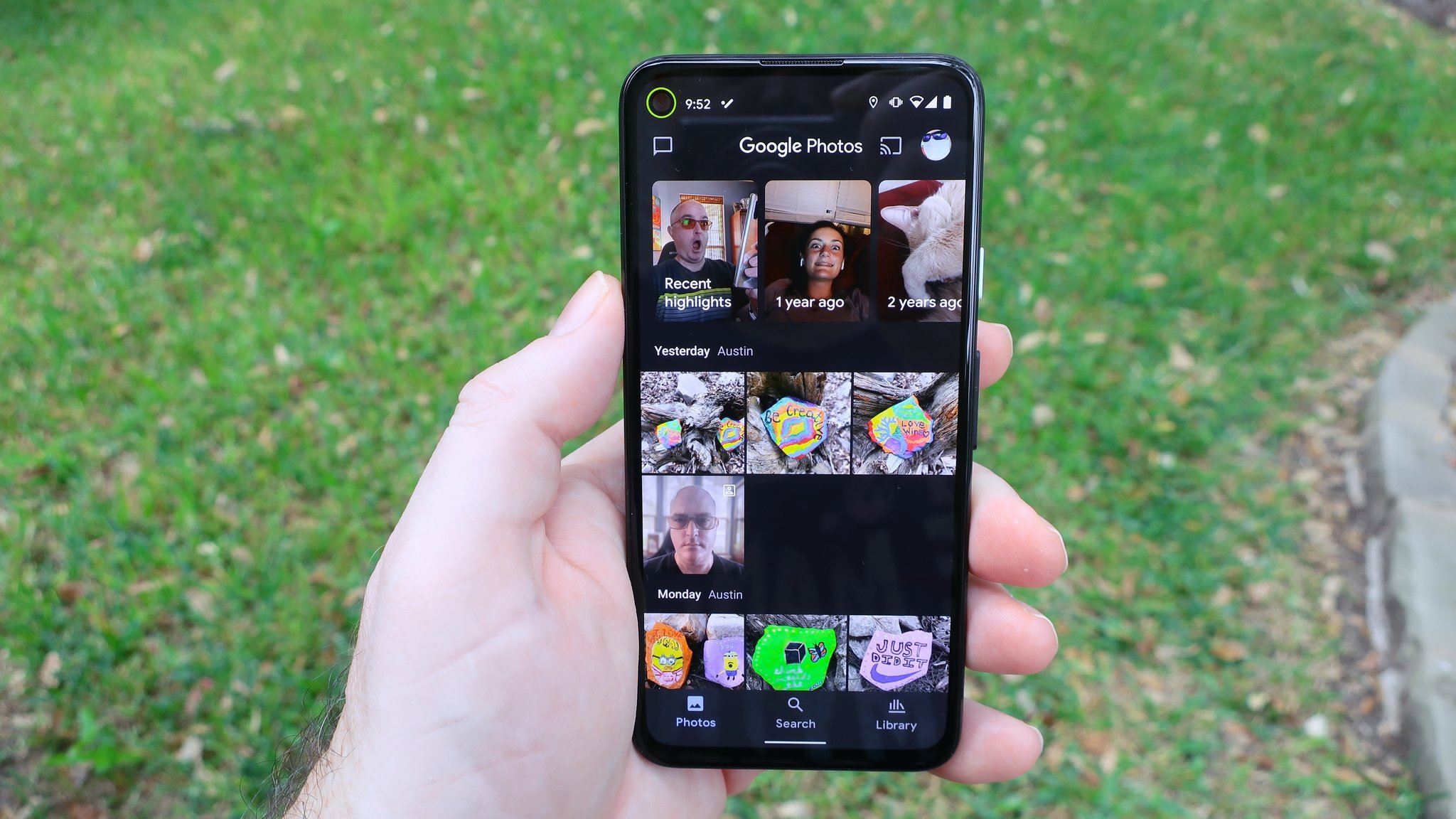
Google rolled out a bunch of new widgets for iOS in October last year — including a Google Photos widget that cycles through the 'Memories' albums to allow users to relive their best moments right on the homescreen. A teardown of the latest Google Photos update by XDA Developers has now revealed that a similar widget could soon be released for Android users.

Version 5.49 of the app includes references to a new "Google Photos widget" that will let users "rediscover moments from Google Photos." Unlike the iOS Google Photos widget, however, it looks like the Android widget will only show you photos from "this week last year."

Unsurprisingly, the widget cannot be added to the homescreen right now, even if you have the latest Google Photos version installed on your phone. The feature will likely be enabled via a server-side switch sometime in the coming weeks. We expect the widget to be compatible with most Android phones — including the best cheap Android phones.

As revealed earlier this week, Google is also working on a new "quick action search widget" for Chrome on Android. The widget will be similar in design to the two-tile search widget that was released for Chrome on iOS in May. In addition to a search bar, the widget could include shortcuts to open a new incognito window, voice search, QR code scanner, and the Chrome Dino game. The widget is currently in development, so it may take a while before it becomes available for everyone.

Additionally, Google is working on a Material You-inspired Google Photos redesign with larger text in the image gallery and some other minor tweaks. The redesign is expected to begin rolling out to the best Android phones sometime later this year.


from Android Central - Android Forums, News, Reviews, Help and Android Wallpapers https://ift.tt/36jQ5OB
via IFTTT

Microsoft cares about Android almost as much as Google

Microsoft doesn't sell phones anymore, but it has a vested interest in Android's future.

One of the more interesting announcements around Windows 11 is the fact that the operating system can run Android apps. Microsoft has teamed up with Amazon to bring the Amazon Appstore to Windows 11 using Intel Bridge, a run-time post compiler that allows Android apps built for Arm devices to function on the x86 platform.

What's particularly interesting is that you can even sideload Android apps on Windows 11, opening the doors for the best Android apps on the desktop platform. Although Microsoft doesn't sell phones anymore — the Surface Duo is more a technical showcase than a mainstream consumer device like the best Android phones — it cares deeply about Android.

Microsoft pivoted to a cloud-first strategy under Satya Nadella's leadership, ensuring its core services are available on all platforms. It also entered into a "long term commitment" with Samsung to pre-install the Office productivity suite, OneDrive, and LinkedIn on all Galaxy devices, and that partnership has paid off handsomely. Samsung sells over 250 million phones a year, and that means Microsoft automatically gets the same number of installs for its core services.

Microsoft essentially treats Android as a first-party platform.

Microsoft failed to turn Windows Phone into a viable mobile ecosystem, but it succeeded in creating a model that lets you use all of its services on Android and iOS as if they were first-party platforms. You can essentially turn your Android phone into a Microsoft phone as it were, using OneDrive in lieu of Google Drive, Edge instead of Chrome, the excellent SMS Organizer instead of Android Messages, Outlook instead of Gmail, Office suite for productivity needs, and Microsoft Launcher.

According to Neil Shah, partner and vice president of research at Counterpoint Research, Microsoft is now doubling down on creating these experiences that tie your phone and PC together; until now, Apple was the only manufacturer that was able to do so with any modicum of success.

"There is a dearth of tightly connected, seamless experiences between a personal computer and a personal phone. Apple is vertically integrated and growing cloud expertise is getting closer to providing one. However, in the Windows and Android space, both leaders in PC and mobile respectively, it is driven by several OEMs but the experiences are siloed and thus fragmented."

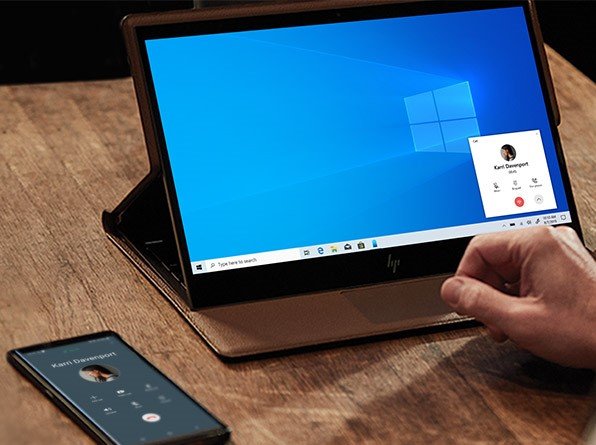
A key pillar in achieving this goal is Microsoft's partnership with Samsung. Back in 2019, Samsung started bundling Microsoft's Your Phone service into Galaxy phones out of the box, paving the way for these interconnected experiences. The service lets you take calls, view notifications and texts, copy and paste text between your phone and PC effortlessly.

"Samsung is the only vendor which is close enough to replicate what Apple has been doing with MacBook and iPhone working diligently with Microsoft to bring a tighter seamless Galaxy smartphone continuity experience to Windows," said Shah. "This not only aids to seamlessly traverse between the two environments but also reduces a lot of cognitive load."

The continuation of these efforts is the integration of Android apps within Windows 11, notes Shah. "This has prompted Microsoft to see value in deeply integrating Android with Windows and offer native apps, control, notifications, and continuity experiences between the two platforms. With Windows 11, we are seeing the second step taken by Microsoft to welcome Amazon's Android App Store to the platform building upon the Cortana-Alexa partnership announced a year ago."

Shah points to the introduction of Android apps to Windows 11 as another lever for Microsoft to bolster its storefront. "What this also does is bringing tons of apps to Microsoft's store which has been insipid, revamping Microsoft's application store strategy. This is a good way for Microsoft to indirectly court Google's ecosystem via partnerships such as Samsung and Amazon."

As for why Microsoft didn't just partner with Google to bring the Play Store to Android, Shah referred to the ongoing rivalry between the two organizations on several fronts, including browsers, cloud platforms, and operating systems. "The rivalry between Microsoft and Google is even fiercer – from Chrome OS vs. Windows to Azure vs. Google Cloud to Google Docs vs. Microsoft Office 365 to Google Search vs. Bing and so forth. So a direct integration or partnership doesn't seem to be happening anytime soon."

It's clear that Microsoft has a long-term interest in Android. Alongside offering its services and releasing phones powered by Google's mobile OS, Microsoft actively contributes to the development of Android, making hundreds of code commits to the platform. Bringing Android apps to Windows 11 is a natural extension of this strategy; it allows Microsoft another gateway into the mobile ecosystem, and paves the way for thousands of new apps to debut on Windows at the same time.

While Microsoft doesn't seem willing to team up with Google to bring the Play Store to Windows at this moment, it is doing the next best thing.


from Android Central - Android Forums, News, Reviews, Help and Android Wallpapers https://ift.tt/3qLjx9p
via IFTTT