Translate

Monday, May 31, 2021

Review: The Razer Kishi controller is an outstanding mobile companion

Intro sentence that is catchy and relates to the content.

Anyone who frequents gaming spaces online or has purchased gaming accessories has likely heard of Razer. It's one of the most dependable brands when it comes to hardware and accessories. After testing out the Gamesir X2 Bluetooth mobile controller, I was given a chance to try out the Razer Kishi, specifically its Xbox-branded model. Considering how huge Xbox Game Pass for Android has become, it seemed like the perfect match.

After spending some time with it, I definitely see the Razer Kishi as my go-to mobile gaming controller going forward. While I don't think it beats an actual DualSense or Xbox controller, it's an outstanding accessory that every person should have.

Razer Kishi
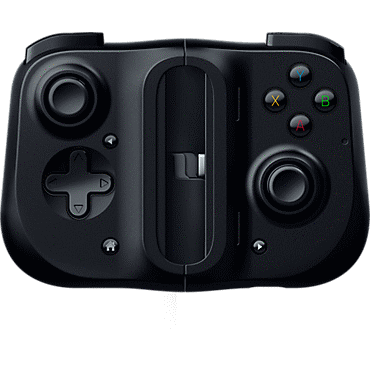
Bottom line: With a comfortable grip and an excellent design, the Razer Kishi raises the bar for mobile gaming controllers. The Razer Kishi is simply a must-have mobile gaming accessory that everyone should own.

The good

  • USB-C connection
  • High-quality build
  • Comfortable and ergonomic
  • Works excellent

The bad

  • Fits fewer phones than Bluetooth models
  • Price might be a turnoff

$100 at Amazon

Razer Kishi: Price and availability

The Razer Kishi was released over the summer of 2020 and came in three different models — iOS, Android, Android (Xbox) — all black. The Android models connect to your phones through USB-C, and the iOS model uses Apple's Lightning connector. You can pick up the standard Android edition for $79.99, while the other two will set you back $99.99. That said, you can usually find them on sale at places like Amazon or Best Buy for $10 to $20 less than normal.

Razer Kishi: What's great
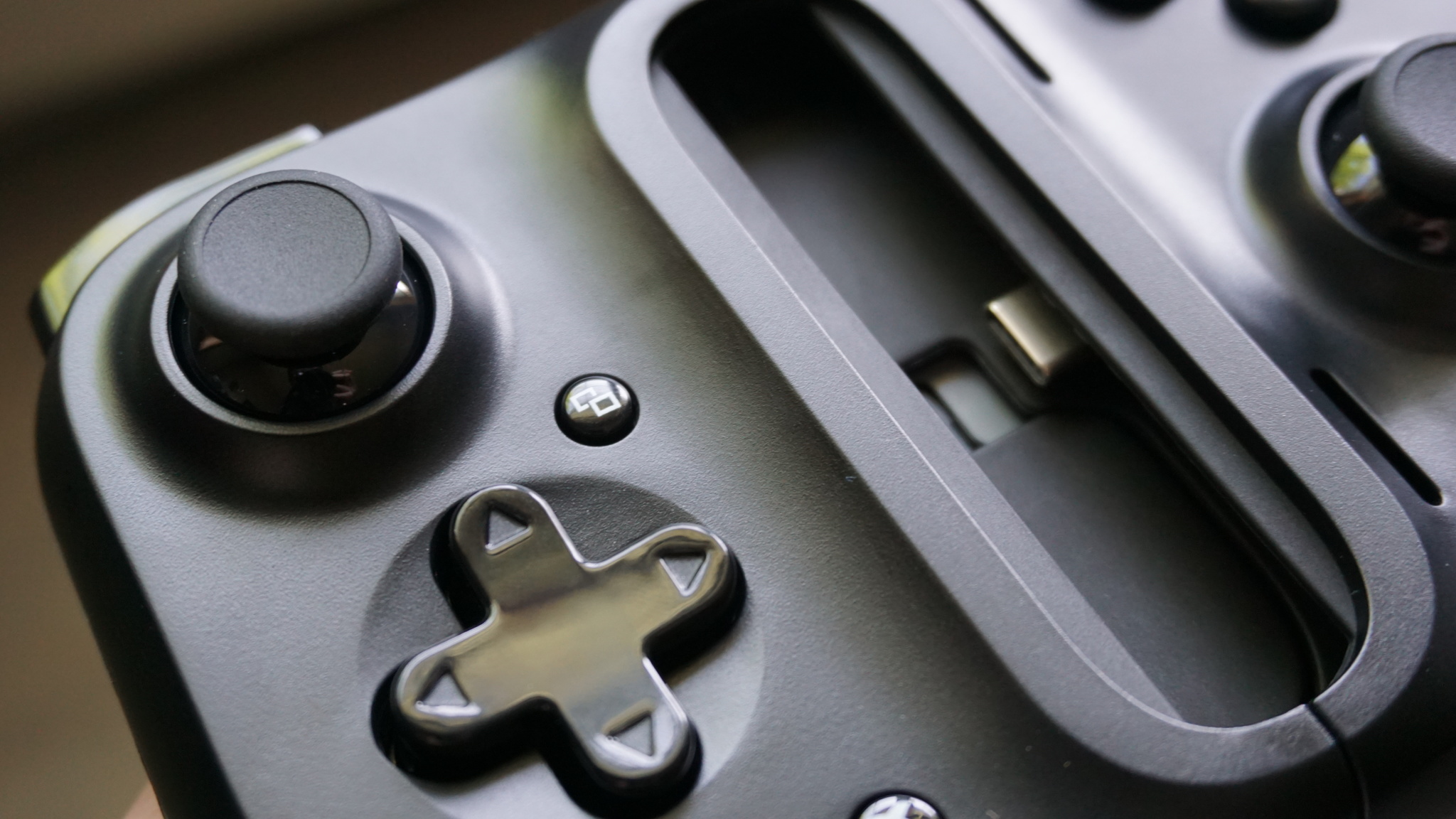
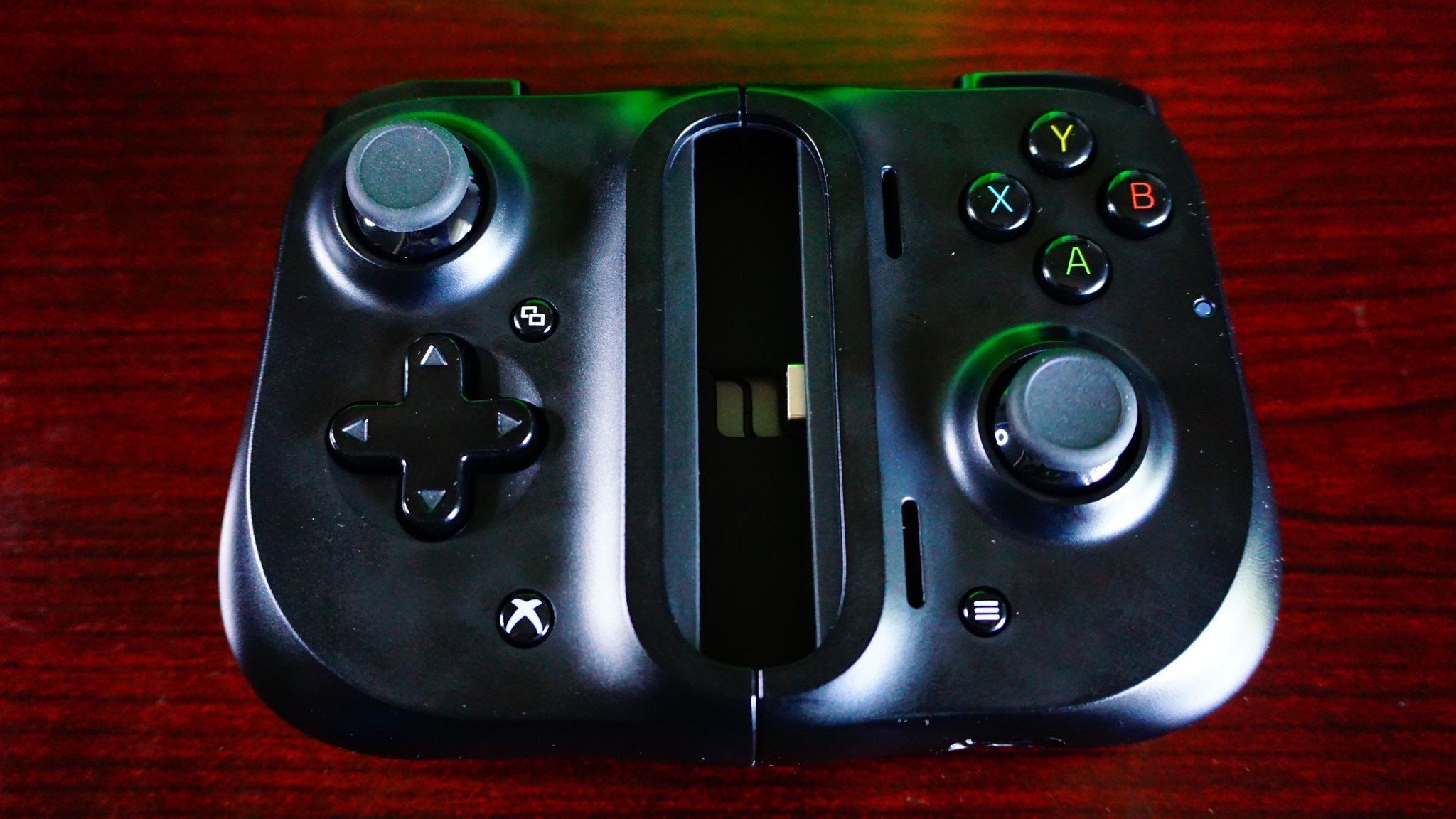
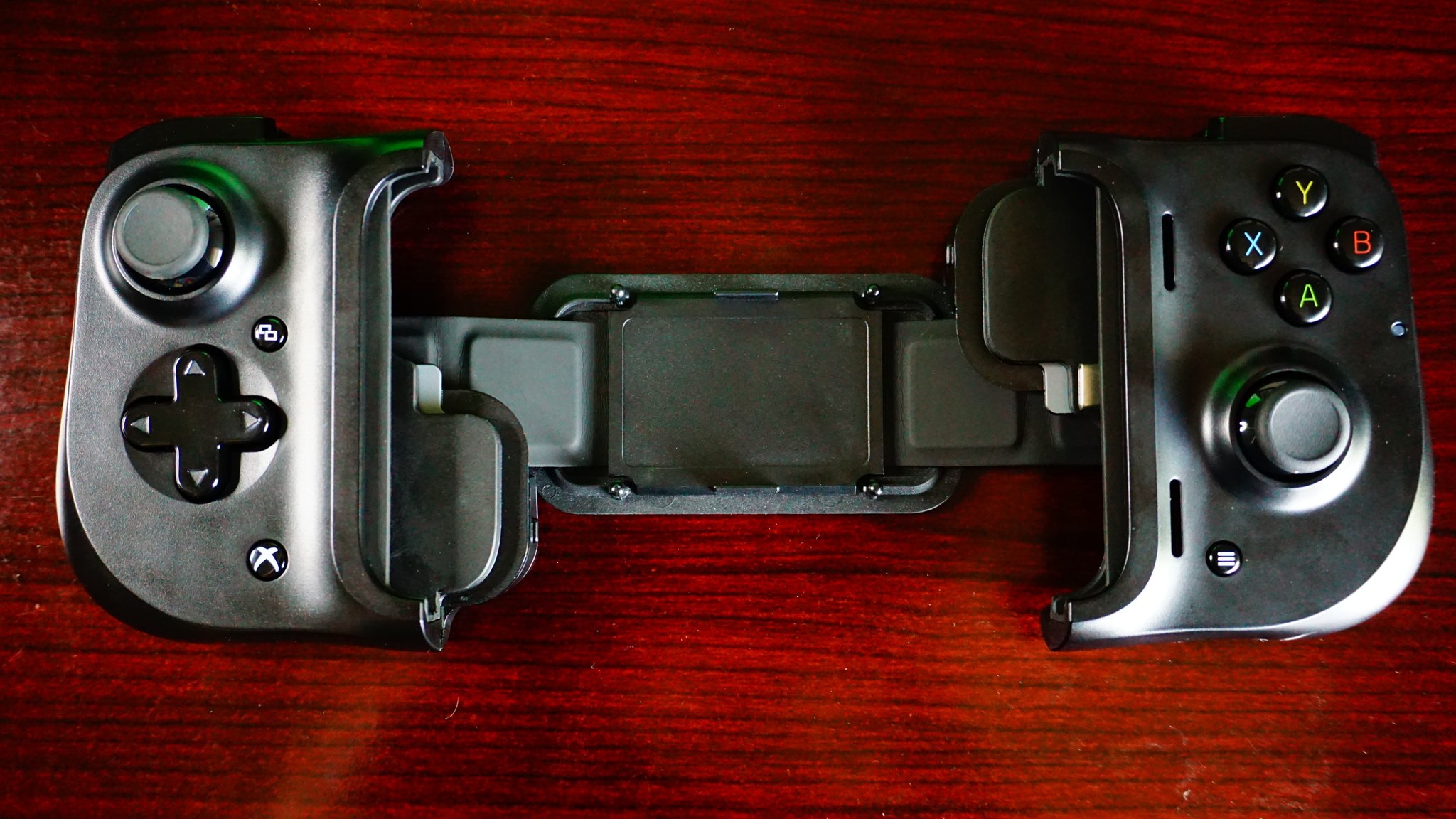
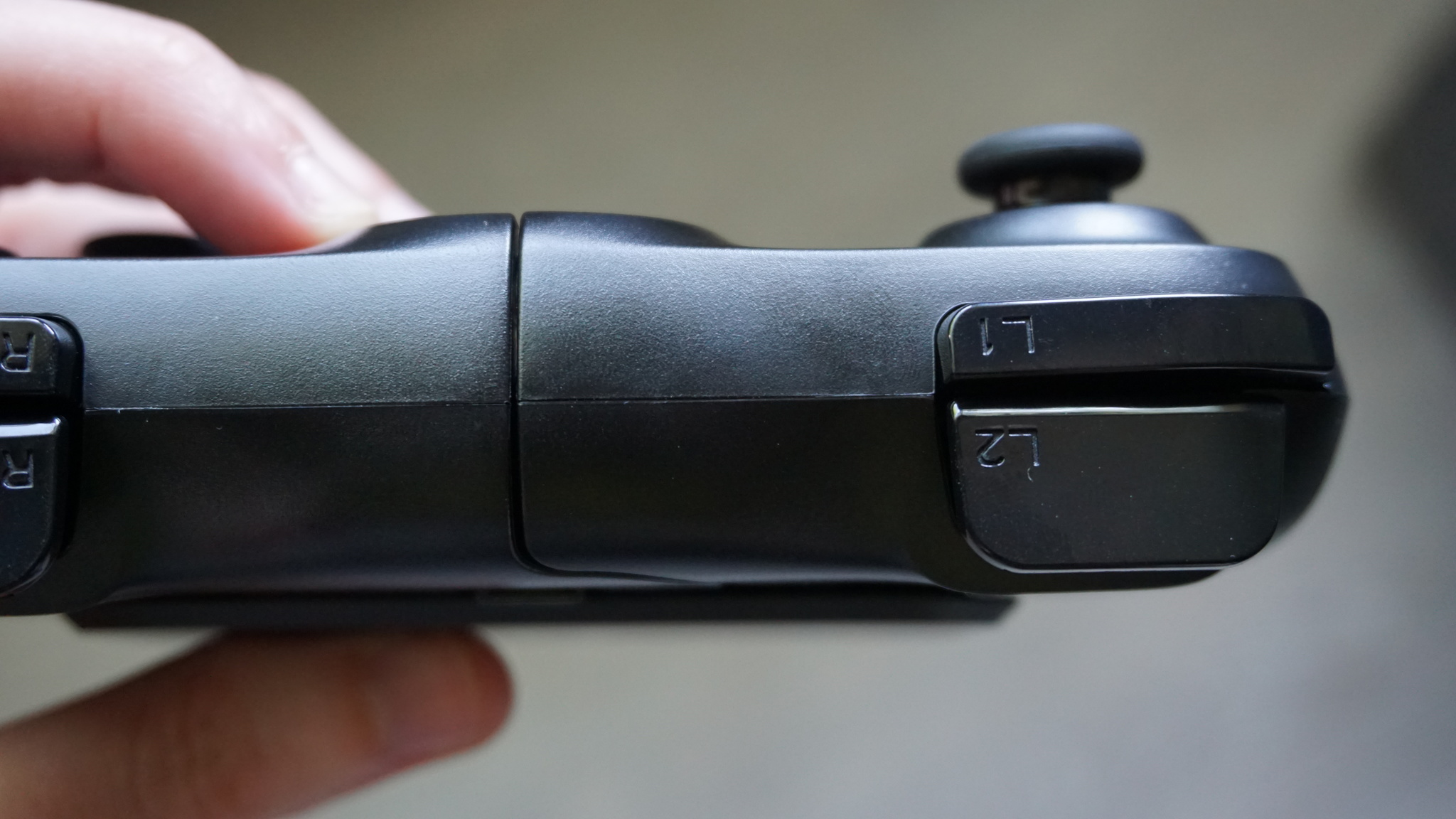
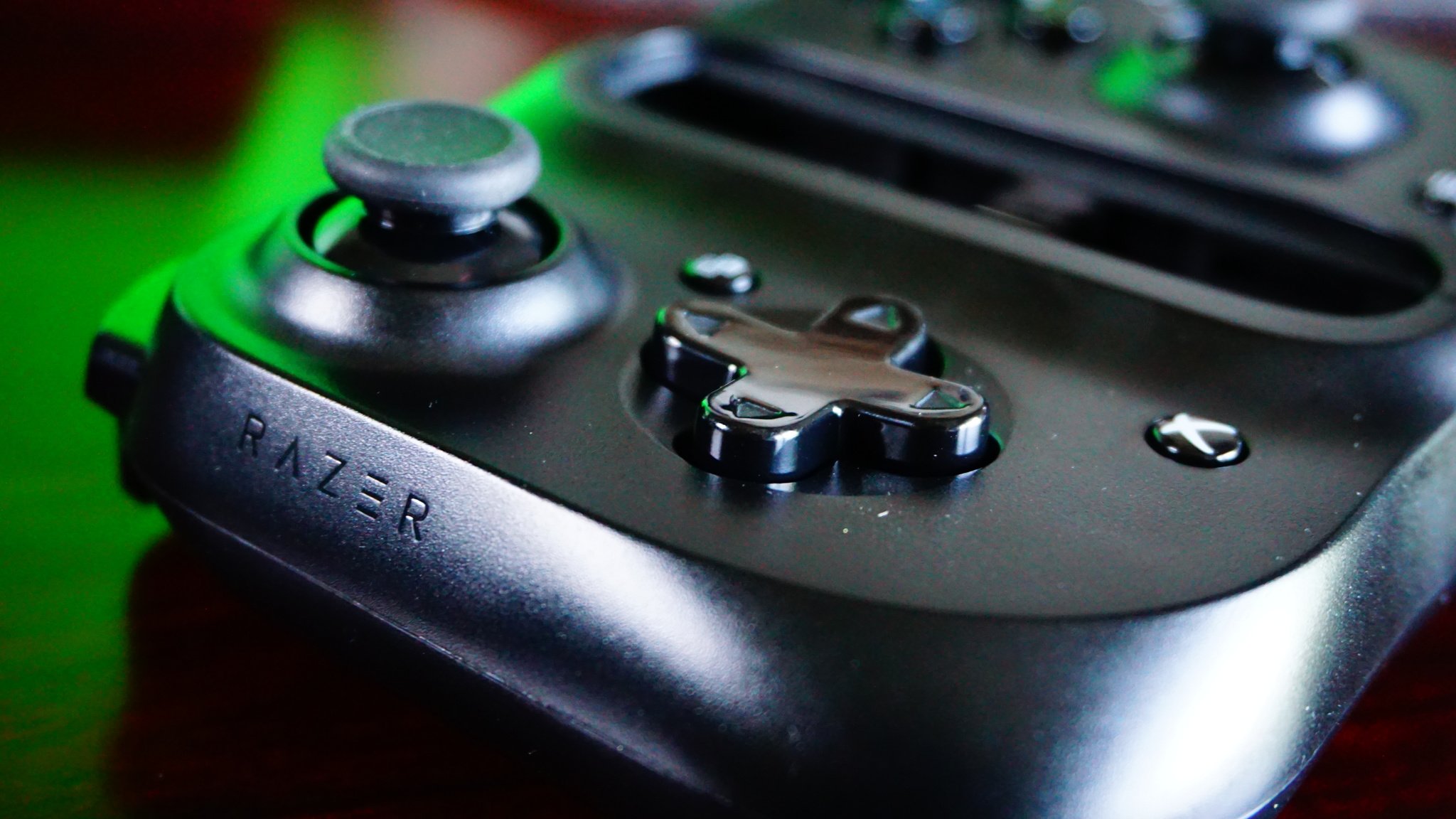
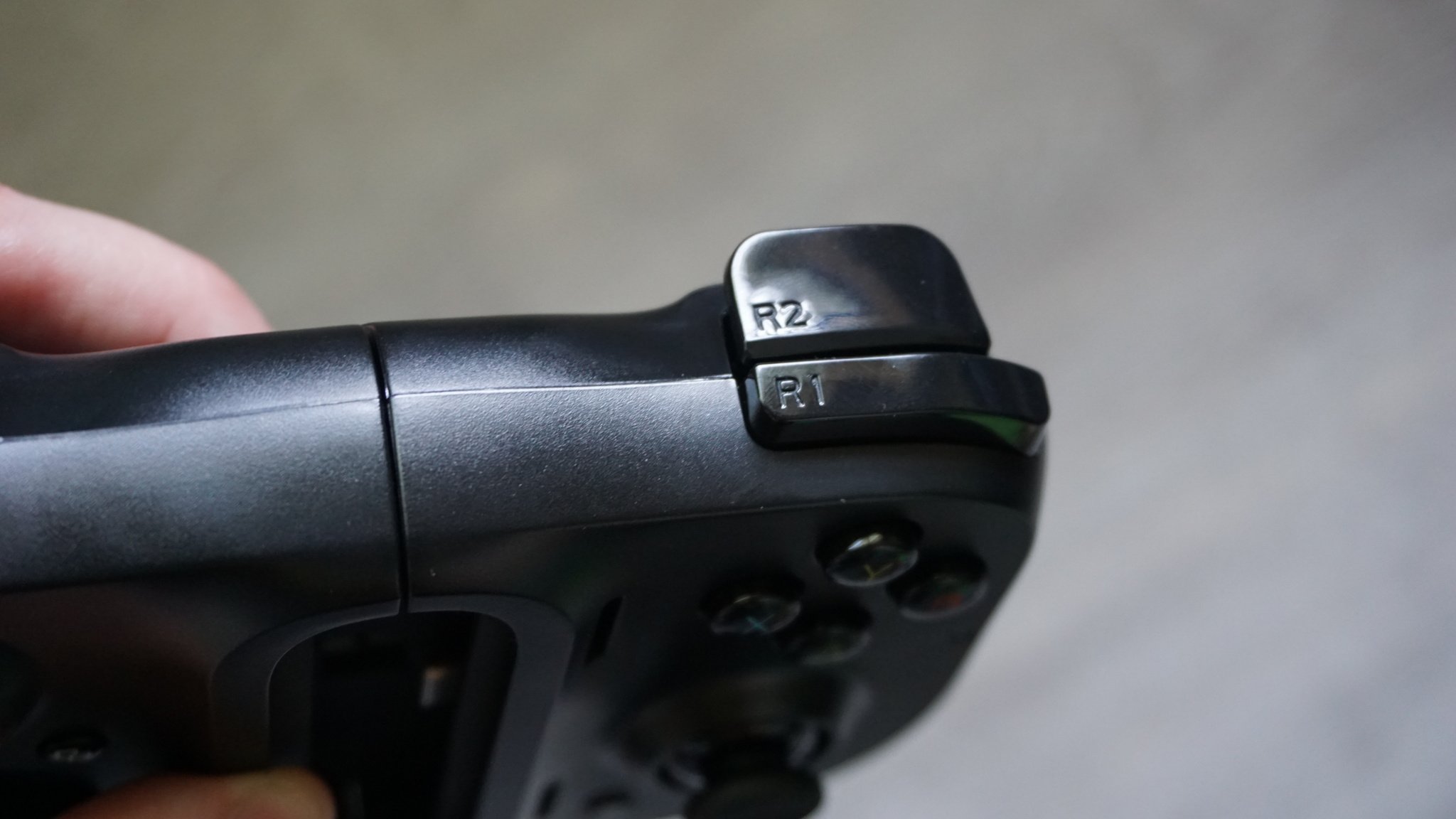
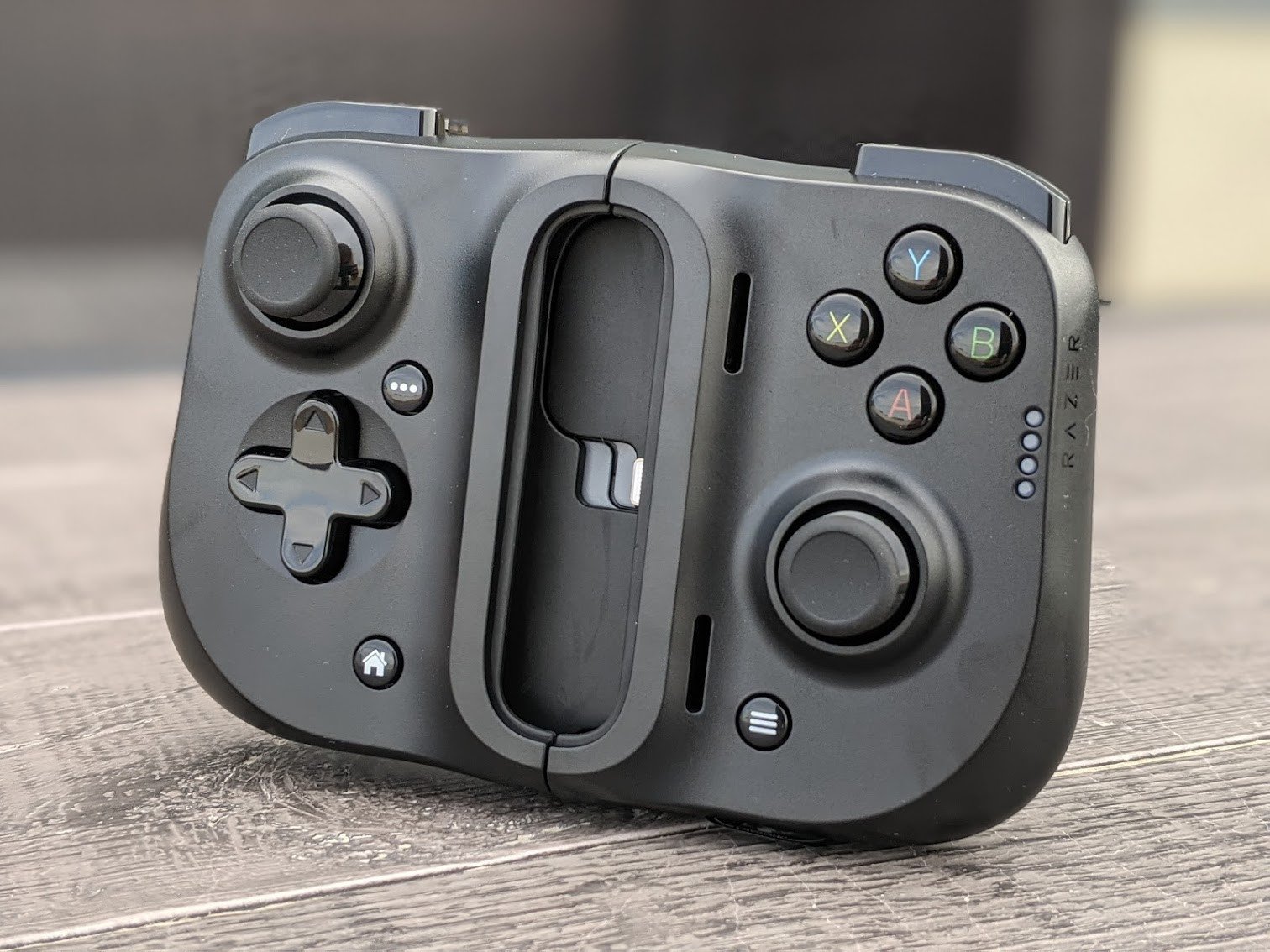
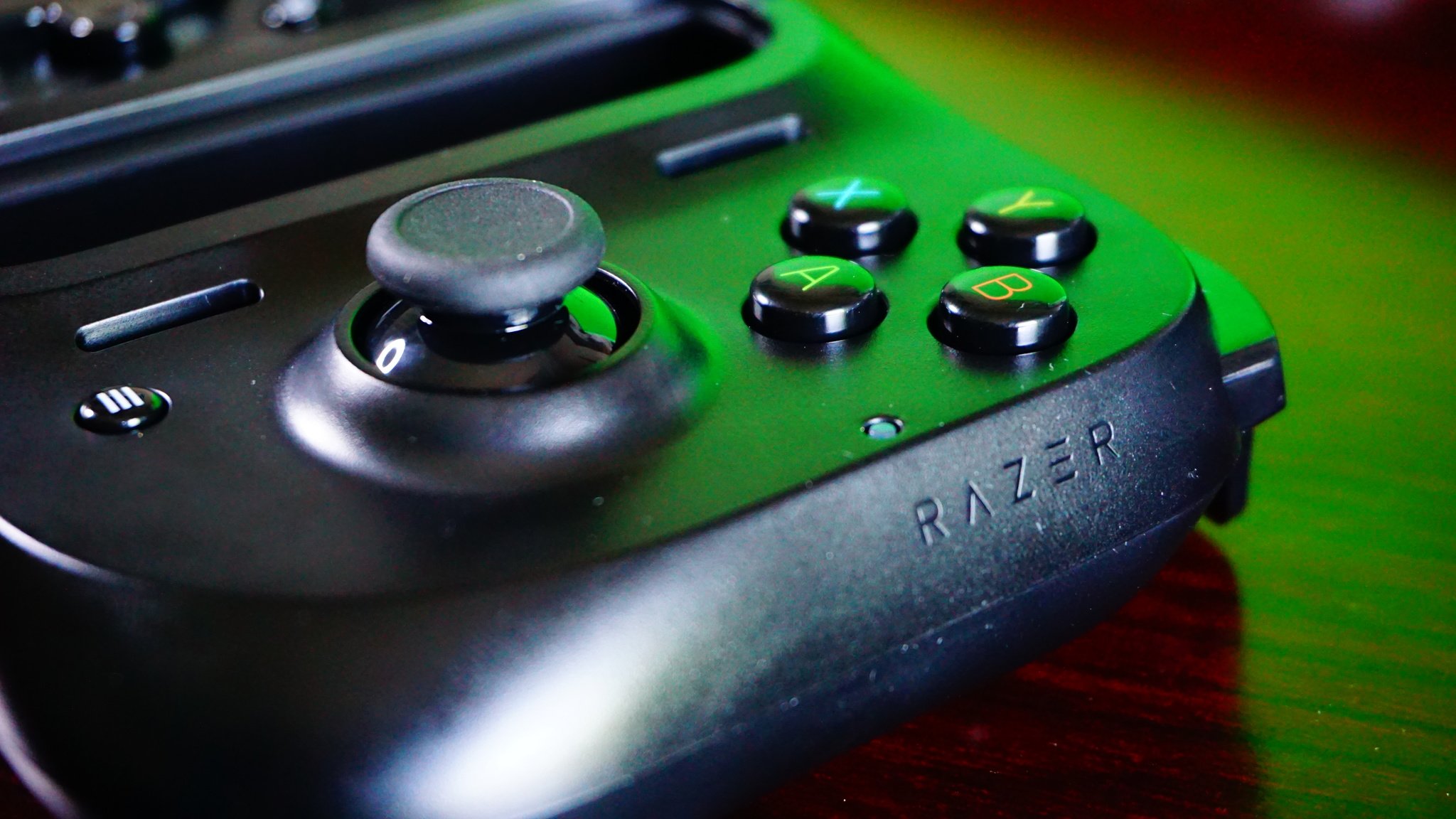
Razer's build quality is usually second to none, and that's on display here with the Kishi. It doesn't look like a cheap knockoff accessory. The design mixes the Nintendo Switch and an Xbox controller, which really works in its favor. My only complaint here is that I would have loved to see some textured grips on the sides because smooth plastic isn't the best for sweaty hands when you've been holding for too long. That said, it still felt extremely comfortable to use.

The build quality of the Kishi is second to none.

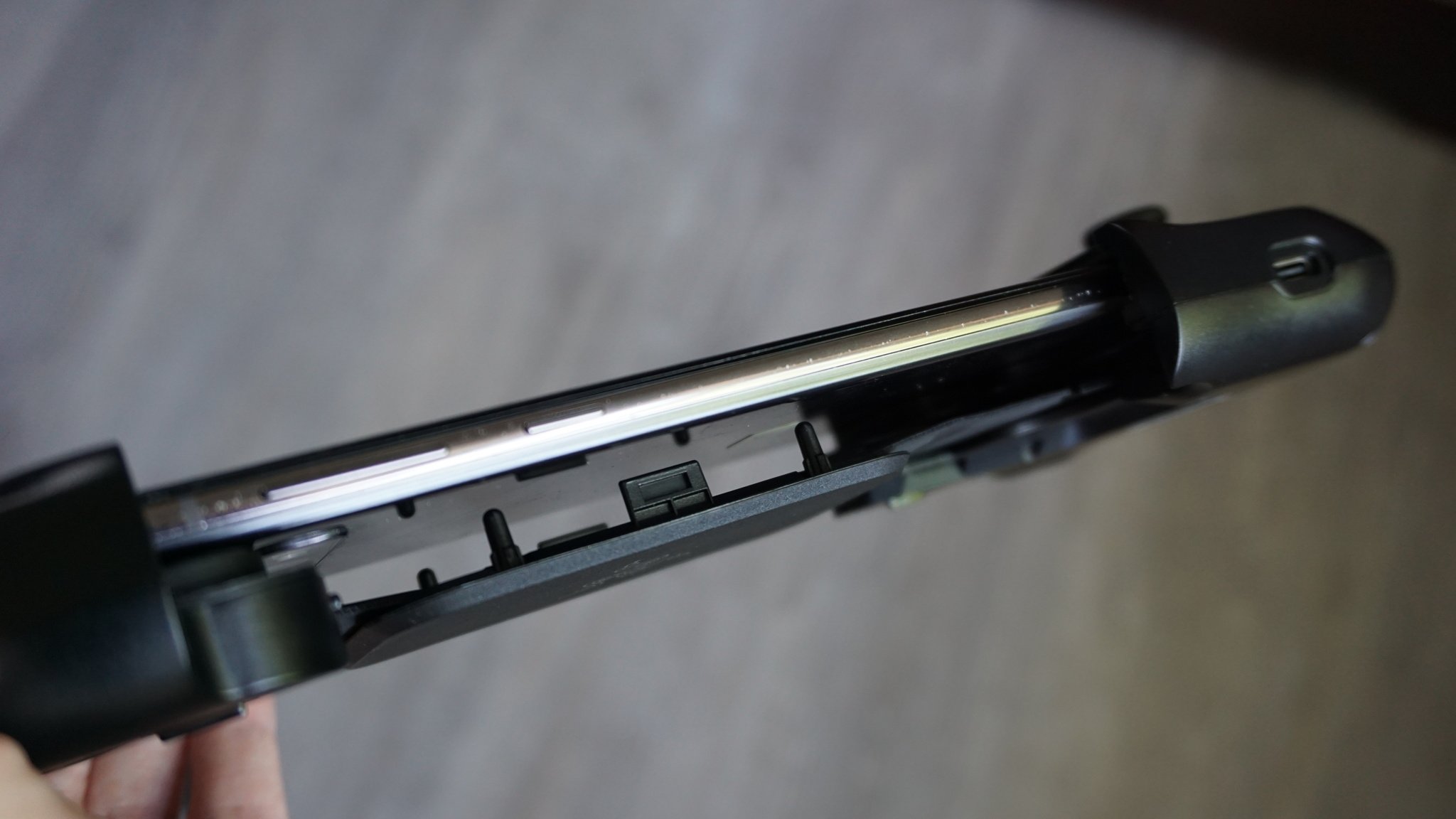
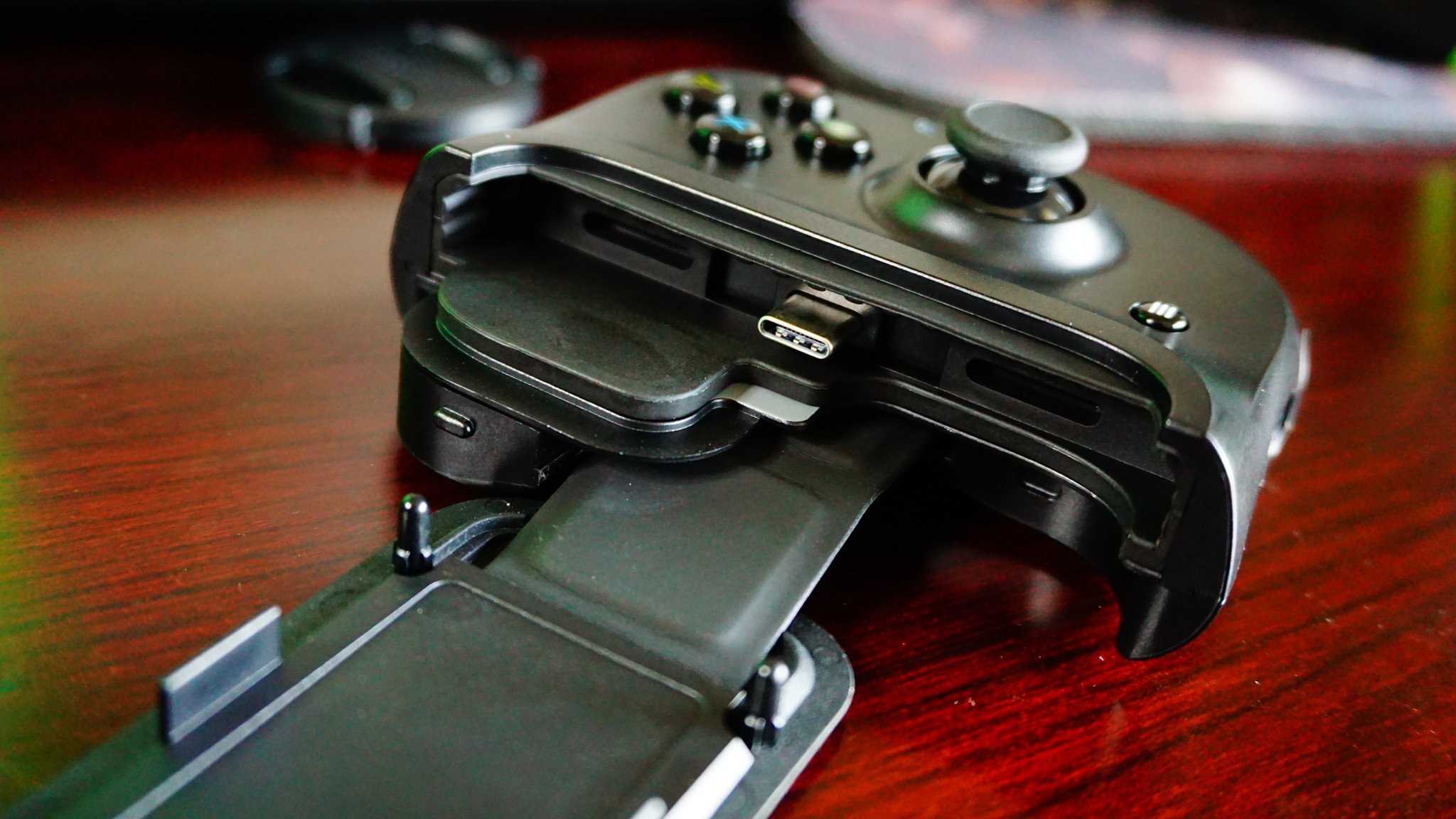
Because it connects through USB-C, you don't need to worry about any input lag. It's slightly different when you're streaming games through Xbox Game Pass because the cloud can be hit or miss depending on your connection, but all other games you download should be perfectly fine. The USB-C connection is a bit of a double-edged sword, though, because this also means that the Kishi is powered by your phone and can drain its battery. I didn't have an issue with this on my Galaxy S10, but it's worth keeping in mind. There's also a pass-through connection so that you can charge your phone while using it.
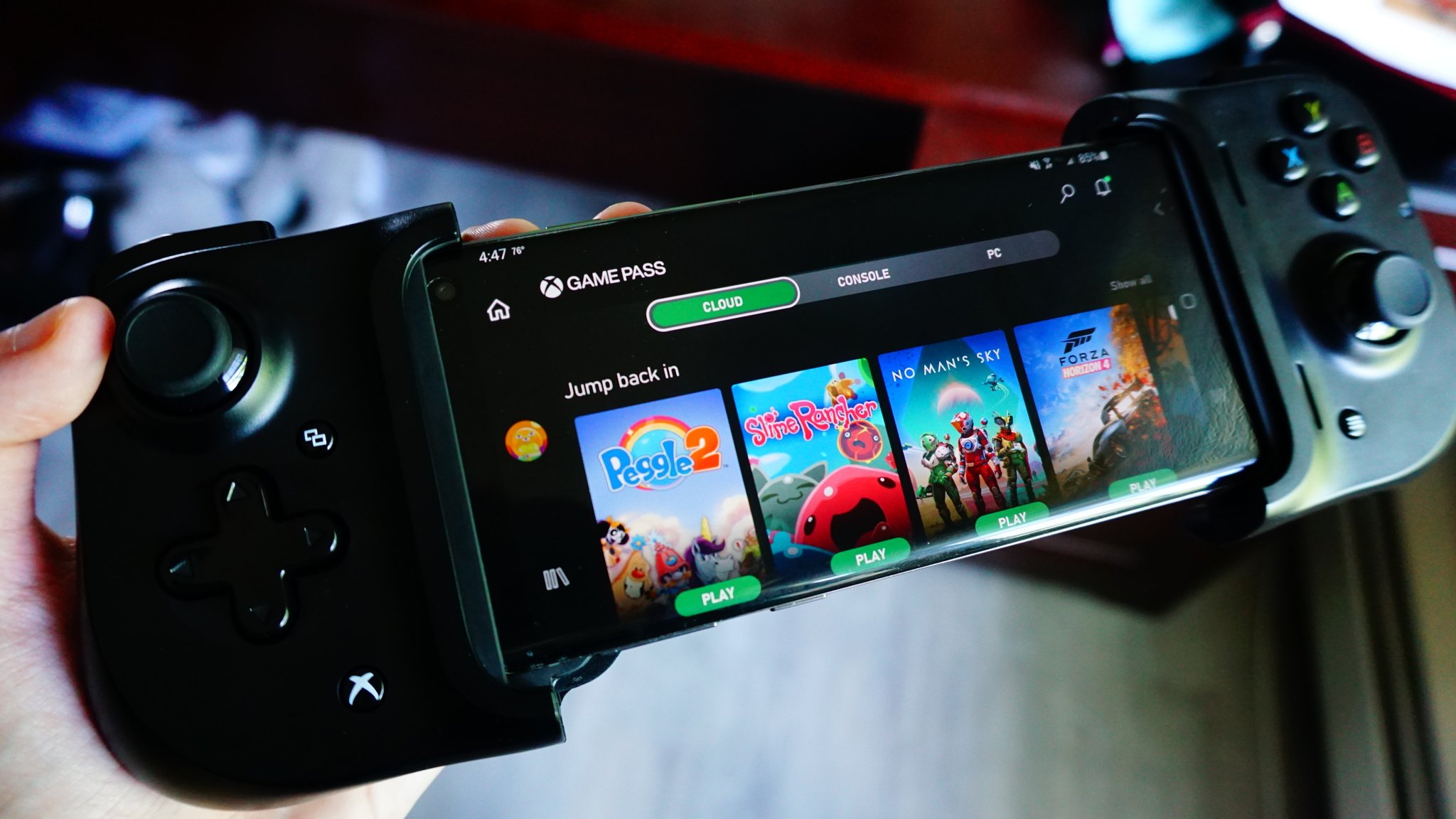
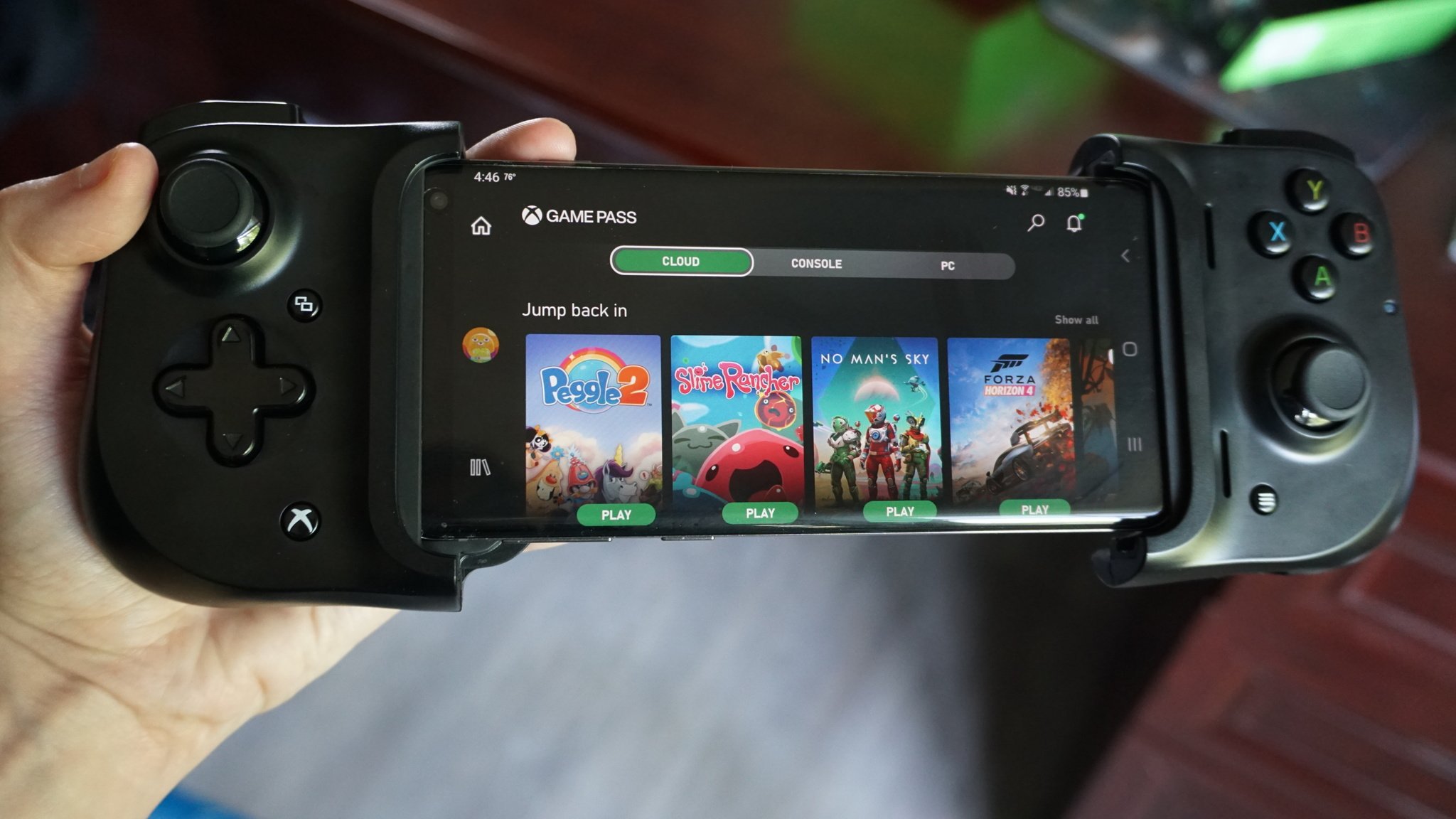
While I had some complaints with the Gamesir X2 that it wasn't ideal for shooters, I feel that less so with the Razer Kishi. The face buttons on the Kishi are ever so slightly positioned to the right and above the right thumbstick, instead of directly above. It's a small change that makes a world of difference. After decades of use, my mind and hands have been trained to rest in a certain position on a controller, and if those buttons are off by even a millimeter, I can feel it. Because of this, the Kishi feels more natural to use.

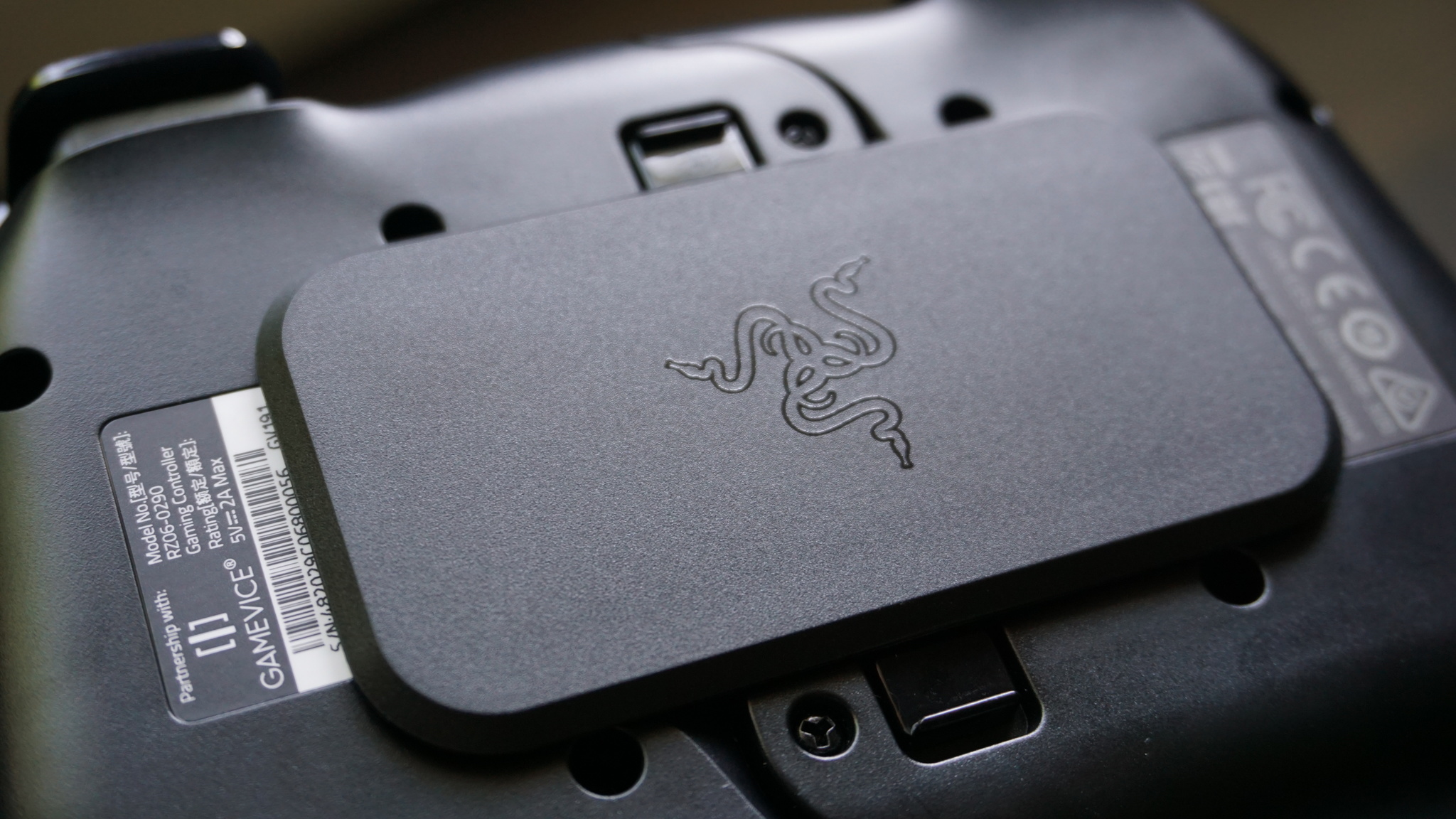
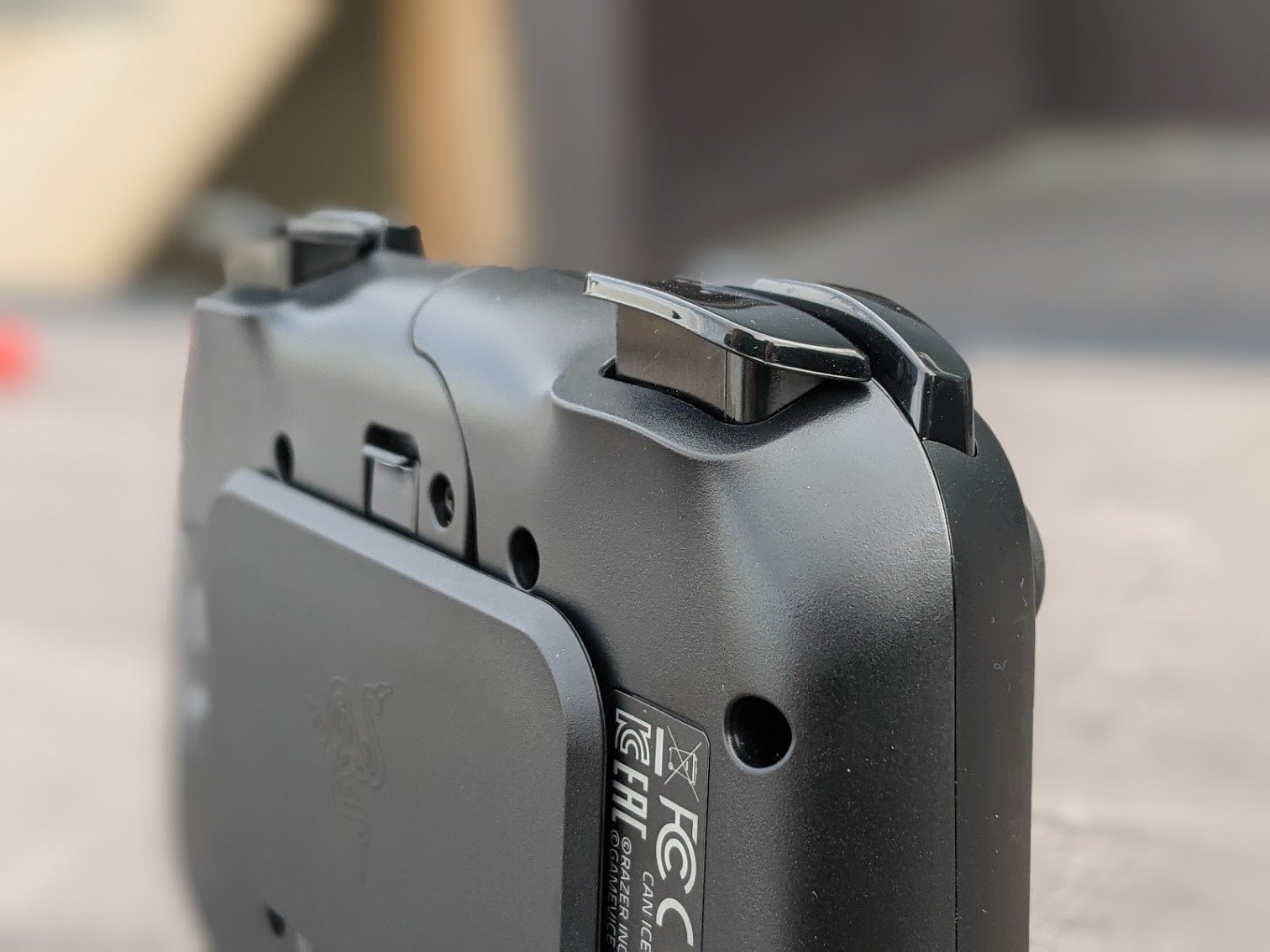
Instead of a spring-loaded mechanism, which can snap back pretty forcefully after you take out your phone, the Razer Kishi uses a stretchable support band and a retaining plate to help hold your phone in place. This makes it easier to take your phone out after a session, and it easily snaps into place when you want to close the controller for transportation.

Razer Kishi: What could use some work
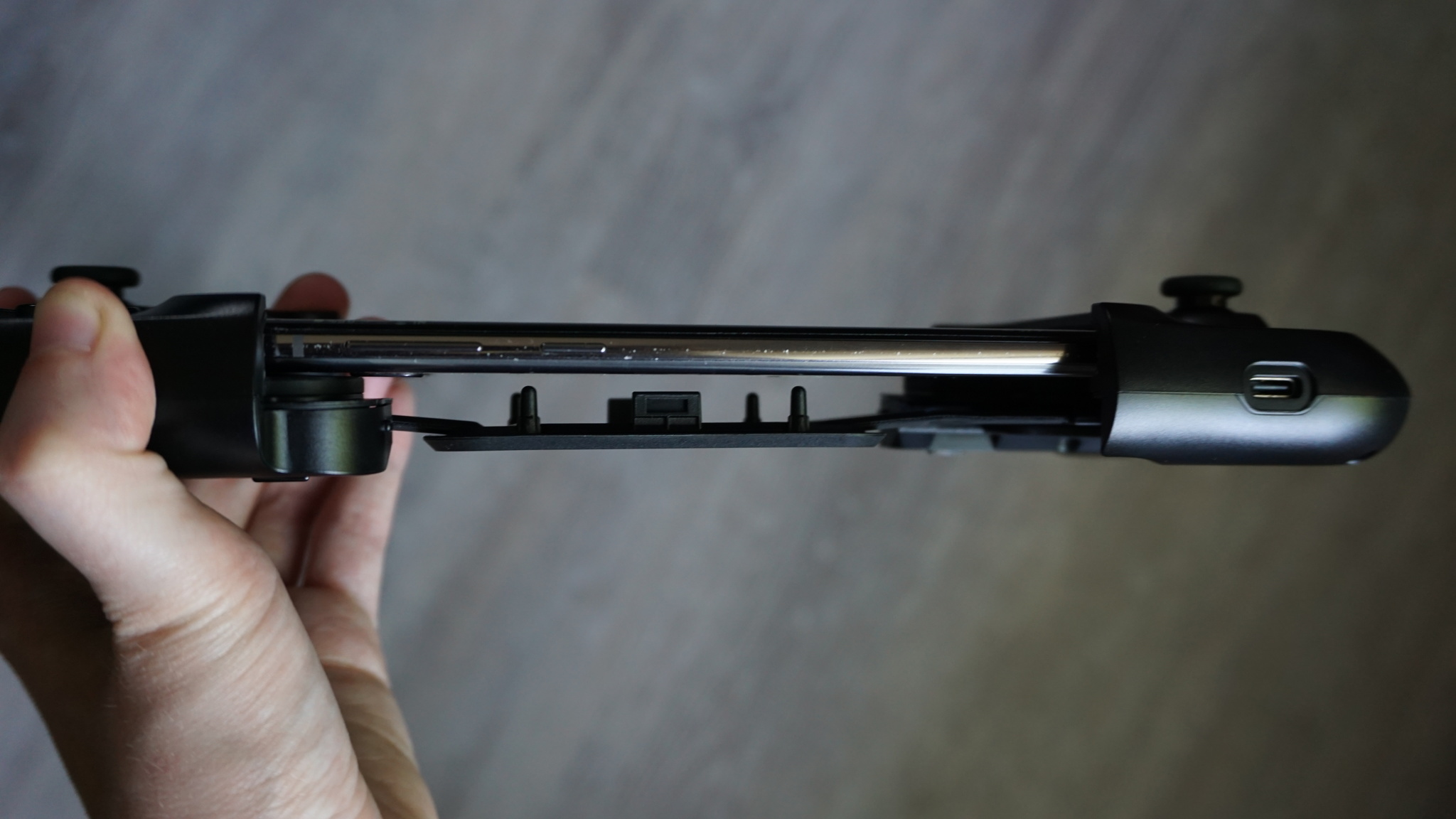
Because of the way it's designed, the Razer Kishi won't fit all phones. You can actually purchase three different models — One for iPhone, one for Android, and another for Android that's Xbox-branded. While the Android model will fit most newer Android phones, it might not be the best for them, especially depending on their size. It might be a tough sell for $80 or $100 if you are worried your phone won't fit properly.

Like other mobile controllers with similar designs, it also doesn't support vibrations or haptic feedback of any kind. It's a minor complaint on my end, but it still might be a reason that you decide to purchase a phone clip and use an Xbox or DualSense controller instead (provided the games you're playing also support haptics.

Razer Kishi: Competition
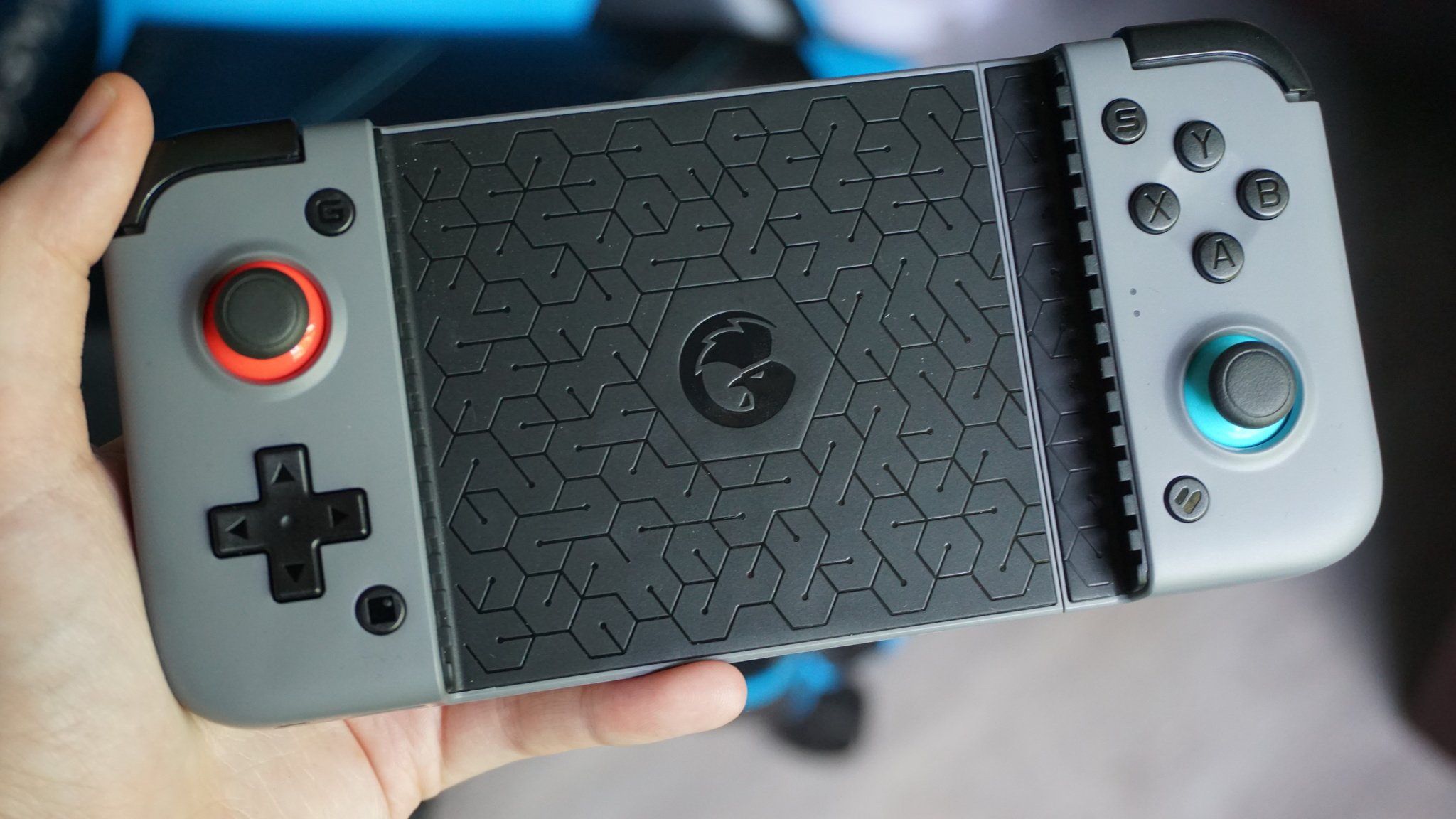
I highly recommend checking out the Gamesir X2 Bluetooth controller for anyone wanting to spend a little less. Because of its spring-loaded design and the fact that it connects wirelessly, it really does fit almost every phone, no matter how big or small. The Bluetooth connection worked well every time I used it, and it would instantly connect to my phone after its first pairing. I'd only steer clear if you'd rather have a hard connection through USB-C.

There's also the Razer Raiju mobile gaming controller, which is quite literally a normal controller with a built-in phone holder. It's more expensive at around $150, but it's also your best option if you don't like the Nintendo Switch-like designs of the X2 or Kishi. Anyone comfortable holding an Xbox controller will be comfortable with the Raiju mobile.

Razer Kishi: Should you buy it?
You should buy this if ...

  • You have a new Android phone
  • You play a lot of Xbox Game Pass cloud streaming
  • You prefer a USB-C connection with no latency
  • You want an Xbox-branded mobile controller

You shouldn't buy this if...

  • You want to spend under $100
  • You have a smaller phone that may not fit well

If you have a newer phone that uses USB-C, especially a larger phone, this is a mobile controller that you should highly consider purchasing. It's easily one of the best game accessories for phones, providing a reliable connection and an ergonomic build that's comfortable to use for hours. You should be wary of whether you have a smaller phone that may not fit perfectly. Also, keep in mind that you can buy other mobile controllers for less.

4.5 out of 5

Even though it's more expensive than other mobile controllers on the market, I recommend picking it up if you have the money. It's an excellent accessory that feels really good to use, and that's the most important thing when it comes to something like this. Combine that with Razer's penchant for quality, and it's near-perfect.

Razer Kishi

Bottom line: As usual, Razer is at the top of its game with the Razer Kishi. Mobile gaming will only get bigger, and you'll need a reliable controller to get you through those countless hours of playing on your phone. That's where the Razer Kishi comes in.

$100 at Amazon


from Android Central - Android Forums, News, Reviews, Help and Android Wallpapers https://ift.tt/2YhTAjR
via IFTTT

Google says it won't build Privacy Sandbox backdoors

Google has said it will not bypass the Privacy Sandbox rules it plans to impose next year in order to end third-party cookie tracking.

from Engadget https://ift.tt/34xDarb
via IFTTT

Xiaomi's new 'HyperCharge' tech can charge a phone in just 8 minutes

Xiaomi has also announced the world's fastest wireless charging tech.

What you need to know

  • Xiaomi has announced a new 200W "HyperCharge" fast charging solution for smartphones.
  • The new fast charging tech can fully charge a 4,000mAh battery in under eight minutes.
  • Along with 200W wired charging, Xiaomi has also introduced a new 120W wireless charging tech.

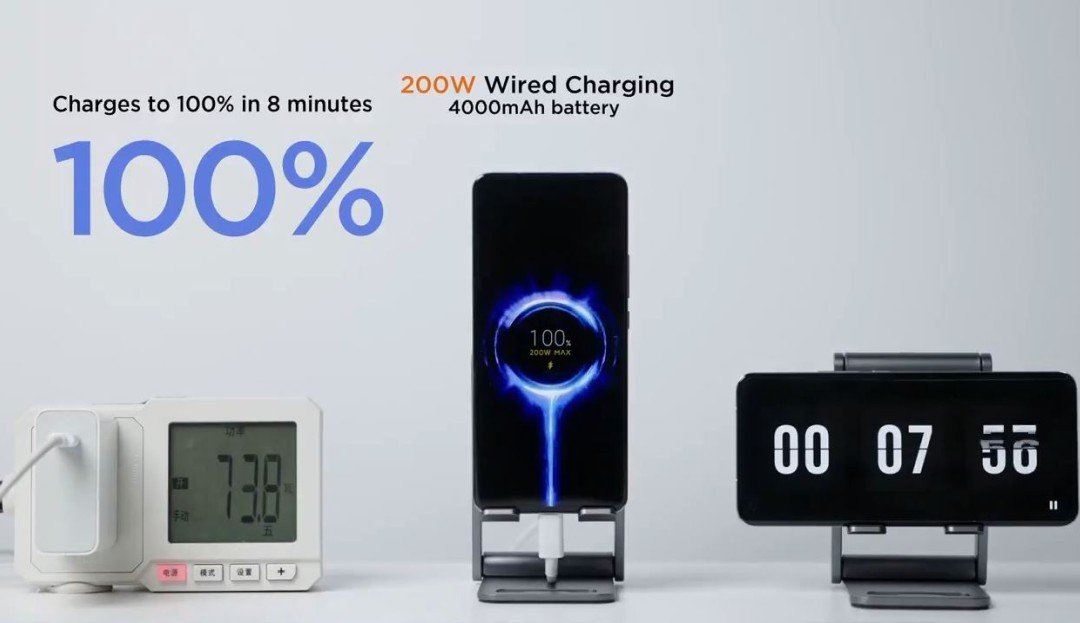
Xiaomi today showcased a new 200W "HyperCharge" fast charging tech, which it says can fully charge a phone in eight minutes. It used a modified Mi 11 Pro with a 4,000mAh battery to demonstrate the tech. Xiaomi was also the first smartphone maker to introduce a 100W fast charging solution. The company demonstrated the 100W "Super Charge Turbo" tech in March 2019, although the tech was commercialized only in August last year.

As can be seen in the video above, Xiaomi's new HyperCharge tech takes just three minutes to charge the modified Mi 11 Pro from empty to 50%. In addition to 200W HyperCharge wired fast charging system, Xiaomi has introduced a new 120W wireless charging solution as well. Xiaomi claims its latest wireless charging tech can fully charge a phone in just fifteen minutes.

Unsurprisingly, Xiaomi hasn't yet provided a timeframe as to when the first phone with the new 200W HyperCharge tech will hit the market. Currently, the fastest charging Xiaomi phone is last year's Mi 10 Ultra, which supports 120W wired charging speeds.

Seeing how the Mi 11 Ultra is a downgrade over the Mi 10 Ultra in the fast charging department, it may take a while before we see a Xiaomi flagship with 200W charging. It is also worth noting that such high charging speeds could have a significant impact on long-term battery health and also lead to overheating issues.

While Xiaomi hasn't launched a new phone with its 120W fast charging tech this year, its Black Shark brand released two new devices with 120W charging in March to challenge the best gaming phones. Vivo's iQOO sub-brand also launched a Snapdragon 888-powered flagship phone earlier this year with support for 120W fast charging.


from Android Central - Android Forums, News, Reviews, Help and Android Wallpapers https://ift.tt/2TwWORZ
via IFTTT

Android 12 will force apps through the official share menu

With Android 12, Google will stop third-party apps from replacing the stock share dialog.

from Engadget https://ift.tt/3c3uc9a
via IFTTT

Sunday, May 30, 2021

Intel's latest 11th-gen CPU lets ultraportables hit 5GHz

Thin and light computers will finally cross the 5GHz barrier with Intel's latest flagship 11th-gen U-series chip.

from Engadget https://ift.tt/3fFAjDb
via IFTTT

The best dark matter map to date raises questions about the universe

Scientists have released the most precise map of dark matter to date, but it only serves to highlight mysteries in the universe.

from Engadget https://ift.tt/34vURr9
via IFTTT

Keep your Google Pixel 4a display pristine with a screen protector!

The display on the Pixel 4a is a significant upgrade from its predecessor. The bezels at the top and bottom are so much smaller that we can have a bigger screen in a smaller profile, but this also means that even a tiny crack at the top or bottom could impact the screen's usable portion. We've done the research to round up the best Google Pixel 4a screen protectors you can buy!

Easy to apply

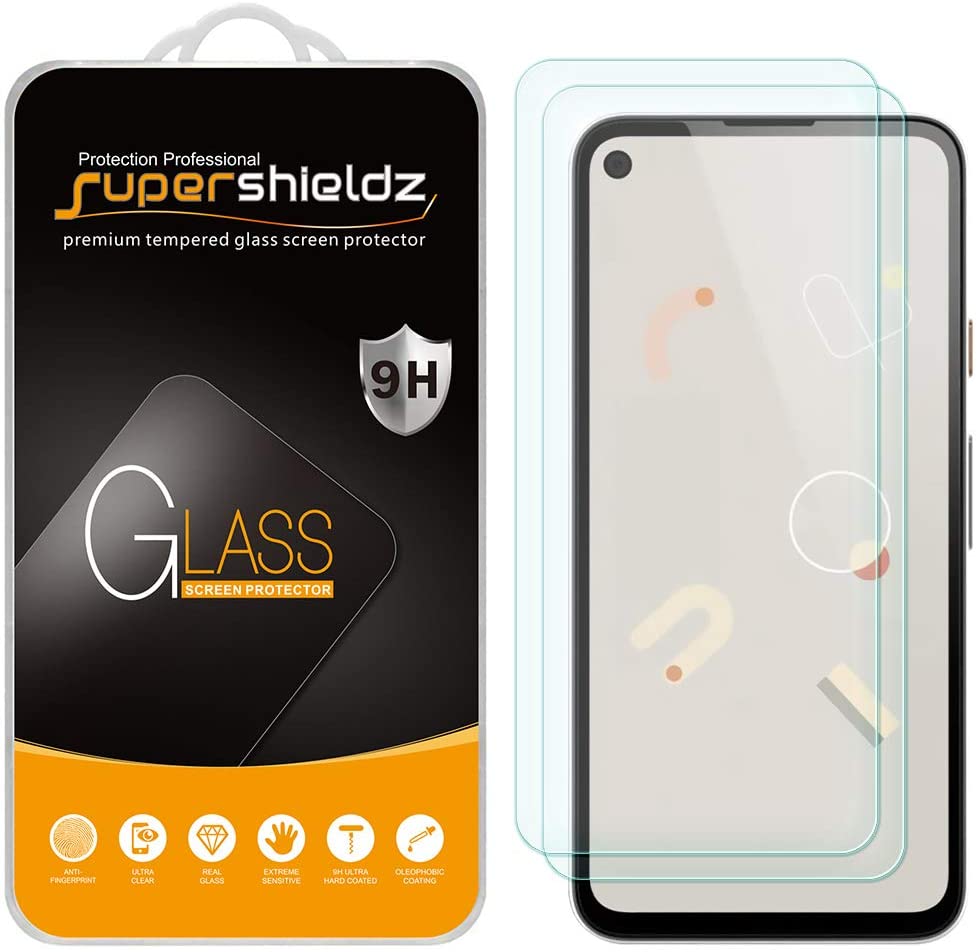
Supershieldz Tempered Glass (2-Pack)

Staff Pick

Supershieldz has my confidence because not only is its book-style application process easy enough for my mother to do by herself, but it has also stood up to rocks, ladders, and drops without damaging the screen underneath.

$7 at Amazon $7 at Walmart

Best of the best

OtterBox Amplify Glass

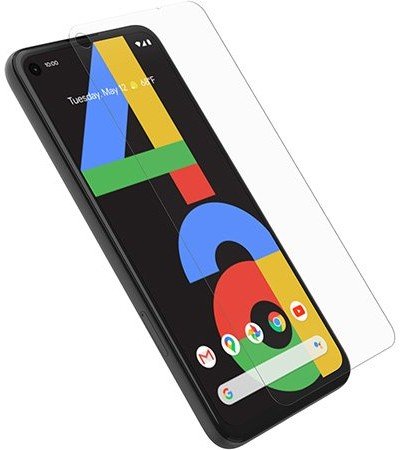
OtterBox knows how to make a durable case. They worked with Corning — makers of Gorilla Glass — to produce a durable, high-quality screen protector in the Amplify, which offers higher scratch resistance and excellent case compatibility.

$19 at Amazon

Guard the camera, too

GESMA Tempered Glass Screen Protector and Camera Protector (5-Pack)

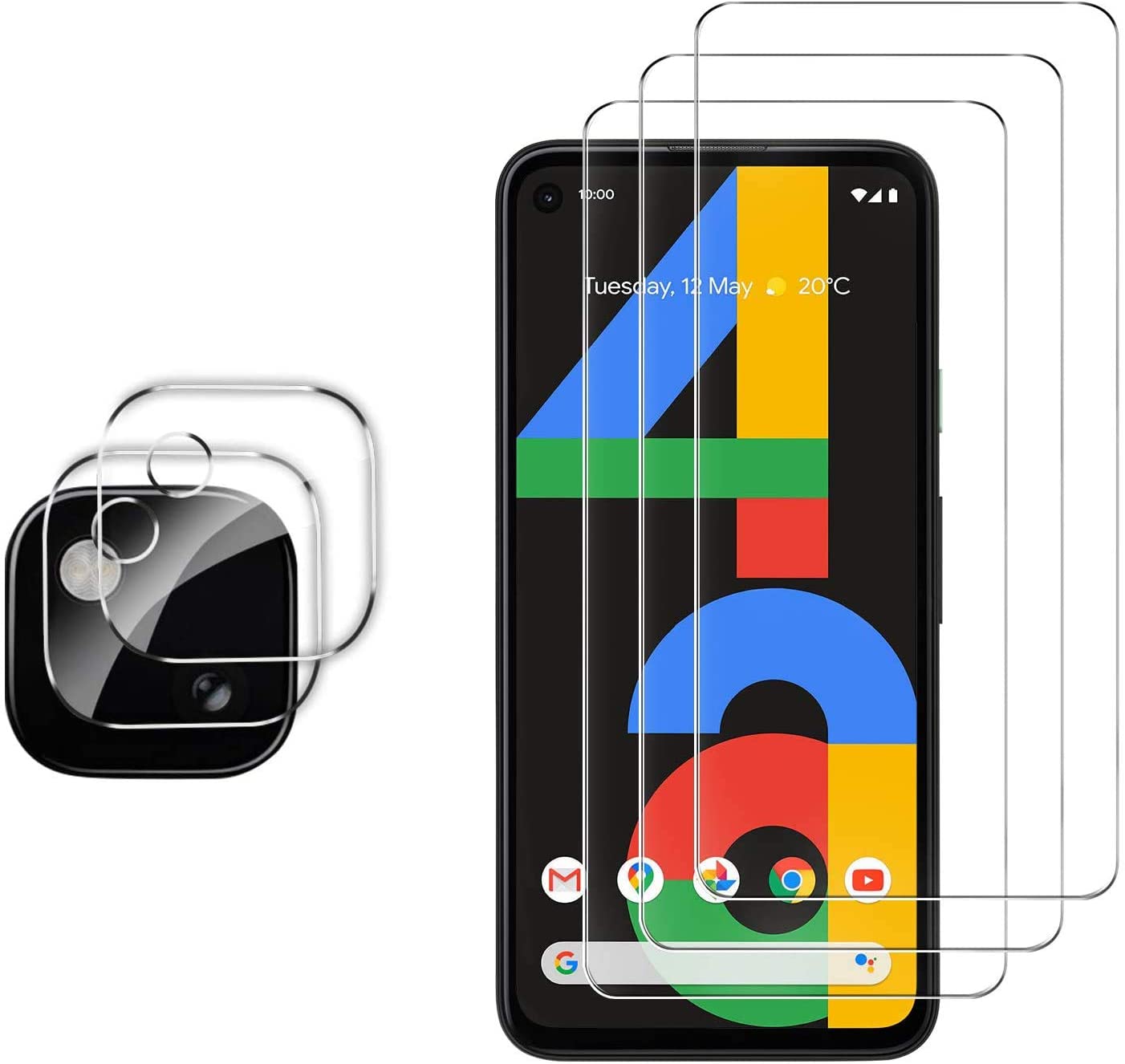
This multi-pack is perfect for anyone to tends to drop their phone a lot, as you not only get multiple spares, but you also get tempered glass protectors for the camera module in addition to the front glass. After all, what good is a Pixel with a broken camera?

$12 at Amazon

Smudge resistant

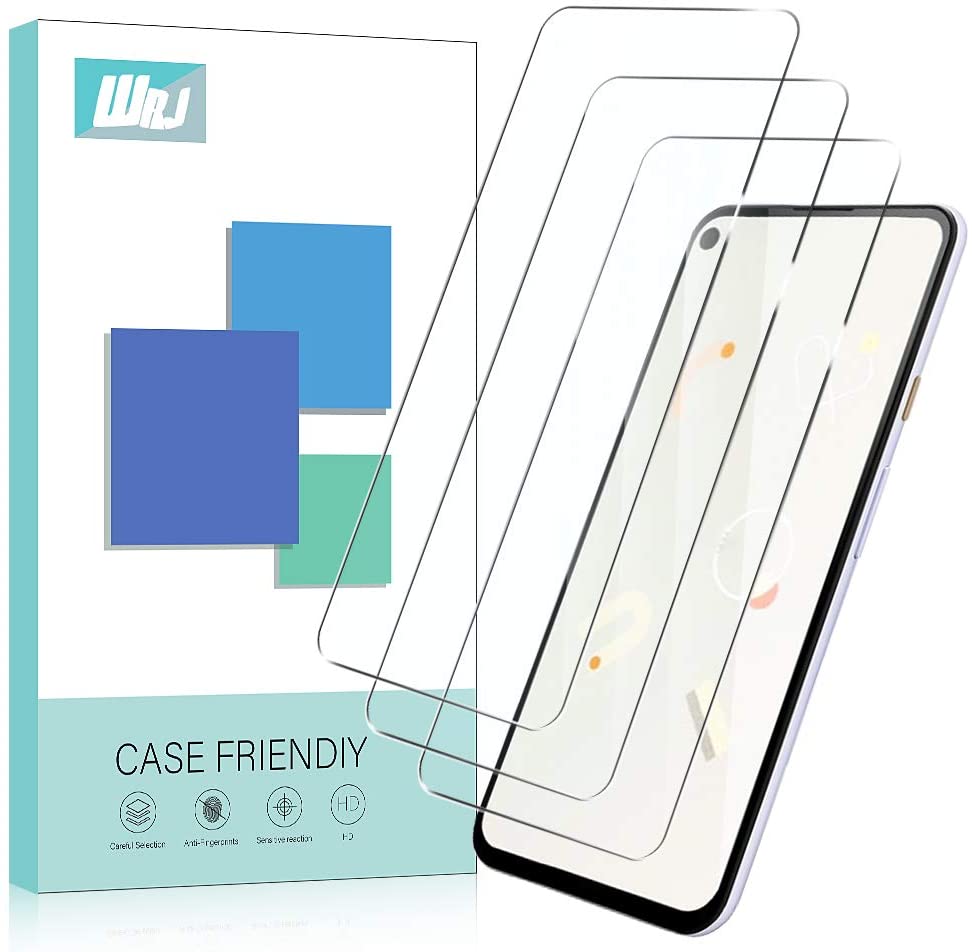
WRJ Anti-Fingerprint Tempered Glass (3-Pack)

If you're exceedingly hard on your phone — or if you're just a klutz — you might want to invest in a multi-pack so that you have spares when the first or second protector here cracks, keeping your Pixel 4a safe.

$6 at Amazon

Frame installation

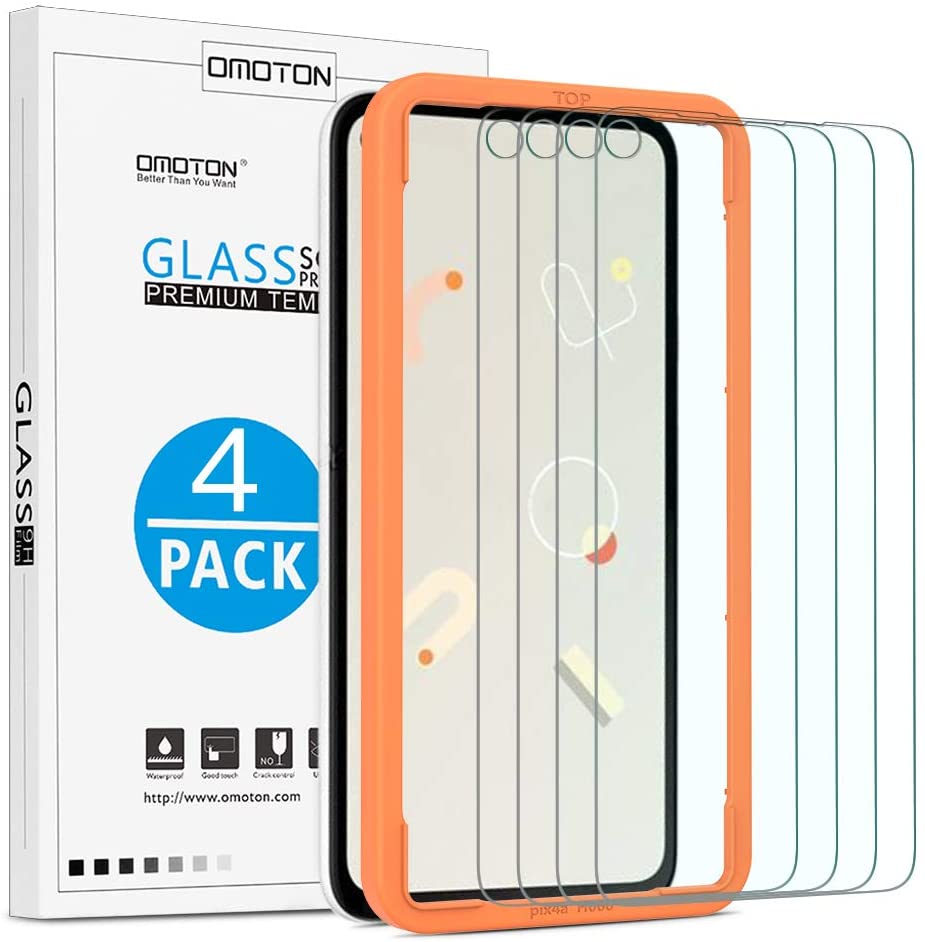
OMOTON Tempered Glass (4-pack)

This multi-pack comes with a frame that you slide over your Pixel 4a so that you have less chance of misaligning the glass. That's extra important here, considering the cutout for the hole-punch camera.

$10 at Amazon

Keep germs down

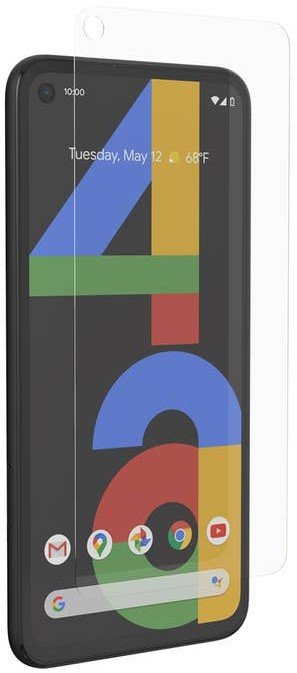
InvisibleShield Glass+

InvisibleShield doesn't just bring scratch and shatter protection to your phone. The Glass+ also has an anti-microbial coating. Still, as a reminder, that coating is not strong enough to completely kill COVID or other disease-causing germs on your phone.

$25 at Best Buy

Want a film?

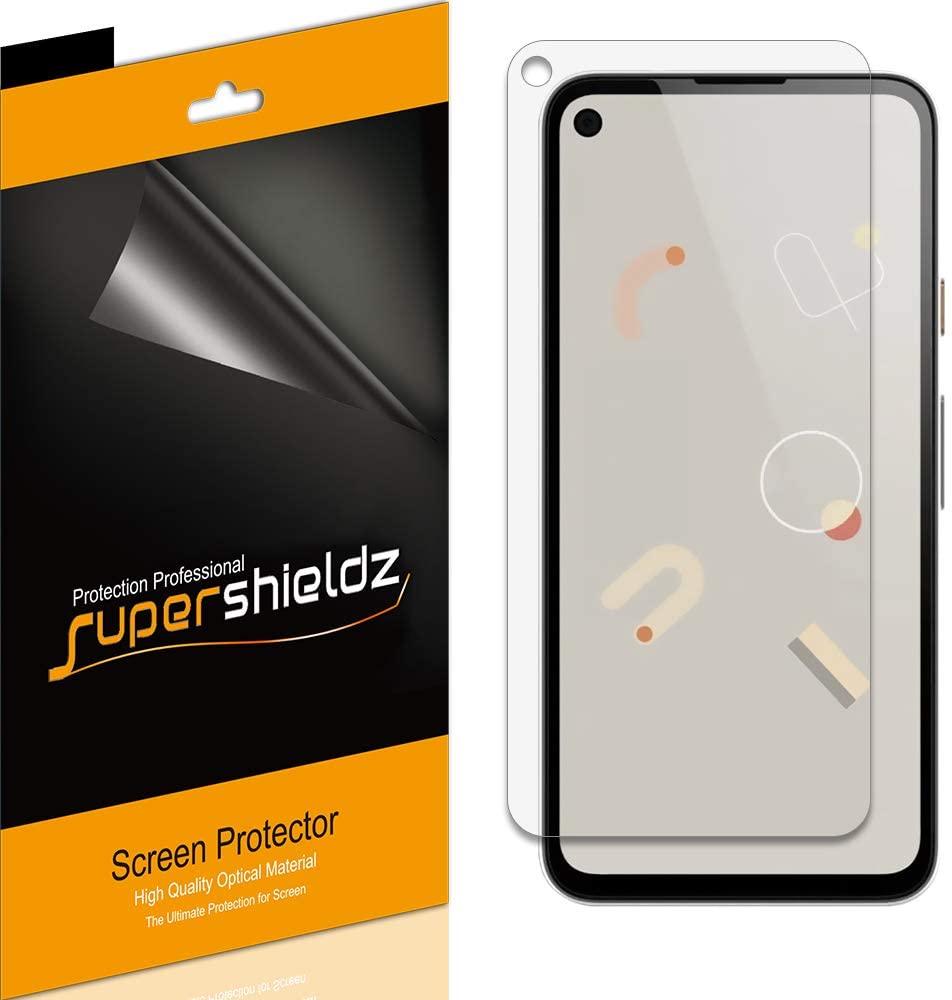
Supershieldz Clear Shield (6-Pack)

Glass screen protectors offer more robust coverage, but some folks don't like how they can interfere with responsiveness. If you're one of them, these flexible film protectors offer scratch protection without the bulk.

$6 at Amazon $7 at Walmart

Keep down the glare

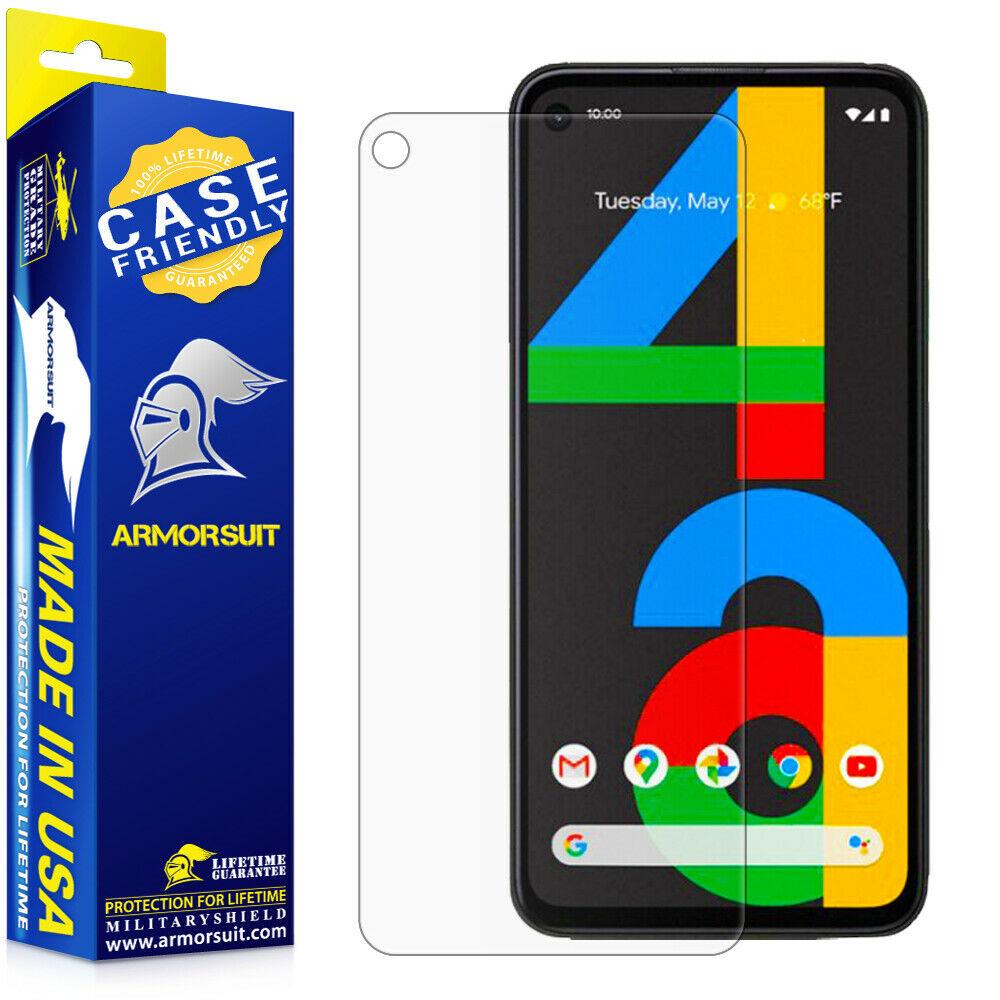
ArmorSuit MilitaryShield Matte Film

This PET film is thicker than competitors, meaning it can take more abuse and still self-heal. I'm also a fan of the matte finish on this screen protector as it makes it easy to see the screen when dealing with lots of bright reflections.

$9 at Amazon

What are the best Pixel 4a screen protectors?

Screen protectors come in two flavors: we have the thicker, sturdier tempered glass screen protectors, and we have the thinner, flexible, and more adaptable film protectors. For phones with curved screens, film screen protectors offer a more fitting grip. Still, for a phone with a flat-screen like the Pixel 4a, we don't have to worry about such things, so unless you just have a personal grudge against tempered glass, I'd recommend grabbing the Supershieldz Tempered Glass Screen Protector 2-pack. The style Supershieldz uses for applying its glass screen protectors is easy to follow, and its films have stood the test of time.

I'm also a fan of the OtterBox Amplify Glass because OtterBox knows how to make a great screen protector that won't get peeled up by bulkier, heavy-duty cases. The frame installation is easy to follow along with and the smudge-resistance on the Amplify Glass lasts longer than most competitors.

Of course, protecting the front glass is important, but the rest of your phone needs guarding, too! If you're still using a naked Pixel 4a, we've rounded up the best Google Pixel 4a cases so you can cover your shame!


from Android Central - Android Forums, News, Reviews, Help and Android Wallpapers https://ift.tt/33mPxa4
via IFTTT