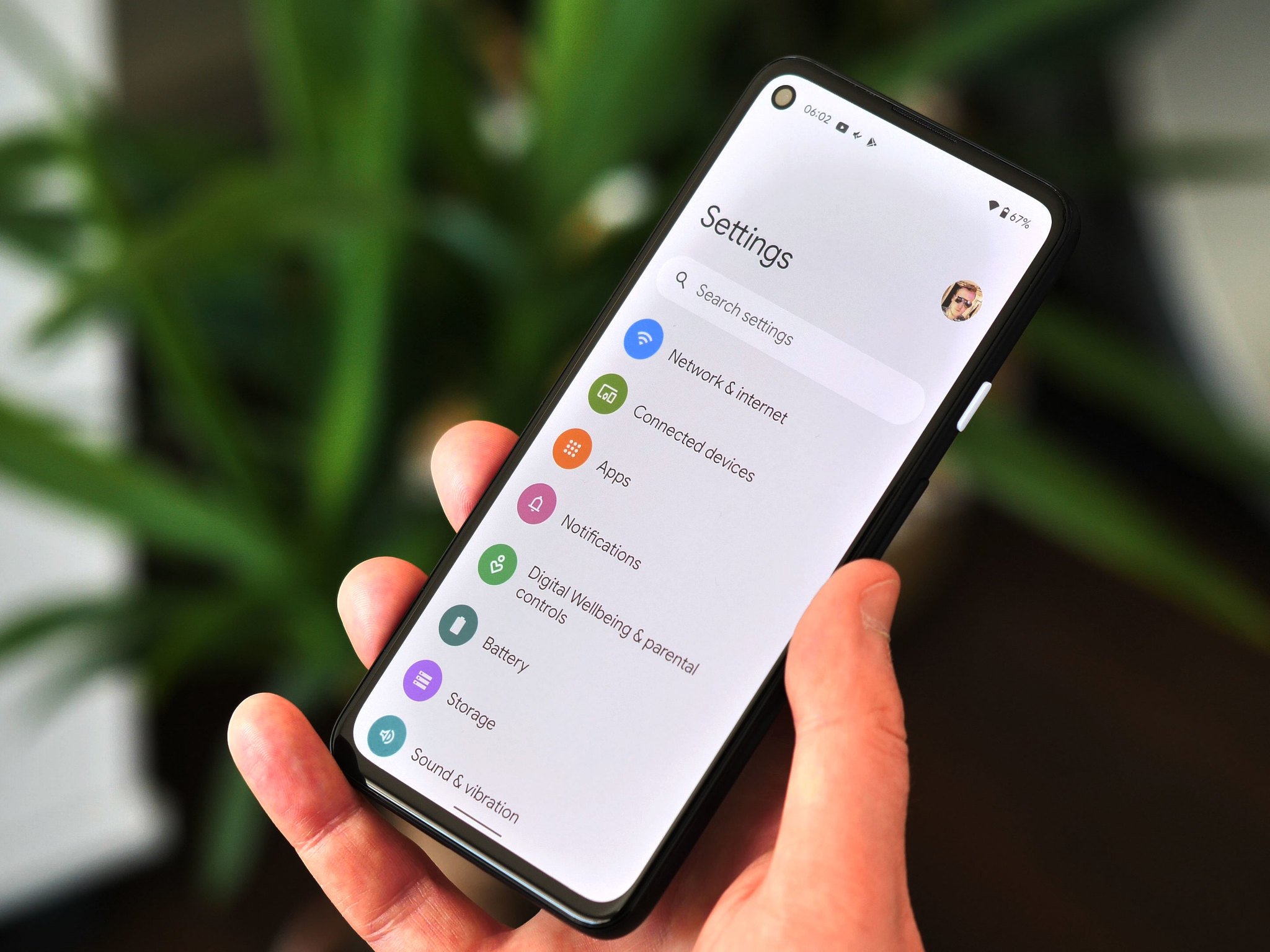
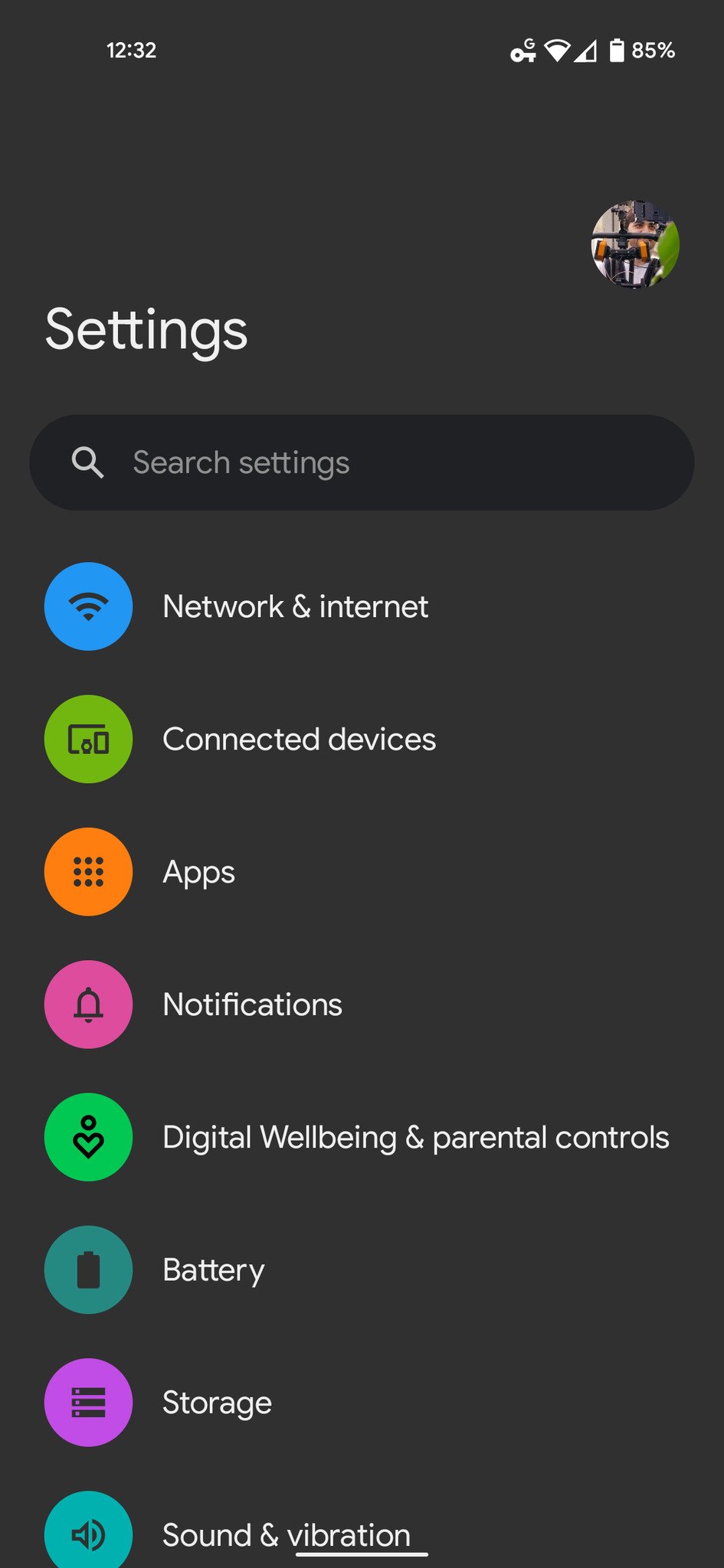
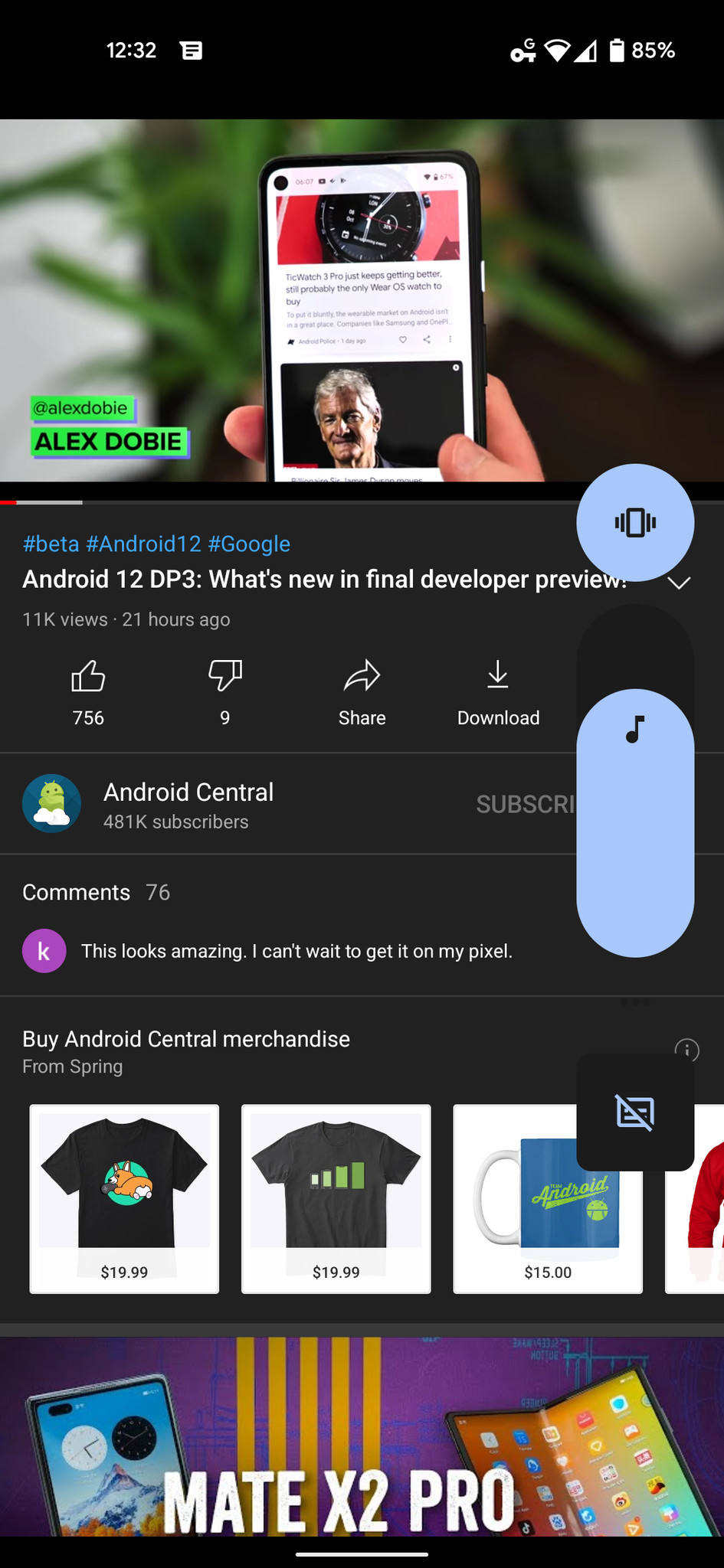
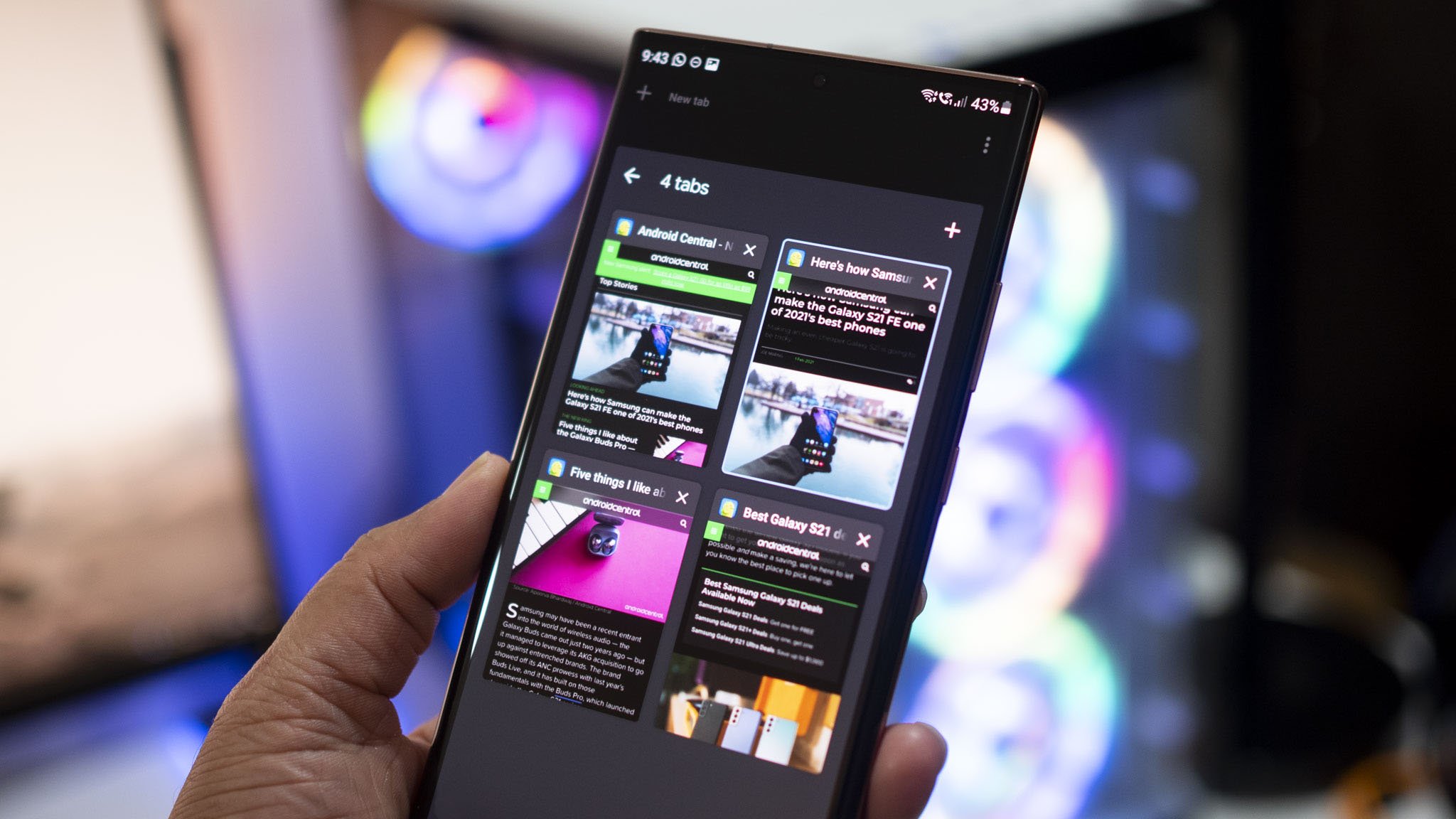
The final Android 12 developer preview is out in the wild, which means it's only a matter of time before the update reaches beta and starts arriving on some of the best Android phones. That will most likely be around Google I/O 2021, where there will be more solid information about the features that are likely to make the final version. Until then, the developer preview has been picked apart on phones like the Google Pixel 5, and we've managed to get a look at surface-level features as well as those not yet ready for prime-time.
Android 12 so far
Over the past couple of months, Google has released three developer previews and some smaller updates in-between. Each developer preview was focused on adding or building upon features that we may or may not see in the final version. There has been quite a bit to discover, but fortunately, we have a few hands-on videos to highlight some of the newer features that each preview comes with.
We at Android Central have already highlighted some of the features we like about Android 12. Some of them may not be as exciting as system-wide theming that has been hinted at throughout the preview but do a lot to improve the usability of Android in general. That includes improvements on the one-handed mode, better notifications, and deeper camera integration with apps.
Now that you've had an early taste of what Android 12 is bringing, what are your thoughts on the platform so far? Comment below on the features you're most excited about or features you could do without.
from Android Central - Android Forums, News, Reviews, Help and Android Wallpapers https://ift.tt/3xGwpRp
via IFTTT
FLoC is a decent solution to the tracking cookies mess, but with Google behind it, competitors and other businesses are leery.
FLoC (Federated Learning of Cohorts) is Google's answer to "fixing" online advertising. It's not a bad solution at all if you look into the tech. Instead of tracking you using cookies (something almost every advertiser does now), it uses your machine and an algorithm built into Chrome to place you into anonymous groups that will receive targeted ads.
The idea, which is still in the works but is available as a Chrome Dev demo, has already done a lot of good, just not how Google has hoped. When a behemoth the size of Chrome — which holds about 60% of the web browser market — makes a change like this, it opens a lot of eyes to just how bad third-party tracking cookies are.
Google's plans for FLoC aren't going as well as it hoped.
We've seen companies like Apple and Mozilla try to tackle third-party cookies, but without the mindshare that Chrome holds, their solutions didn't make the same sizable ripples. Now, almost everyone who cares knows that cookies have become really, really bad.
But Google's plans for FLoC aren't going so well. We've seen companies like WordPress and Duck Duck Go say they will not support the technology, and even Microsoft hasn't turned on FLoC in Edge. Now, the EU is looking into the matter.
The problem is that FLoC can be good for consumers, but it also could strengthen Google's grip on online advertising. It doesn't have to be this way, but looking at Google's past tells a story where plenty of regular people, competitors, and regulators just don't trust the Mountain View giant. I can't say that I blame them.
FLoC can preserve our privacy if done right.
If FLoC works as advertised, you will remain "anonymous" to Google in regards to web browsing tracking. It changes nothing about how Google tracks other usage, but it does decrease the amount of data Google holds about you. And this is (so far) Chrome only — if you have even the best Android phone, it will still call home to Google for everything it already does.
I think if this idea had come from another company, like Apple or Mozilla, there would be a lot less outcry. I also think that everyone needs to look long and hard at how Google could abuse the new technology and try to put safeguards in place to make sure it can't happen. The EU forcing Google to make some changes to how the system works is much more effective than a fine or blocking the tech outright and forcing millions of users to keep accepting cookies or have a broken internet.
This can be done, too. FLoC is a Google invention (senior mathematician Michael Kleber is in charge of the project currently), but it is also completely open-source. Google will give out everything for other companies to use except the algorithm that powers the API. I'd love to see this particular algorithm be forced into an open-source environment by the EU as a permanent fix.
Google deserves this level of scrutiny because it has shown itself to be less than trustworthy.
This is the sort of treatment that Google deserves. I know plenty of people reading this might like Google as a company and think that I'm being too hard on it, but Google has done some really shady things. If someone at Duck Duck Go thinks that Google will abuse this new tech to tighten its grip on the online ad industry, I find it hard to argue with them. We've seen Google get fined, censured, and blocked plenty of times in the past 10 years, and it's mostly the company's own fault.
What I don't want to see is such promising tech for privacy improvements die on the vine just because evil Google is behind it. That kind of thinking would mean we're all still using HotMail and checking out Brick Breaker on our sweet BlackBerry Curves. That's a pretty bleak idea, and I'm an admitted BlackBerry fan.
I do think that this will work itself out. Apple killing the online tracking/advertising model of companies like Facebook means someone somewhere has to come up with a solution. That solution is here, though still in its infancy. Maybe this is the one time all tech companies can work together to fix both online ads and our privacy.
from Android Central - Android Forums, News, Reviews, Help and Android Wallpapers https://ift.tt/3te1eJr
via IFTTT
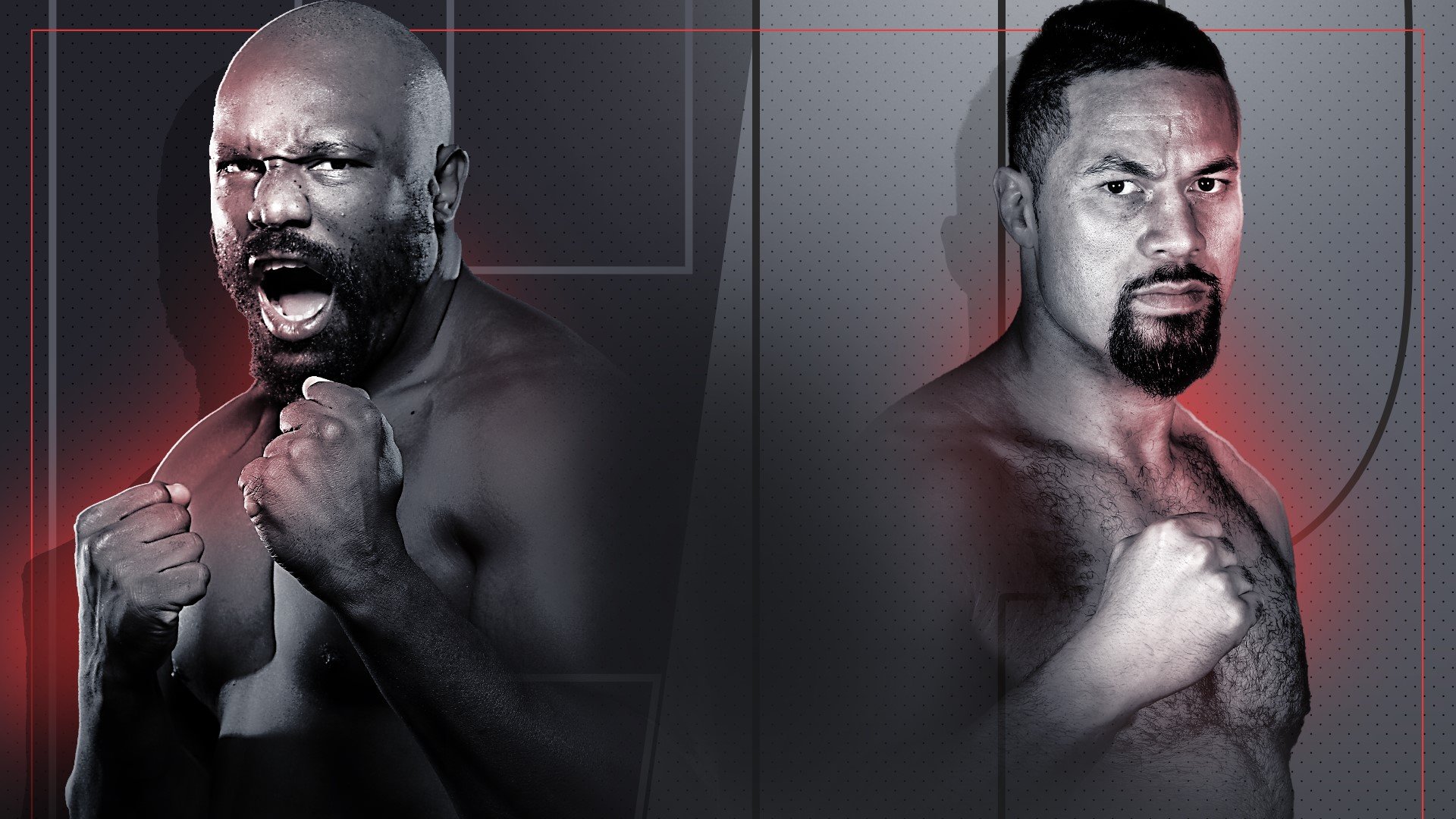
It's been almost two years since Derek Chisora and Joseph Parker were supposed to meet in the ring but this Saturday boxing fans will finally get to see the heavyweight showdown they've been waiting for and we have all the details on how you can watch Chisora vs Parker on TV or online.
The two former heavyweight champions were originally scheduled to go head to head at London's O2 Arena back in October of 2019. However, just before the fight, Parker fell ill after a spider bite and the event was cancelled. Chisora was unconvinced though and in recent weeks he has begun referring to Parker as a chicken ahead of their match.
Parker's last fight was in February when he defeated Junior Fa while Chisora was less successful when he stepped into the ring last Halloween to go up against Oleksandr Usyk. The two will finally have a chance to settle their unfinished business at the AO Arena in Manchester tonight where they'll go 12 rounds in a heavyweight bout.
Chisora vs Parker isn't the only big fight on tonight's card as Matchroom Boxing has also arranged for Katie Taylor and Tasha Jones to face off for the undisputed lightweight championship, Dmitry Bivol and Graig Richards to go toe to toe in a WBA world-light heavyweight title fight and James Tennyson and Jovanni Straffon to meet in the ring for a vacant IBO world lightweight title bout.
Whether you're rooting for Chisora, Parker or just want to catch all the action at AO Arena tonight, we'll show you how to watch Chisora vs Parker from anywhere in the world so you don't miss a second of the boxing.
Chisora vs Parker: When and where?
Derek Chisora and Joseph Parker will meet in the boxing ring at The AO Arena In Manchester, UK on Saturday, May 1. The Main Card will kick off at 2pm ET / 11am PT / 7pm BST with the heavyweight showdown between Chisora and Parker expected to begin at 5pm ET / 2pm PT / 10pm BST.
How to watch Chisora vs Parker in the U.S.
Boxing fans in the U.S. will be able to watch Chisora vs Parker on the sports streaming service DAZN beginning at 2pm ET / 11am PT. A subscription to the streaming service costs $19.99 per month but you can save quite a bit by signing up for an annual subscription for $99.99.
While fighting sports were DAZN's main focus when the service first launched in 2016, it has since expanded its coverage to show other sports including Premier League, NFL, NBA, MLB, NHL, Formula One and others. If you're a big boxing fan, signing up for DAZN's annual subscription makes a great deal of sense as you'll also be able to watch Canelo vs Sanders and Haney vs Linares later this month as well as Garcia vs Fortuna in July.
DAZN is the place to go to stream Derek Chisora vs Joseph Parker live in the U.S. It's $20 for the month or $100 for the year.
Livestream Chisora vs Parker in the UK
UK viewers will be able to watch Chisora vs Parker on Sky Sports Box Office beginning at 7pm BST. Whether you're already a Sky TV subscriber or not, you'll still be able to purchase access to Chisora vs Parker for £19.99 on Sky Sports Box Office.
If you happen to miss Chisora vs Parker, don't worry as Sky will show the full event in its entirety at both 9am BST and 4pm BST on Sunday, May 2.
Whether you have Sky or want to watch this boxing PPV as a one-off, you'll need to purchase it via Sky Box office. After doing so, you can watch it live on TV, online, or via the NOW app on your mobile and smart TV devices.
Live stream Chisora vs Parker in Canada
Just like in the U.S., Canadian boxing fans will also be able to watch Chisora vs Parker on DAZN. In Canada the Main Card will start at 2pm ET / 11am PT on Saturday.
DAZN is the place to go to stream Chisora vs Parker live in Canada. Try it free for one month and then pay just $20 monthly after that, or $150 for the year.
Live stream Chisora vs Parker in Australia
It's the same story Down Under, with streaming service DAZN has the Australian rights to show the Chisora vs Parker fight with the action kicking off at 4am AEST / 2am AWST on Sunday in Australia.
DAZN is the place to go to stream Chisora vs Parker live in Australia. It's super cheap at just $3 per month right now.
Watch Chisora vs Parker from anywhere
We have all the details on how you can watch Chisora vs Parker in the U.S., Canada, the UK, and Australia further down in this guide. However, if you want to watch the heavyweight showdown when you're away from home, then you'll run into problems as your domestic coverage online from abroad will likely be geo-blocked.
That's where a VPN (Virtual Private Network) can really come in handy. They allow you to virtually change the IP address of your laptop, tablet, or mobile to one that's back in your home country which will let you watch as if you were back there.
VPNs are incredibly easy to use and have the added benefit of providing you with an additional layer of security when surfing the web. There are also a lot of options but we recommend ExpressVPN as our top pick due to its speed, security and ease of use. The service can even be used on a wide array of operating systems and devices (e.g. iOS, Android, Smart TVs, Fire TV Stick, Roku, game consoles, etc). Sign up for ExpressVPN now and enjoy a 49% discount and 3 months FREE with an annual subscription. You can even test it out for yourself thanks to the service's 30-day money-back guarantee. Looking for more options?
Andy Ruiz makes his first appearance in the ring since losing his heavyweight title, tonight as he looks to get his career back on track against veteran slugger Chris Arreola. Read on for your full guide to watching an Andy Ruiz vs Chris Arreola live stream and don't miss a single punch.
It's been a lengthy wait for Ruiz to return to action, with the former undisputed heavyweight champ having not fought since his rematch defeat to Anthony Joshua in Saudi Arabia all the way back in December 2019.
The Mexican-American fighter famously pulled off one of boxing's biggest shocks by beating the British fighter in their first encounter at Madison Square Gardens a year earlier to take the WBA (Super), IBF, WBO, and IBO.
But after coming under fire for being comically overweight for the rematch and keen to prove his title-winning victory was no fluke, Ruiz begins his comeback this weekend with a new slimmed-down look.
Looking to be in the best shape of his career and now under the tutelage of trainer-of-the-moment Eddy Reynoso, the deceptively quick-handed Ruiz will hope to make a winning return against four-time title challenger Chris "The Nightmare" Arreola.
The 40-year-old veteran has fallen short in bids for belts against Vitali Klitschko, Bermane Stiverne, and Deontay Wilder, and the experienced fighter should prove a tough challenge for a fighter looking to get his confidence back.
Read on to find out how to watch a Ruiz vs Arreola live stream online, no matter where you are in the world.
Ruiz vs Arreola: Where and when?
This big fight is set to take place this Saturday at the Dignity Health Sports Park in Carson, California. Ring walks for the main event are expected at around 12am ET / 9pm PT / 5am BST (Sunday) / 2pm AEST (Sunday)
Watch Ruiz vs Arreola online from outside your country
We have details of all the U.S., UK, Australian and Canadian broadcasters showing this massive huge further down in this guide. If you're intent on watching the Ruiz vs Arreola, but find yourself away from home then you'll run into problems when trying to stream your domestic coverage online from abroad as it's likely to be geo-blocked.
That's where a VPN (Virtual Private Network) can be a lifesaver. They allow you to virtually change the location of your laptop, tablet, or mobile to one that's back in your home country, letting you watch as if you were back there.
VPN's are incredibly easy to use and have the added benefit of giving you a further layer of security when surfing the web. There are lots of options, and we recommend ExpressVPN as our #1 pick due to its speed, security, and ease of use. It can be used on a vast array of operating systems and devices (e.g. iOS, Android, Smart TVs, Fire TV Stick, Roku, games consoles, etc). Sign up for ExpressVPN now now and enjoy a 49% discount and 3 months FREE with an annual subscription. Or give it a try with its 30-day money back guarantee. Looking for other options? Here are some alternatives that are on sale right now.
No matter where in the world you may be, a VPN is one of the easiest ways to watch Ruiz vs Arreola. Get in on this deal now!
How to watch Ruiz vs Arreola online in the U.S.
Fox Sports has nabbed the live broadcast rights for this big title fight, with the event available via pay-per-view.
The whole bill costs $49.99, and you can tune in across a range of devices, including your TV, laptop, tablet, or phone. Coverage of the main card is set to get underway at 9pm ET / 6pm PT, with Ruiz and Arreola expected to be in the ring at around 12am ET / 9pm PT, depending on how long the preceding fights last.
Can I stream Ruiz vs Arreola live in Canada?
At present, there doesn't appear to be a Candian broadcaster carrying Ruiz's big comeback fight.
The only alternative is to use one of our best VPN services as described above, set your location to a country on this page that is broadcasting and go from there. But do bear in mind that most paid streaming services do require a credit card based in the country the service is from.
How to stream Ruiz vs Arreola live in the UK
Unfortunately, it's the same situation in the UK, with no broadcaster in the region confirmed to show the Andy Ruiz vs Chris Arreola fight.
Your best bet, therefore, is to explore the VPN route set out above, in order to tap into a broadcast from elsewhere. The fighters are due to make their ring walks at around 5am BST.
Live stream Ruiz vs Arreola in Australia
There's better news for Aussie fight fans, with Fox Sports set to show the action via Foxtel channel 505.
That means there's no PPV fee to worry about. It also means you can live stream the fight via Foxtel Now, which offers a range of plans starting from AUS$25 a month, however, new members get a 10-day FREE Foxtel trial thrown in.
Coverage of the main card starts at 11am AEST on Sunday morning, with the two fighters expected to make their ring walks at around 2pm.
from Android Central - Android Forums, News, Reviews, Help and Android Wallpapers https://ift.tt/3gUAP14
via IFTTT
Fight your way through ancient China in Unruly Heroes, an action-packed new take on Journey to the West!
Journey to the West, one of the Four Great Novels of Chinese literature, has had many interpretations in the 400+ years of its existence. With more television, film, comic books, manga, and video game adaptations than I can even count, a new game based on this classic tale hardly seems novel. Heck, even Dragon Ball bears the markers of Journey to the West's influence!
But if you're not familiar with the story, I'll give you the shortest summary I possibly can. Journey to the West recounts a monk's pilgrimage to obtain sacred Buddhist texts and achieve enlightenment along the way. Encountering many evils on his path and picking up a motley crew to join him on his quest, Journey to the West's legendary tale of Tang Sanzang and his disciples has withstood the test of time for good reason.
With such venerated source material and such an inundated catalog of competitors to be measured against, it seems like a daunting task to try and elbow one's way into this crowded space. And yet, the good folks over at Magic Design Studios (with Perfect Game Speed for the mobile port) have proven themselves up to the task with Unruly Heroes, a platforming romp that's packed to the gills with action, hijinks, and humor. This one is definitely going on the list of Best Mobile Games!
Platformers are one of my favorite genres of gaming. Period. I was raised on the likes of Spyro, Crash Bandicoot, and Metroid, and that love of platformers has never waned thanks to modern masterpieces like Hollow Knight and Ori and the Blind Forest. That being said, I'm often wary of new platformers on mobile, as I've had some less than stellar experiences in the past.
Each character has their own special abilities, and you'll swap through all four of them in each level to win.
Unruly Heroes, thankfully, is a wonderful mobile platformer! The game includes controller support, but I didn't need it, thanks to the good quality of the UI and touchscreen controls. Movement takes place in side-scrolling fashion using a fixed, virtual analog stick in the bottom right corner and then jump, attack, dodge, and interact with the environment using a set of buttons in the bottom left corner.
In each level, you can freely swap between your four playable characters — Sanzang, Wukong, Sandmonk, and Kihong — each of whom has their own unique traits and abilities like double jump and glide. Each character's different abilities give combat some needed variety and create clever environmental puzzles for you to solve. If your current character dies, you just swap over to another character to keep fighting on. As long as you have even one character remaining, you can regain your teammates by breaking open their free-floating soul bubbles, thereby restoring them to your roster.
The gameplay isn't perfect, though, and sometimes things can feel a little too loose and floaty when you don't want them to. I didn't have too much trouble with this after a while, but early on, I found myself overshooting jumps and occasionally struggling to reposition myself, especially during fights against multiple enemies. These weren't common occurrences, and those using controllers may not encounter similar issues at all. Interspersed with the platforming segments are enemies and the occasional boss fight. Combat in Unruly Heroes is straightforward button-mashing where you dodge, jump, and combo your way to victory using a fist-shaped attack button. What it lacks in complexity, Unruly Heroes makes up for with just plain old fun.
Unlike other mobile ports with overly complex touch controls, the simple control scheme of Unruly Heroes feels great.
Unlike other games I can think of, like Forgotton Anne, which tried to do a bit too much with the controls and created a frustrating experience in the process, the control scheme in Unruly Heroes actually feels great. The few troubles I have had were clearly all Me Problems, as I definitely would have hit the dodge button at the right time if I had actually been paying attention to the falling hazards above me.
Furthermore, the art design, audio effects, and soundtrack for Unruly Heroes are awesome. These are some of the prettiest hand-drawn graphics I've seen in a mobile platformer recently, maybe not in terms of technical prestige, but certainly in terms of how much I enjoyed the game's style. Character designs, environments, and backgrounds are bold and colorful, and the animations are incredibly fluid. The smooth animations are backed up by — and made more impactful thanks to — the satisfying audio effects. You really feel like you're packing a punch when you're wailing on a horde of enemies with Wukong's staff or Sandmonk's brutal fists.
The art design, audio effects, and soundtrack are all amazing!
And the soundtrack? Gosh dang, it is good! Influenced by traditional Chinese music with modern flair sprinkled in to make it suitable for fast-paced arcade action, Unruly Heroes crafts an immersive atmosphere that does an admirable job of bringing the story to life. There are nearly 30 levels to play through, with replay value in the form of collecting all available coins, keys, and beating time trials. The collectibles exist for both fun and utility, unlocking extra abilities and skins for your four heroes.
Weighing in at $1.99 and about 9-12 hours worth of playtime, this premium mobile game contains no in-app purchases or ads. Unruly Heroes is well worth the cost, especially when you consider that its price on other platforms can be as high as $19.99. You're getting a serious discount for playing the mobile version, and yet the experience is preserved thanks to the smooth touchscreen controls and optional controller support for those that prefer it.
Unruly Heroes was ported to Android in March 2021, so if you haven't checked out this fabulous platformer yet, I would highly recommend it!
The Wyze Bulb Color proves an excellent smart light bulbs don't have to be expensive.
When it was announced, I was really looking forward to working on a Wyze Bulb Color review because finding an LED bulb that offers both colors and tunable whites isn't necessarily difficult, but generally, if you want those colors to be vibrant across the board — it is expensive. Some of the best smart light bulbs cost as much as $50 for a single bulb. This is why checking out what Wyze had to offer in the smart light space, specifically colored bulbs was so enticing.
Wyze is known for making a variety of smart home gadgets for very accessible prices. It makes some of the best security cameras at fractions of the cost for most other brands, especially when considering the Wyze Cam Outdoor. I have been using Wyze's tunable white LED smart bulbs for over a year now, and if Wyze can bring the same low-cost and high-quality to a color smart bulb option — I'm going to be very happy.
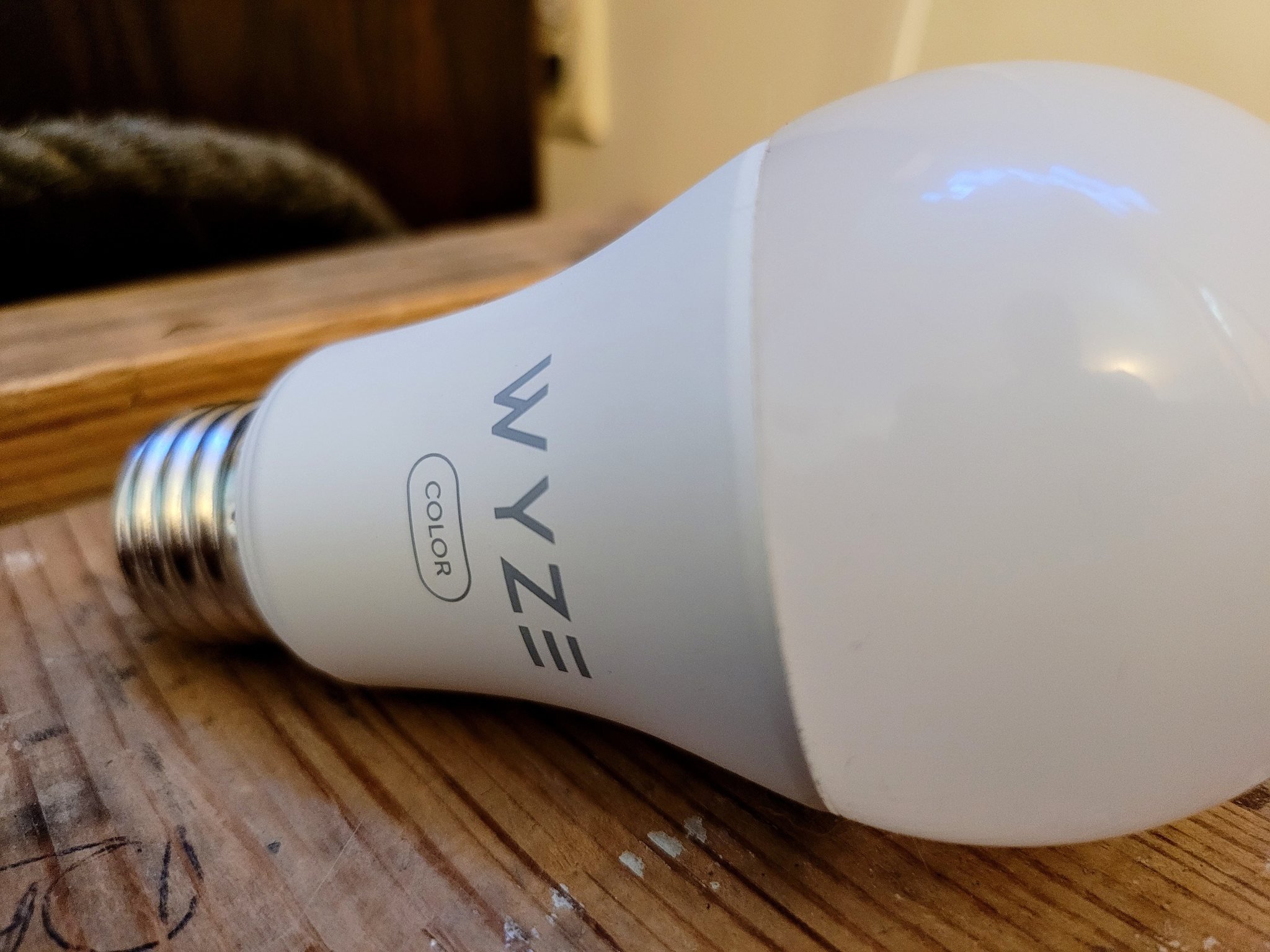
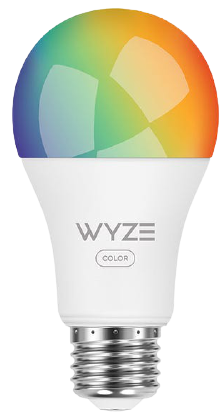
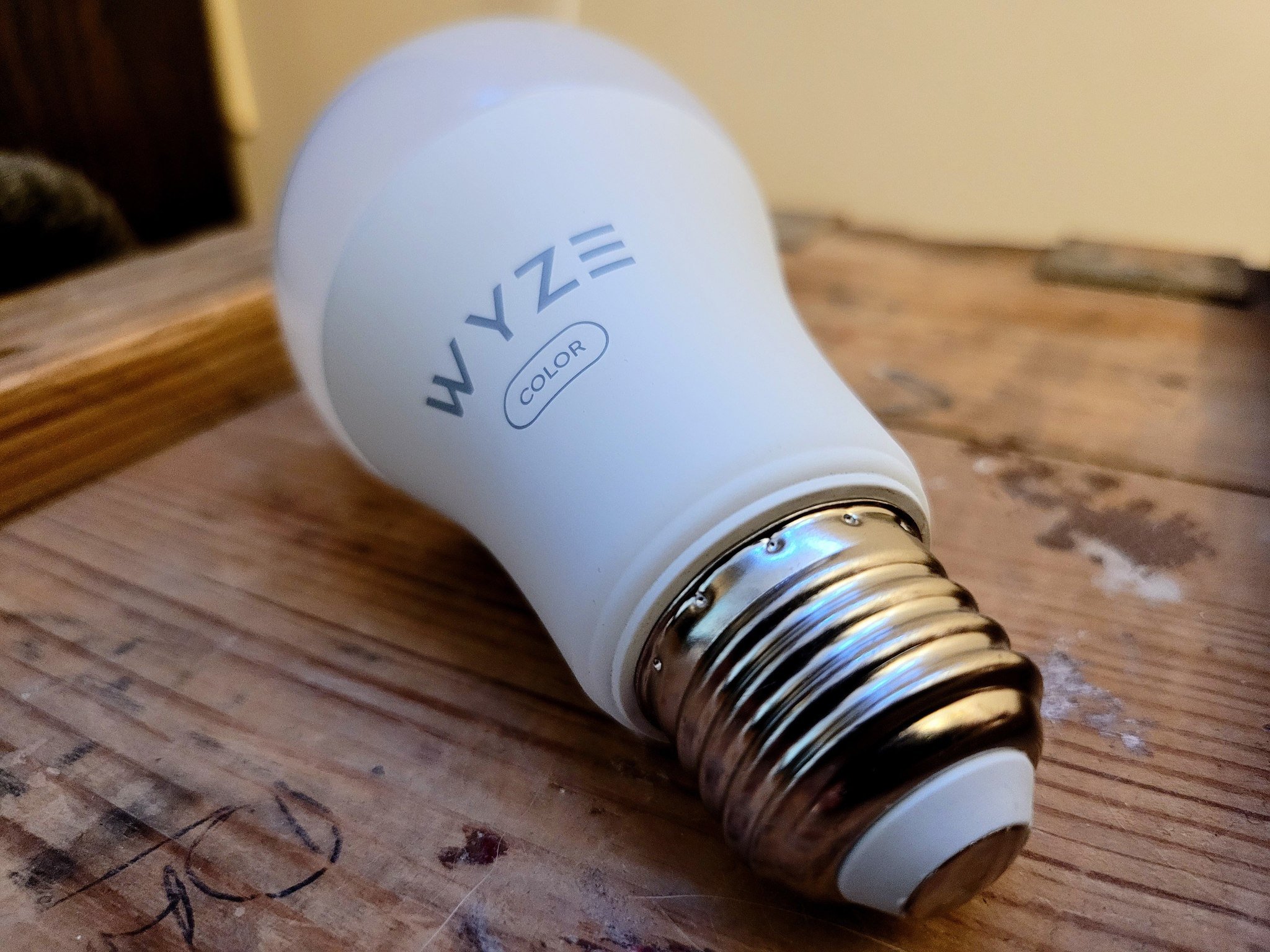
Wyze Bulb Color
Bottom line: The Wyze Bulb Color is an excellent smart light bulb with good color saturation and a wide range of whites that can get very bright. Its companion app has many great features to give you a lot of control over your lighting — all at a very affordable price.
The Wyze Bulb Color was announced for pre-order on February 16, 2020, at a special price of $34.99 for a four-pack on the Wyze website. Launching two days later, a two-pack of bulbs was available from Amazon for the current price of $26.98. Wyze is selling both a two and a four-pack of the bulbs on its website for $19.99 and $39.99, respectively.
Wyze Bulb Color: What you'll like
I have been integrating various pieces of smart home tech into my home for about five years now. In that time, I have used many different brands of smart lights. After I finally got tired of fighting connectivity issues, multiple apps, and feature parity between the brands, I have mostly settled on the way too expensive Philips Hue ecosystem for most of my lighting.
However, in the last year or so, when I "needed" another smart bulb to add to my setup, I have begun adding in Wyze Bulbs. This is for a couple of reasons. The first reason is that I already use a few of their cameras and other products, so I'm familiar with the companion app. The other reason is likely the most significant, and that's the price. Everything that Wyze offers is at an easily approachable price, and its products have the same or more features as more expensive options.
Specs
Wyze Bulb Color
Dimensions
2.5" x 2.5" x 5"
Weight
4.96 oz
Bulb Shape
A19
Base Type
E26
White Color Temperature
1800K - 6500K
Color Range
16 million
Lumens
1100 (75 watt equivalent)
Life Expectancy
25,000 hours
Connectivity
802.11 b/g/n, 2.4GHz
Bluetooth
Hub Required
❌
Smart Assistant Compatibility
Google Assistant
Alexa
Now that Wyze has finally brought out some colored smart lights, I can integrate them into areas that I want to add some lighting excitement. All of the Wyze bulbs are hubless, which means you won't need to buy or maintain any additional hardware once you have your bulbs.
Wyze Bulb Color uses Wi-Fi to control the bulb, but you can still control the bulb via Bluetooth when the internet is down.
The process of adding a new bulb is as simple as screwing it into an E26 lamp socket; that's the most common bulb socket for the United States. From there, you simply power it on, open the Wyze app, then tap on the ➕ symbol. The Wyze app uses easy-to-follow steps to add the device to your Wi-Fi network and organizes it within your app. Once you have your bulb all set up, you can choose an icon to represent it, change its name, add it to a group, and arrange where it is in the app.
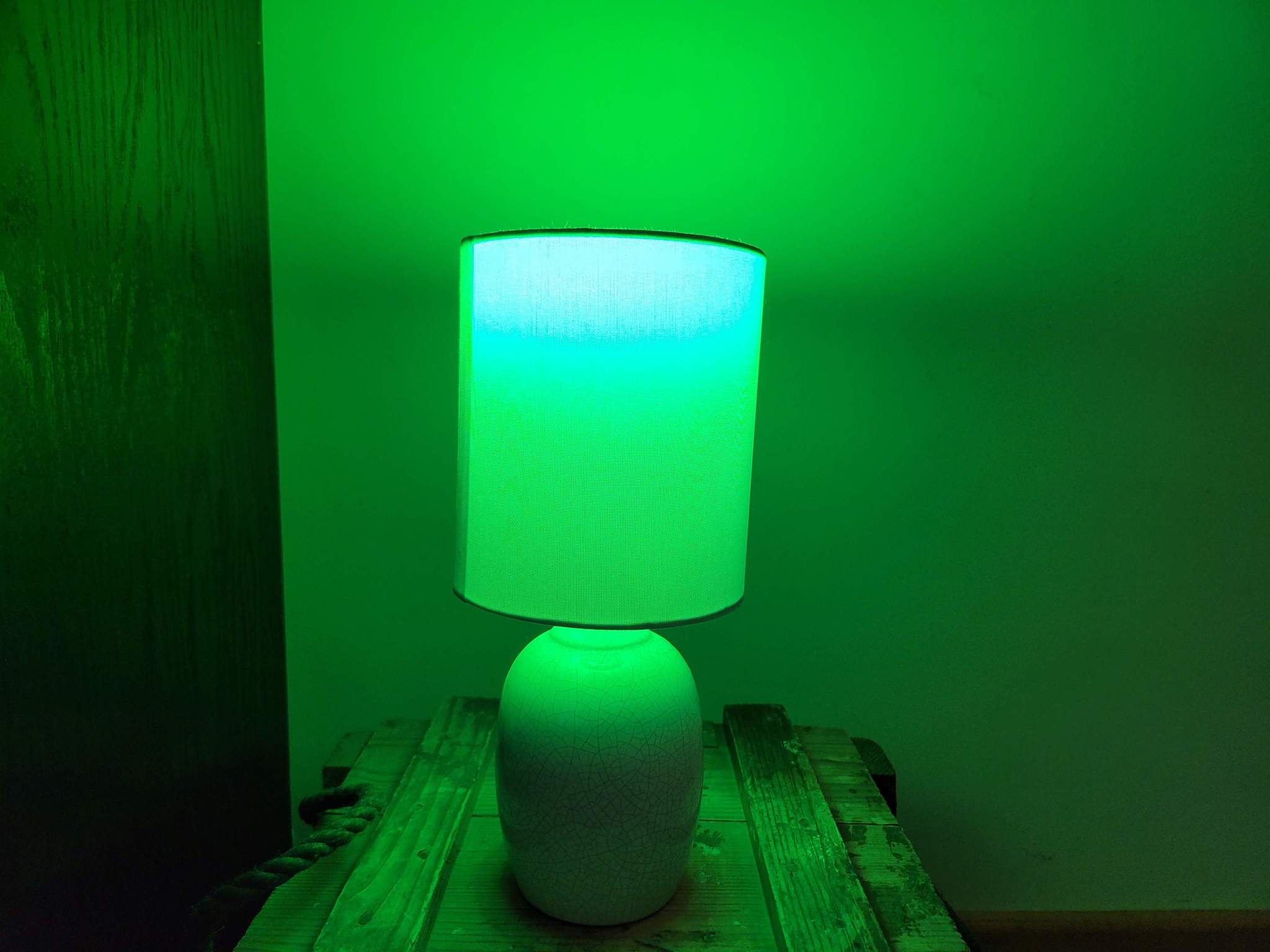
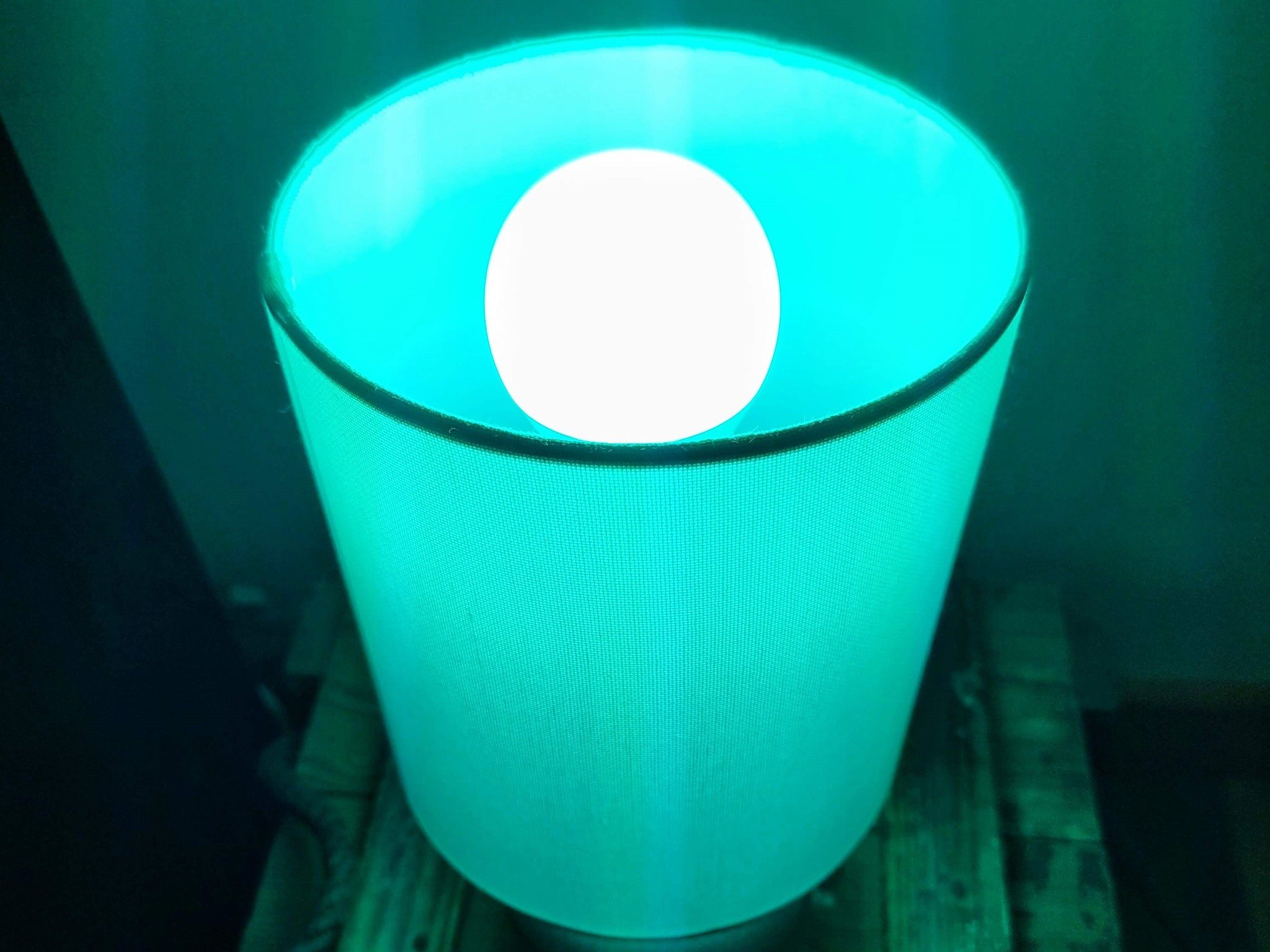
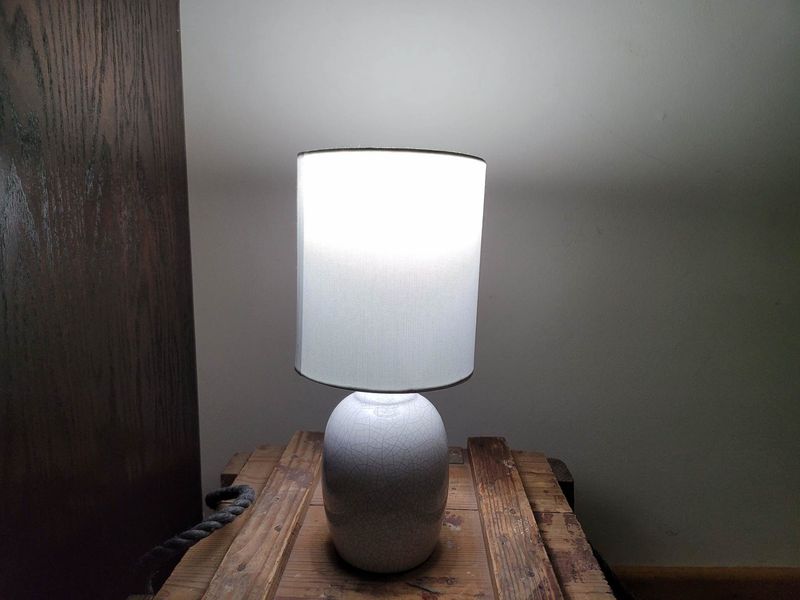
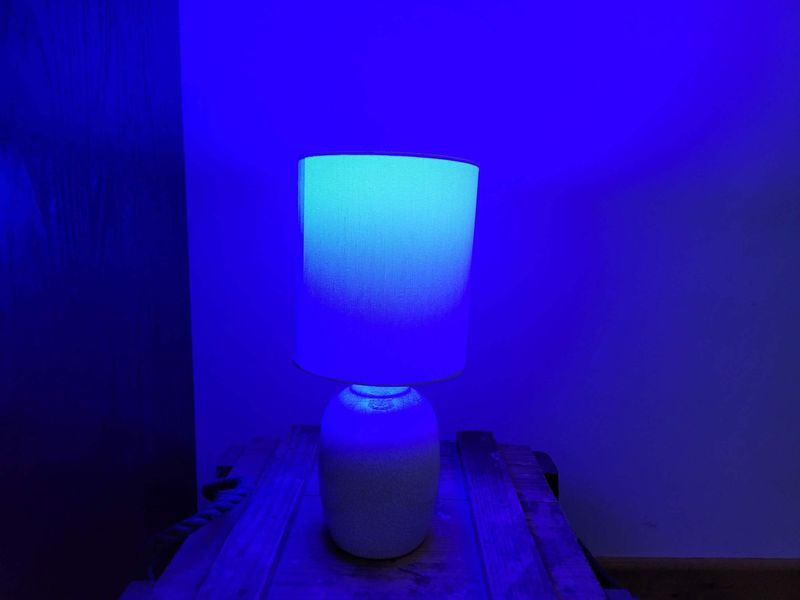
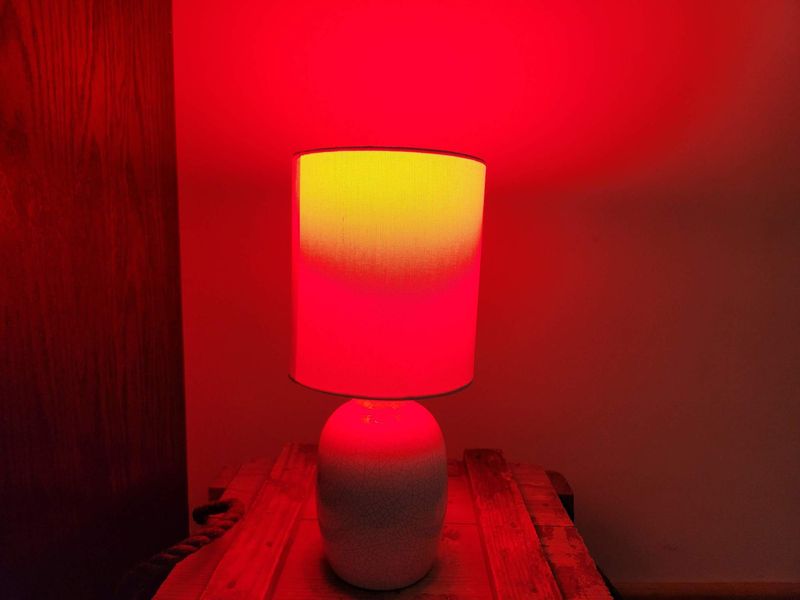
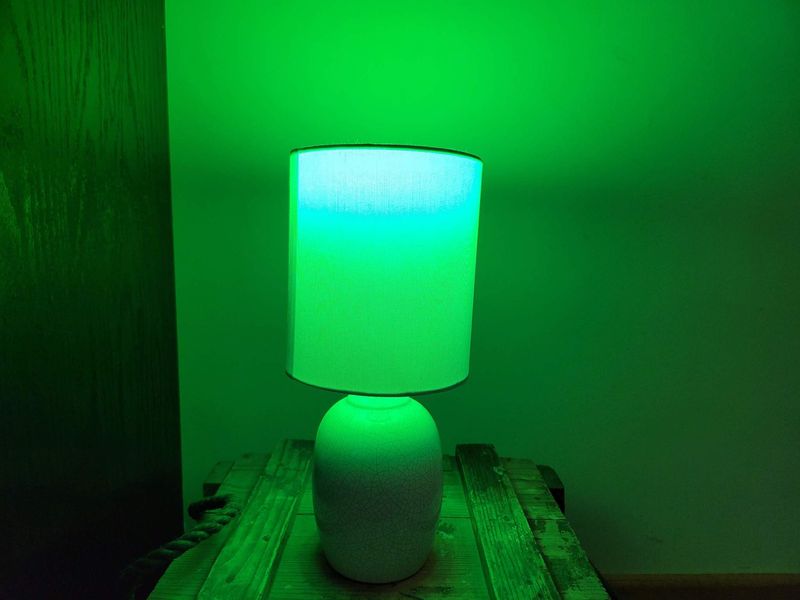
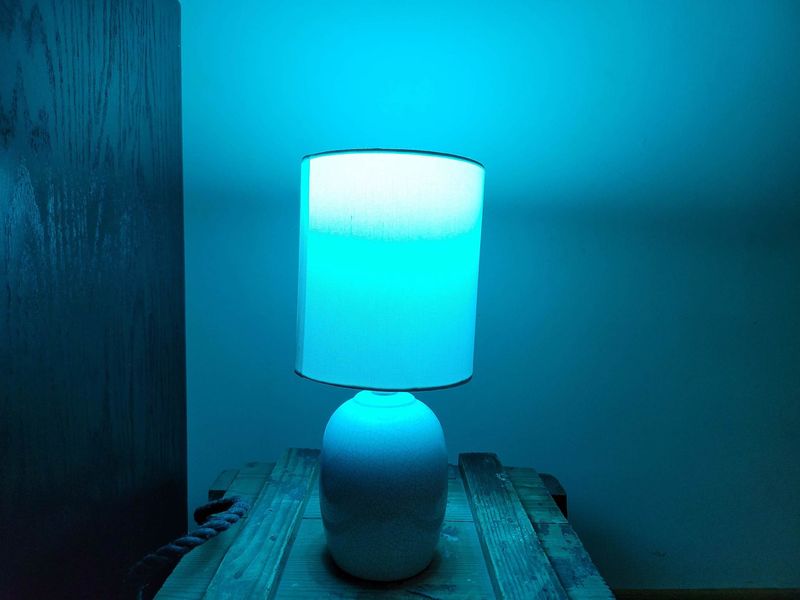
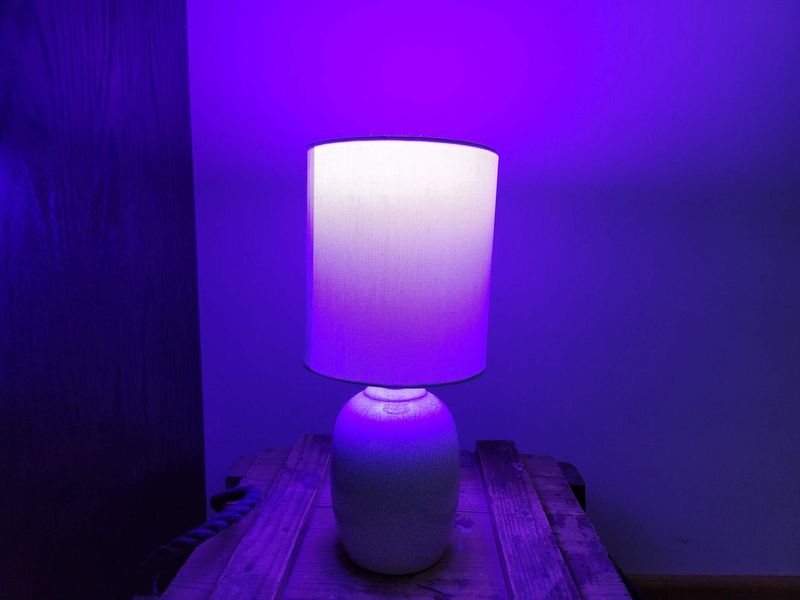
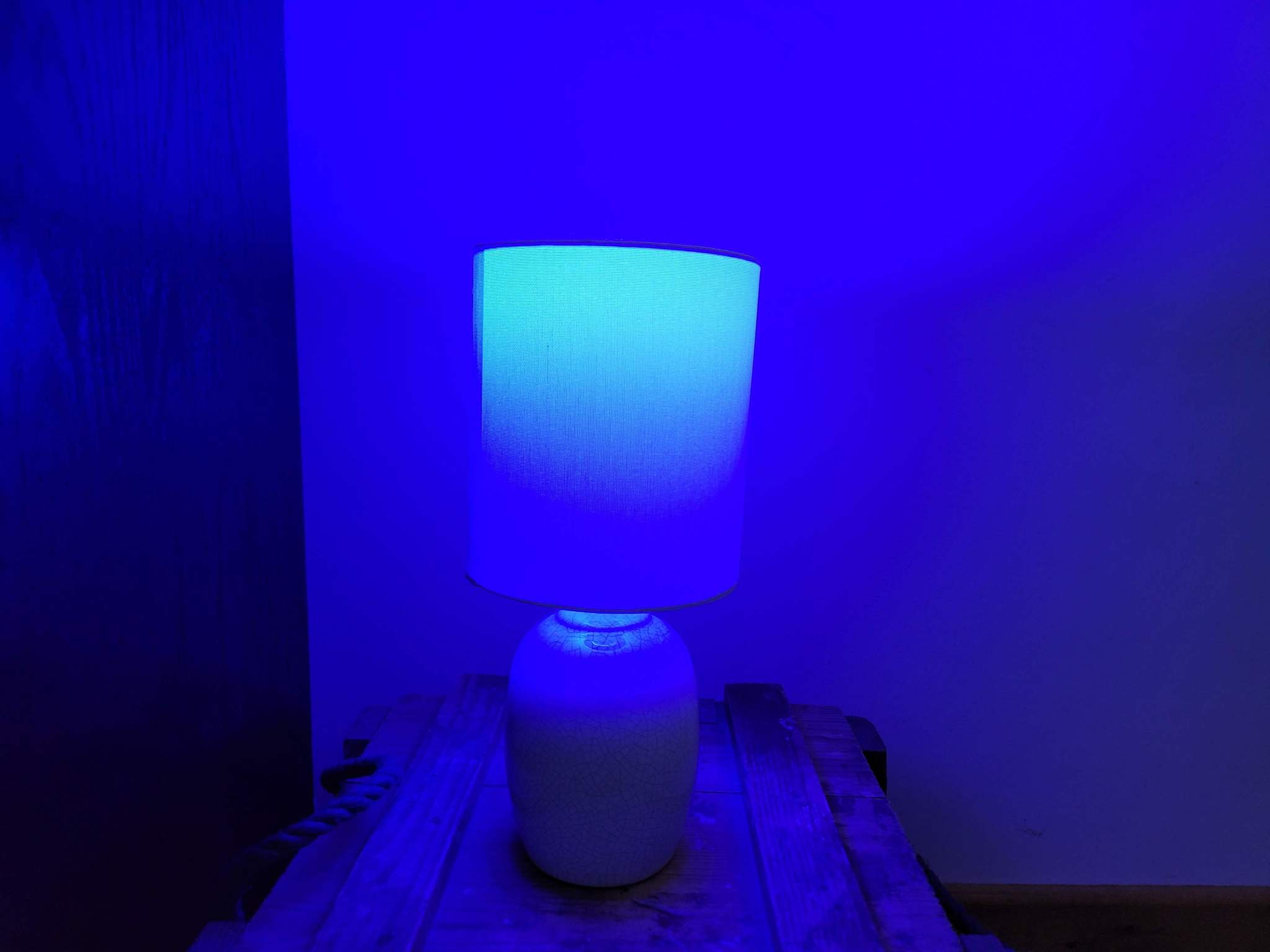
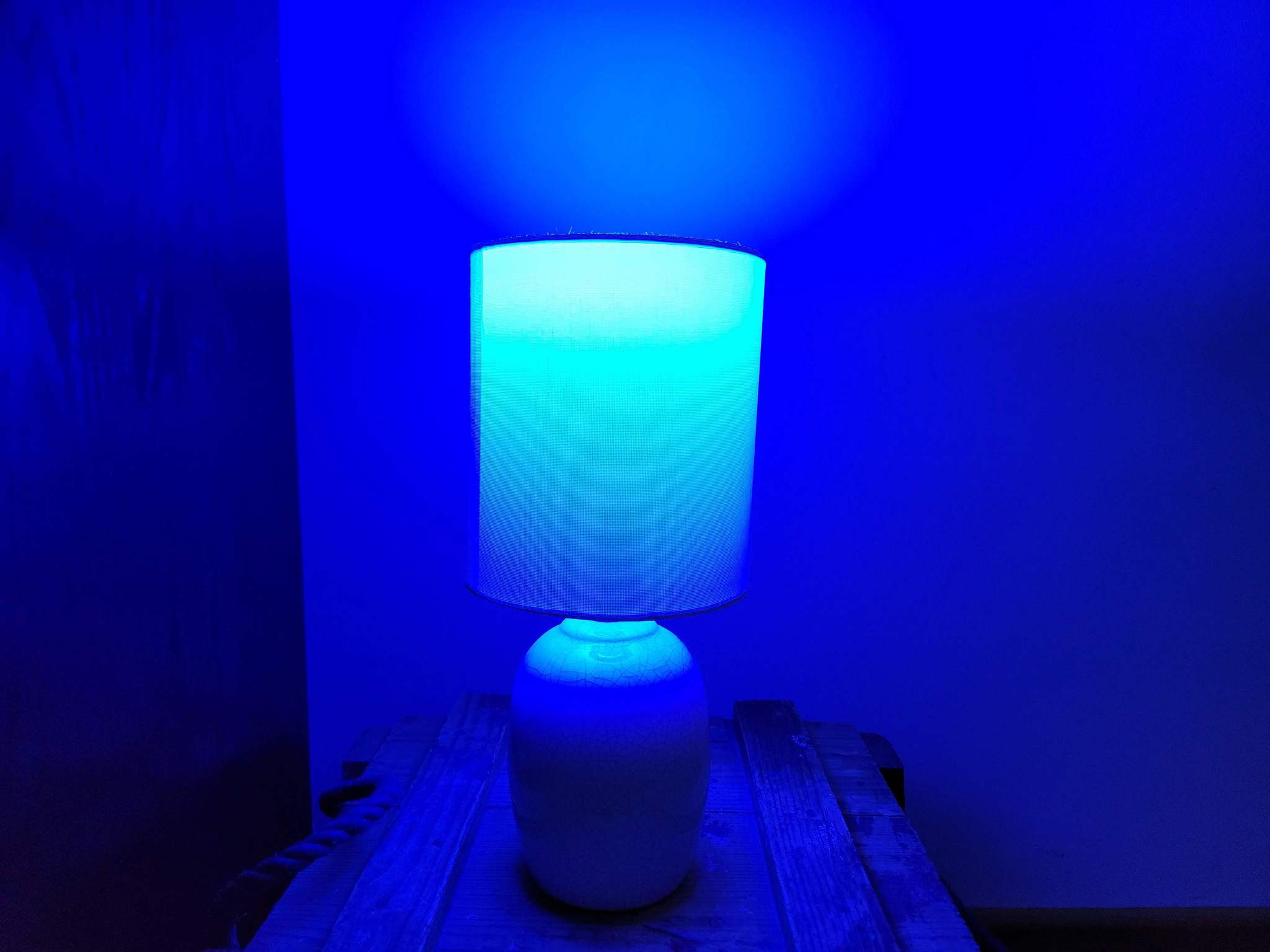
The Wyze Bulb Color supports over 16 million colors and a range of tunable whites from 1800K - 6500K, with a max brightness of up to 1100 lumens. Unlike some smart bulbs costing way more money, this one offers excellent saturation for almost all colors. My all-time favorite color bulbs are the LIFX smart lights; however, I have had so many connectivity issues with those bulbs that I just can't use them anymore.
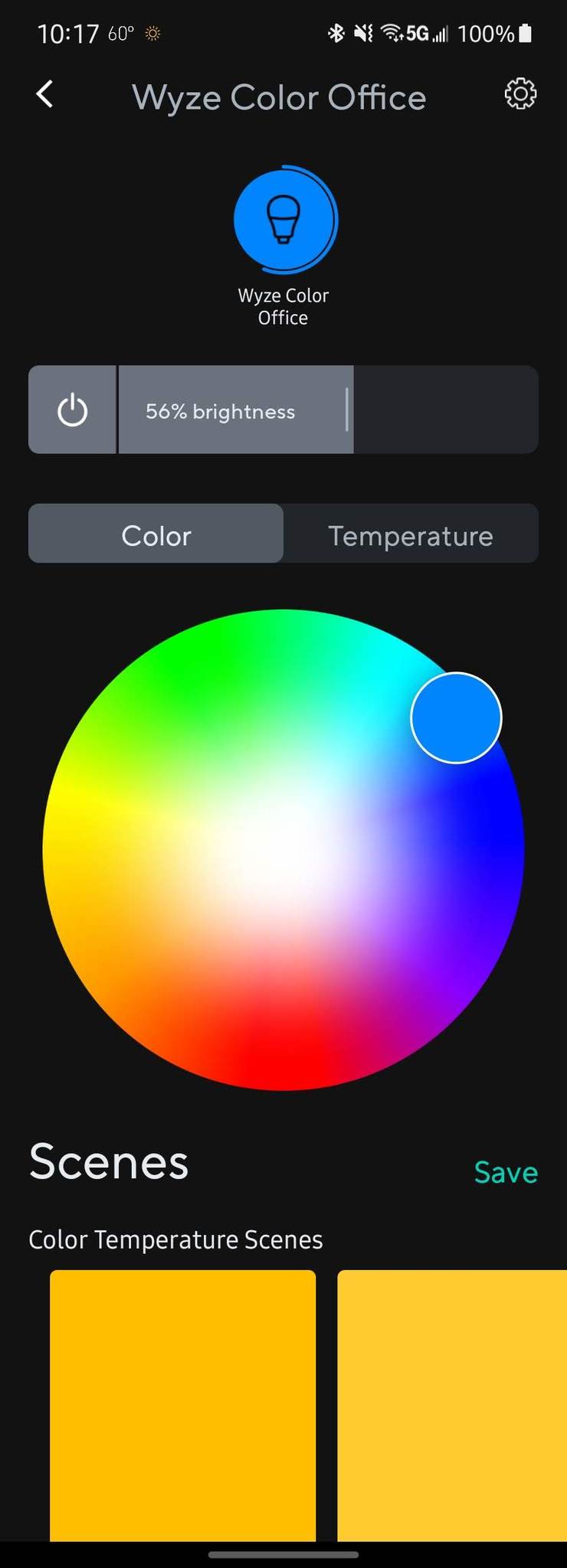
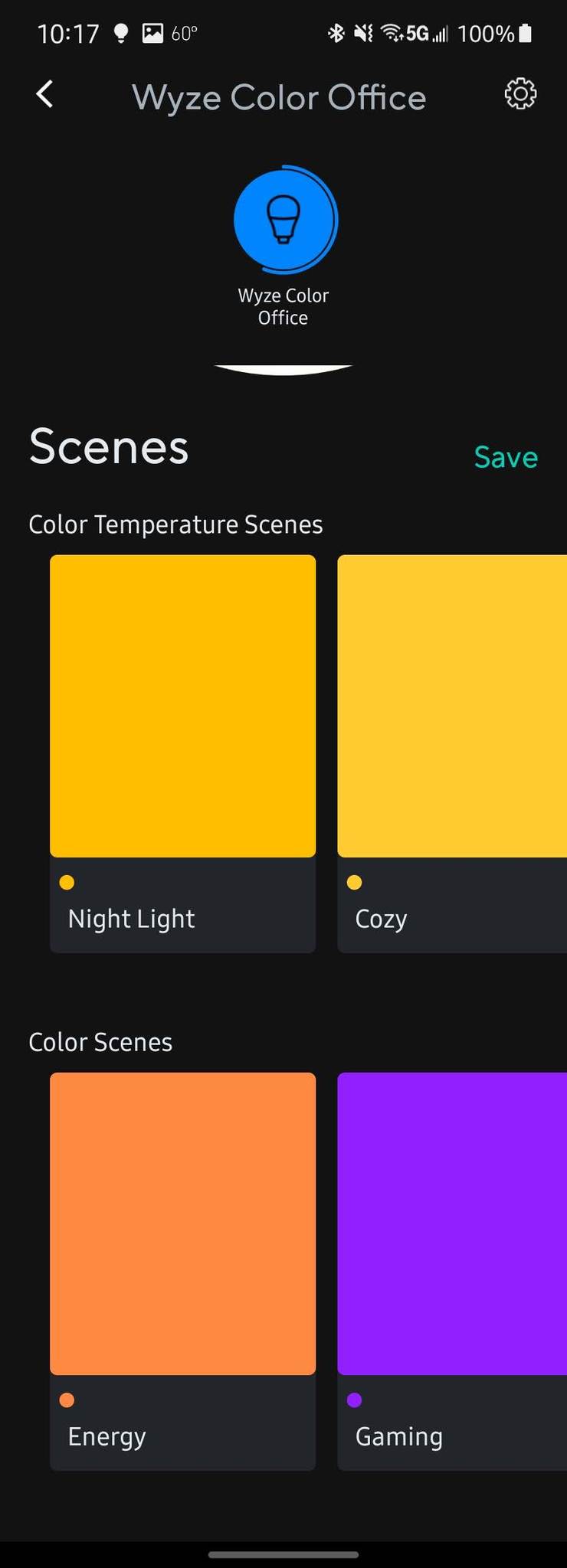
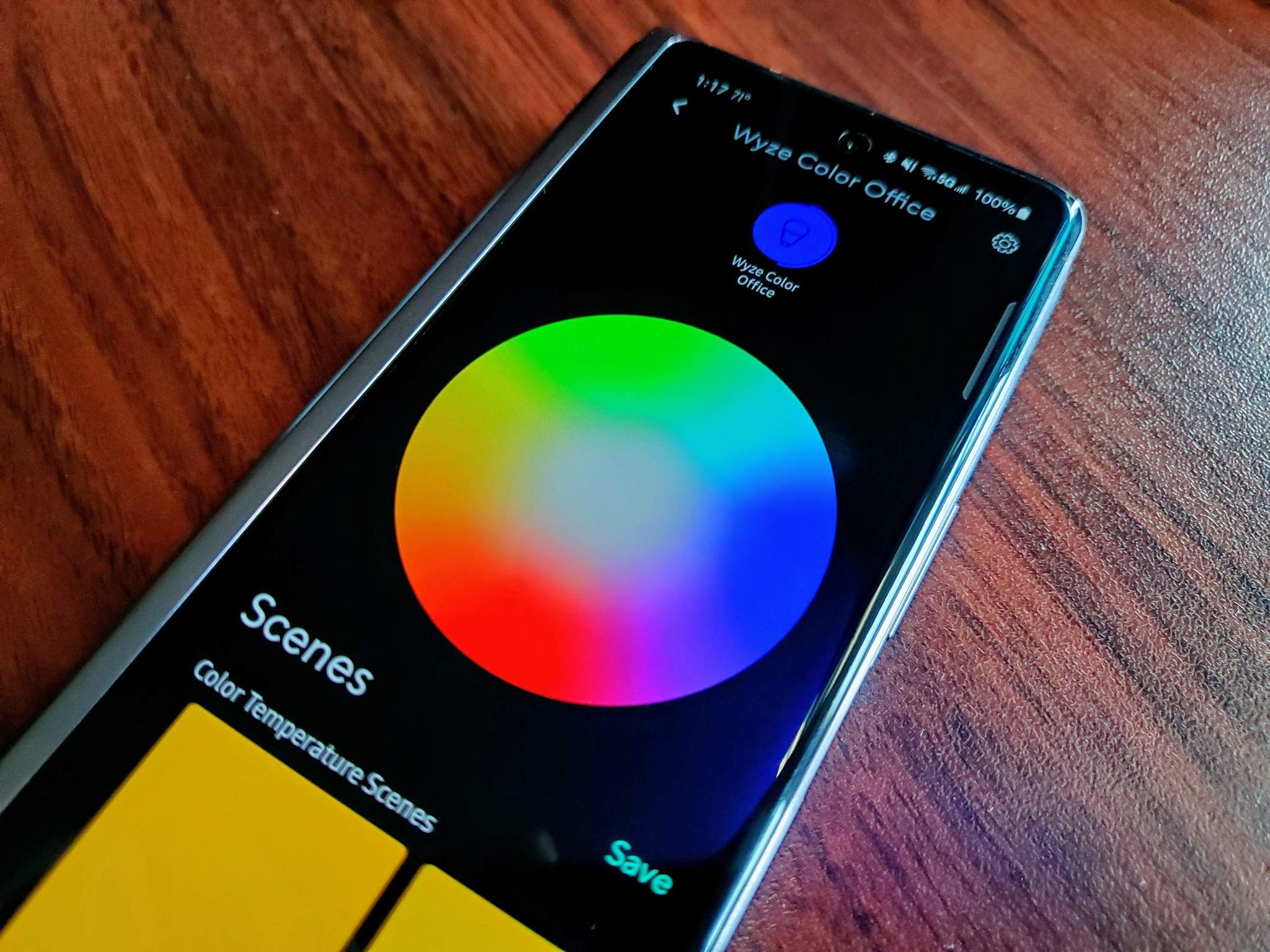
Using the color wheel in the Wyze app, you can drag the picker to any color and saturation level you choose. The bulbs have had excellent connectivity, so changing the colors is nearly instant as I adjusted them in the app. If you find a color that you really like and plan to use frequently, you can save it as a scene so that you can quickly get back to it when you want to.
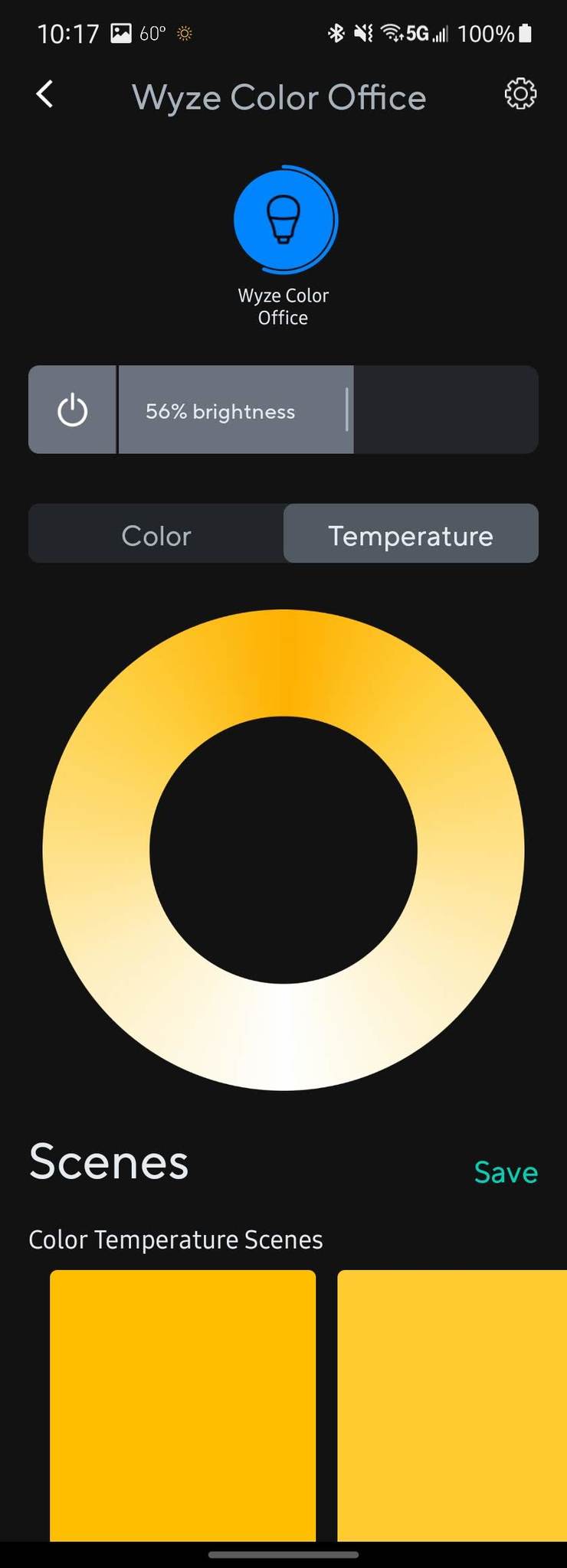
If you want to set your Wyze Bulb Color to a more natural light, tap on Temperature to get the tunable whites. Operating in the same fashion as choosing a color, there's a ring of white light temperatures you can scroll through. Just as with colors, if you find a light you really like — you can save it as a scene. With Google Assistant and Alexa integration, you can use your voice to change the light's brightness and colors — you can turn it off or on that way too.
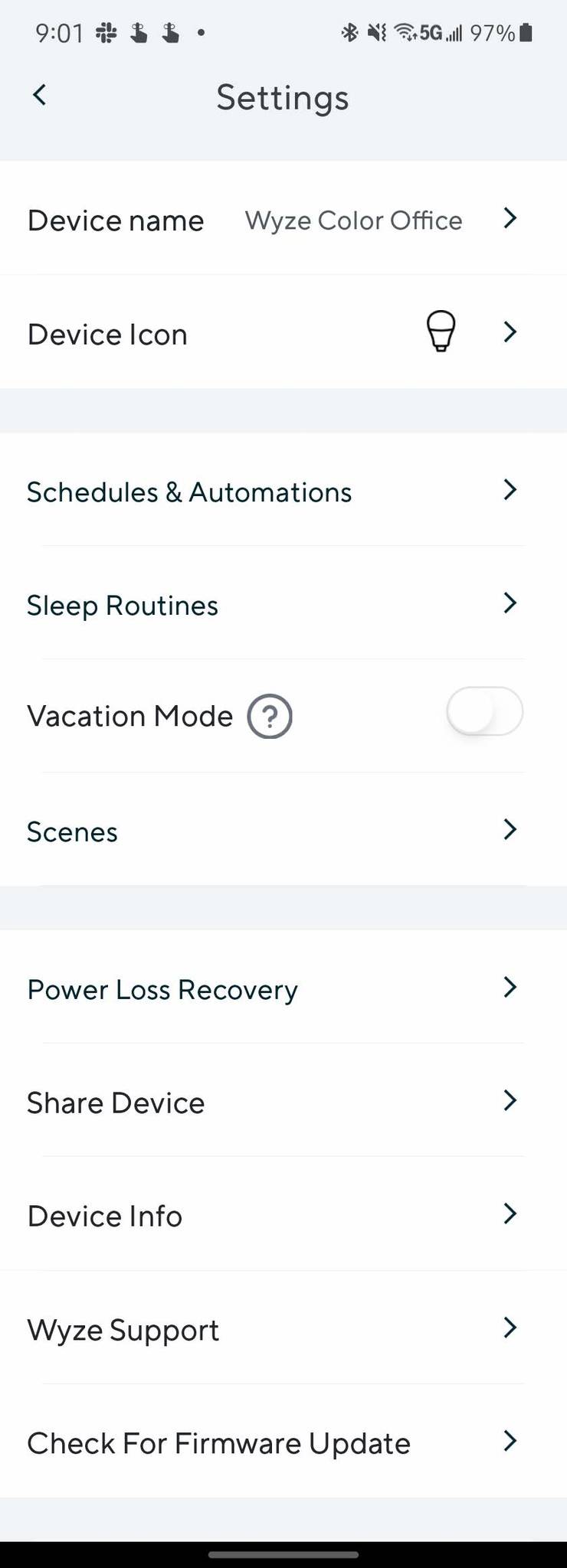
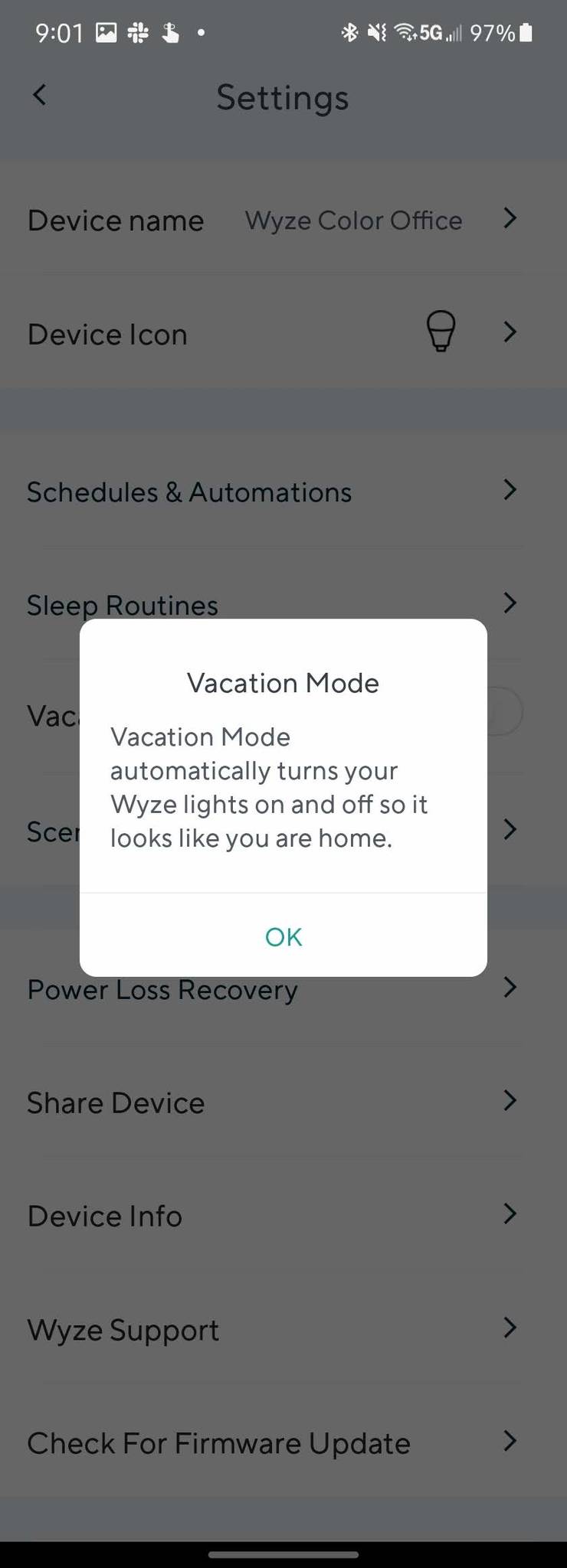
While setting colors and whites isn't necessarily anything special in the smart light bulb world, the experience is heightened by the additional features offered for the bulbs. By going into the Wyze Bulb Color settings, you can change almost anything you need to for your light as well as get into truly making it smart.
The settings let you easily create schedules for when the light is on or off and even change the color at specific times. If you have other smart home products from Wyze, like its motion sensors, cameras, or contact sensors, you can use those devices as triggers to control that Wyze Bulb Color as well.
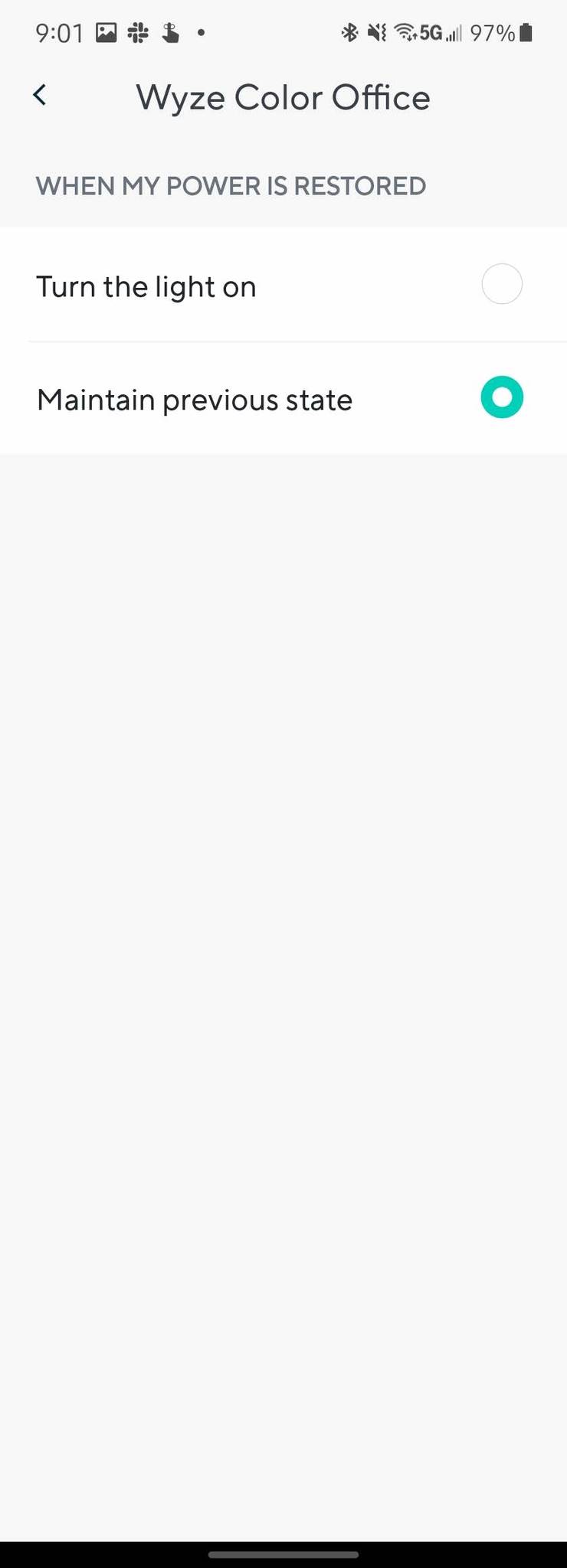
Perhaps my favorite setting that Wyze Bulbs offer is Power Loss Recovery to save from being woken up by a blinding light in the middle of the night after a power outage.
The settings also have an option for Sleep Routines that will let you use the bulb to help wake you up or help you to fall asleep. When enabled, you can set how long the light takes to fade, when to start it, the total brightness and the temperature. The goal of Sleep Routines is to simulate the sunrise or sunset to help with circadian rhythms for more natural sleep patterns.
One of the worst parts of using smart light bulbs is that the switch to that bulb has to always be on to allow you to control the light from your phone or with your voice. This means if the electricity goes out, even for a few seconds, when it comes back on, that smart bulb is on too and usually at full power. The Power Loss Recovery setting for Wyze Bulbs lets you choose what happens when the power comes back on: turn on the light, or maintain the previous state. Philips Hue is the only other bulb I've seen that offers this feature.
Wyze Bulb Color: What you won't like
There is very little to not like about the Wyze Bulb Color smart lights. For the price, it's really hard to be too nitpicky, but as well all know — nothing is perfect, except tacos. I found only two things that could be better with these bulbs — color saturation at high brightness and the addition of some special effects in the app.
Far too often, I have found that most smart bulbs suffer from poor color reproduction, usually in non-primary colors. Although, yellows tend to suffer too. The Wyze Bulb Color handles most of the colors very well — even greens, purples, and teals. Where it can suffer is when you turn the brightness over 80%. The difference isn't major, but some of the saturation will wane when you push the brightness up.
The only colors that seem to hold onto the vibrance are red and blue; the rest tend to wash out. While I would love to have my light going full blast with the whole gamut that the rainbow offers, I don't find it necessary.
Again, another nitpicking thing I'd like to see offered from the Wyze Bulb Color isn't so much about the bulb as it is the app. Something that is found with other brands is the ability to add effects to the light. Things like making the light look like a candle flickering, cycling colors automatically, or react to music. While these would be fun additions to be able to play with, they aren't deal-breakers.
Wyze Bulb Color: Competition
Wyze Bulb Color checks many boxes in terms of what makes a good smart light bulb, but as mentioned previously, it's not the absolute best. There are benefits to using smart lights that require a hub to connect all of them together. When it comes to those types of systems, Philips Hue is one of the best out there.
Philips Hue hub offers very solid connectivity to your lights, leading to near-instant reactivity when you want to interact with them. The hub also allows for a wide variety of devices that work together. Philips Hue makes everything from light strips, to motion sensors, to switches, and even more types of lights that all work very well together. However, there is a significantly higher price associated with that ecosystem.
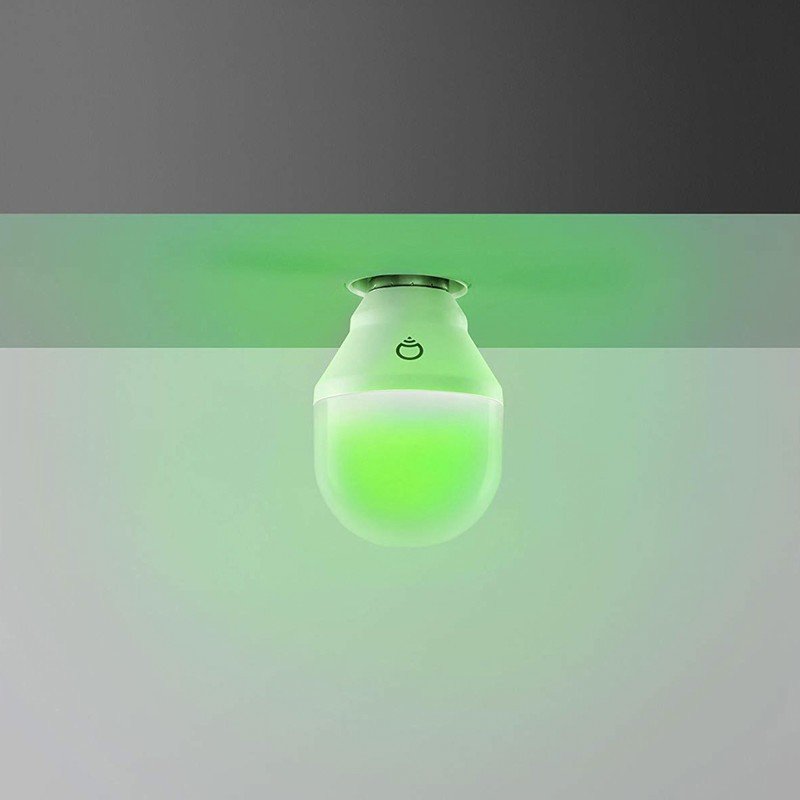
As for a smart light bulb that offers excellent color reproduction and won't require additional hardware to use, the LIFX Color A19 bulb is worth consideration. These bulbs operate solely via Wi-Fi, so you'll have one less piece of hardware to set up and maintain with this option. LIFX bulbs are known for their ability to produce vibrant, saturated colors.
I've been able to tune my LIFX bulb to a shade of purplish-blue that mimics a UV blacklight to make for some fun parties. However, the colors aren't the only thing these bulbs can offer. You'll get a full range of tunable whites and an app that has some really fun effects that you can apply to your bulb. The downside is that LIFX bulbs can be pricey per unit and sometimes have connectivity issues.
Wyze Bulb Color: Should you buy it?
You should buy this if ...
You want a low-cost smart bulb that offers excellent hues and tunable whites.
You want to utilize automation, routines, and what happens when power is lost.
To have a bulb that doesn't require a hub.
You shouldn't buy this if...
You want a bulb that maintains color saturation at full brightness.
You want your bulb to offer special effects.
In terms of a smart bulb, the Wyze Bulb Color does a whole lot for not a lot of money. For as low as $10 per bulb, you get a smart light that can give a room a bit of flavor with vibrant colors or help transition through the day with proper shades of white. The companion app gives you complete control over the bulb itself as well as automation for it. Unless you need the light to strobe or fully light an entire room in deep red hues, the Wyze Bulb Color is excellent.
4.5out of 5
There are a ton of smart light bulbs on the market, but not all are worth your money. Like most other products, you don't always get what you pay for. The Wyze Bulb Color does the same thing that most of the company's other products do — give you more features for less money.
From start to finish, this bulb is a delight to use. Setting up the light is quick and easy, and once that is done, it stays connected. With Google Assistant and Alexa integration, you can handle nearly all lighting controls by voice, and if you want to, using the Wyze app, you can automate the light to the point that you won't have to do anything at all.
If you are looking to start or add to your smart home, Wyze offers excellent low-cost products that work well together. Outfitting a home with a lot of smart lights can get very expensive, but you can get very capable lighting set up using the Wyze Bulb Color to take care of almost all of your smart light needs for less.
Wyze Bulb Color
Offering ease of setup without the need for a hub, the Wyze Bulb Color gives you bright saturated colors and tunable whites with up to 1100 lumens. With the Wyze app, you can fully automate your lighting so you can set it and forget it.