You spend all day with your phone, setting it down on tables, chairs, public benches, bathroom counters, and even more unsightly places. Then there's the more visible grime that gets on or in your phone from dropping it in the dog park, leaving it in your sweaty jean pockets, or letting your child pour Cheerio dust all over it. Phones get dirty easily, but thankfully getting them clean again can be easy, too, if you know what to use.
Products used in this guide
What NOT to use when cleaning your phone
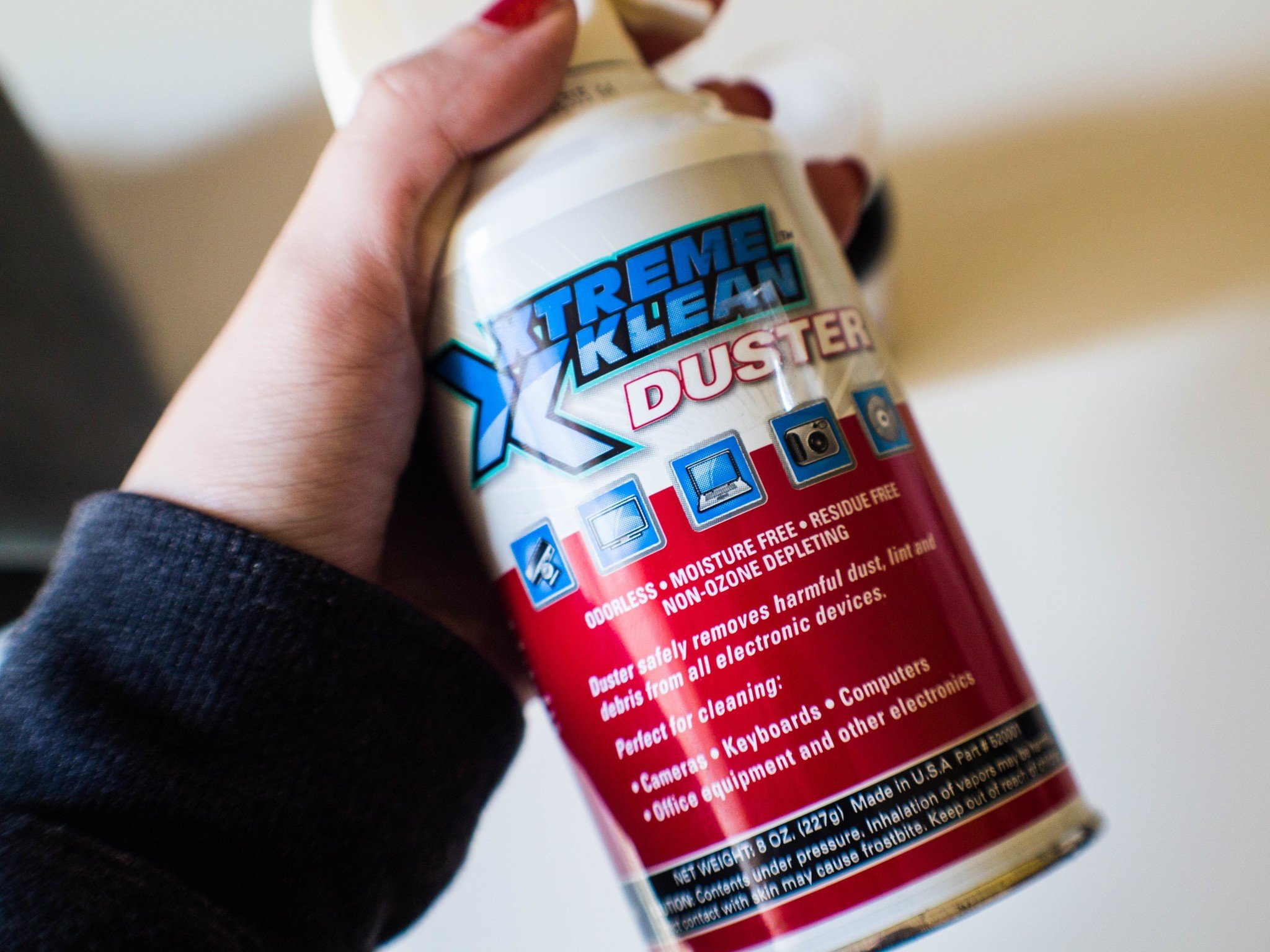
Lysol or Clorox wipes might seem like an easy way to clean grime off a phone, but fight this instinct with every phone-loving fiber of your being. Bleach, vinegar, alcohol, and most harsh disinfectant chemicals can clean the sides and back of an Android phone, but those chemicals need to stay far away from the glass front of your phone (and glass back if you have one), as they will eat away at the oleophobic coating that your phone uses to help fight fingerprint smudges.
Compressed air can be useful since it blows dust out of hard-to-reach places. However, you need to be very, very careful when using it with a phone as compressed air can damage pinhole mics and other components quite easily with their precise, pressurized air blasts.
How to clean your Android phone by hand
- Take your phone out of its case. If it's made of safe to wash materials like TPU and hard plastic, give the case a good rinse in warm water and then let it air dry.
- Note: If your case is made of leather or other luxury materials, try looking for cleaners specific to your material. The maker of your case will likely have cleaning guidelines on their website or in the box the case came in.
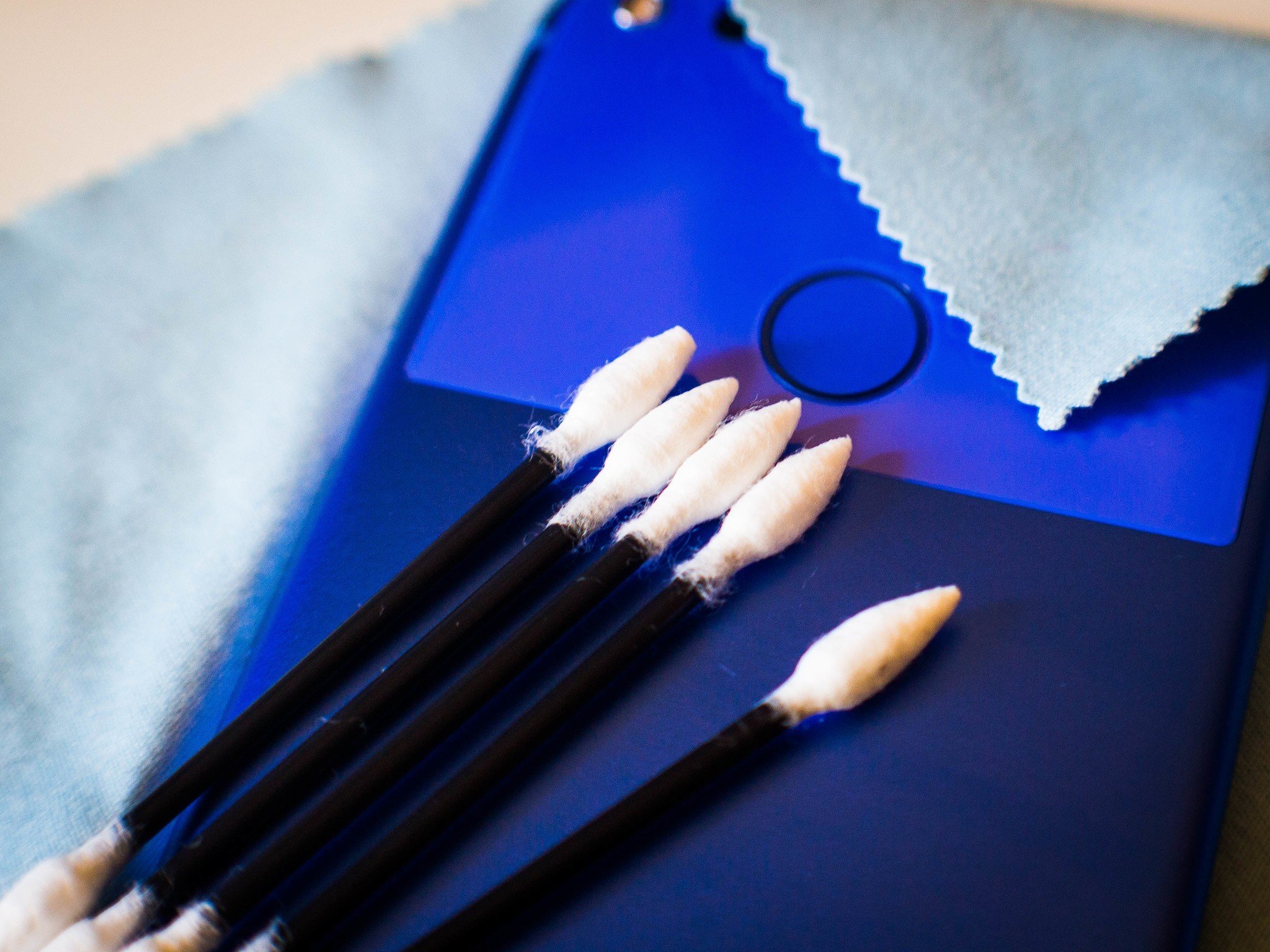
- Using the felt-tipped swabs in the Phone Cleaning Kit (or Q-Tips, if you've got the time to whittle the tips to points) to gently swab around the earpiece, speaker grills, and various ports on your phone.
- Be careful when swabbing the USB-C port not to leave any fibers behind or dislodge any pieces inside the port. If a swab doesn't fit in your USB-C port, use the small brush included in the Phone Cleaning Kit instead (or a small, soft toothbrush).
- Take a Zeiss Mobile Screen wipe and wipe down the screen and body of the phone.
- If any streaks remain after using the Zeiss wipe, use a microfiber cloth (or a clean, non-embroidered kitchen towel) to wipe the screen clear of streaks.
- Once the phone and case are both completely dry, re-apply your case to your phone.
If you don't regularly use your headphone port — or just tend to acquire more dirt and lint in your ports than normal — consider investing in a set of dust plugs to help keep your port clear and clean when not charging. Also, if you'd like to cut down on grime accumulated on your screen when you use your phone, put your phone down for a few minutes and go wash your grimy hands before getting back to browsing Reddit.
Seriously, clean your hands, ya filthy animal!
The easiest way to disinfect your phone
There are solutions you can make by diluting isopropyl alcohol that can disinfect a phone, but again, you generally want to avoid alcohol and vinegar as they'll eat through your oleophobic coating. What's a girl to disinfect with instead? UV! Ultraviolet lights can kill bacteria and disinfect your phone with just a few minutes inside a doll-sized tanning bed.
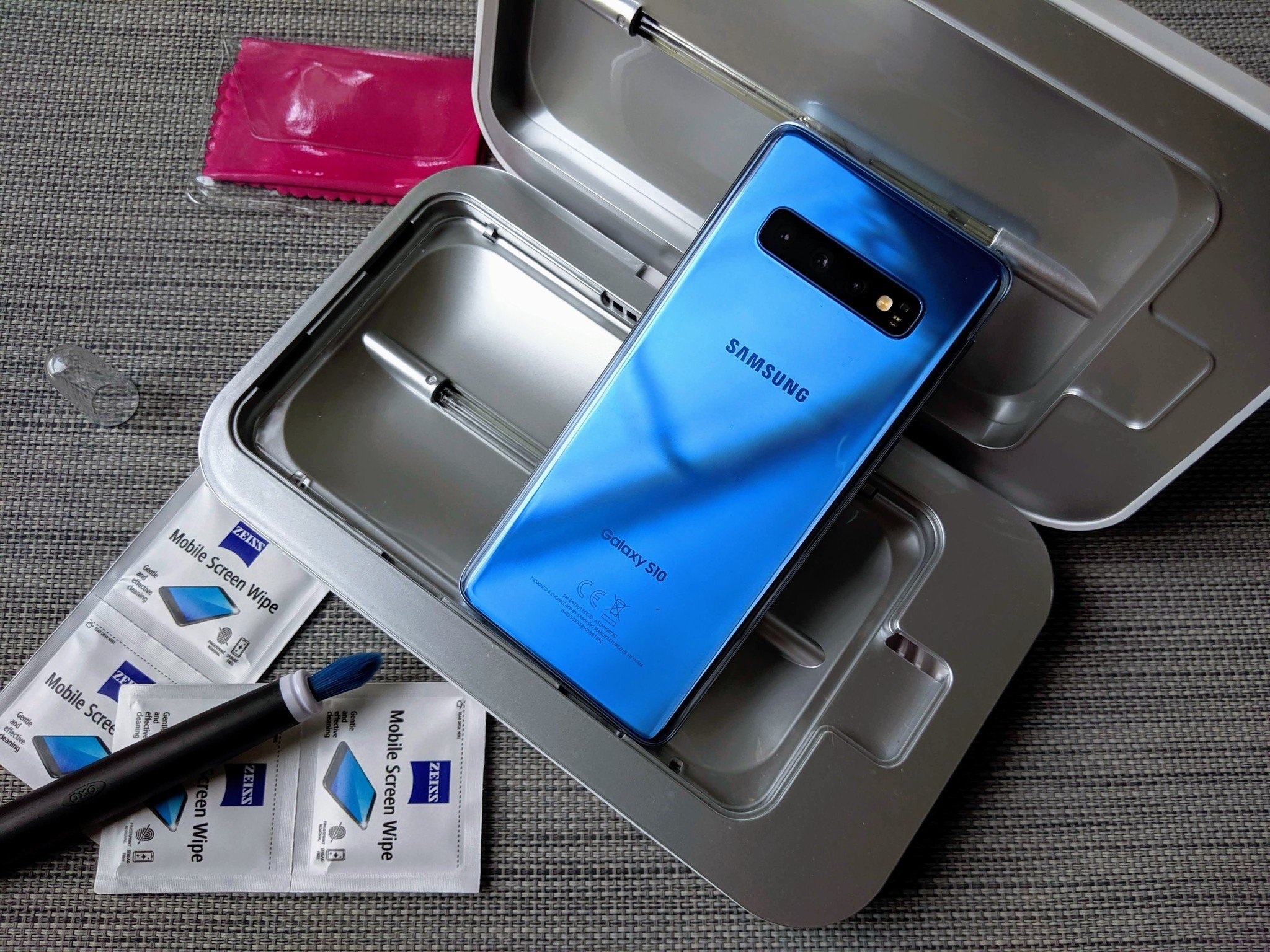
There are a few versions of these UV phone baths out there, but the one I find the most practically sized and long-lasting is the PhoneSoap. It's roughly the size of hardback novel, features UV lights in the lid and base, and when you put your phone inside, it bathes your phone in germ-killing UV lights. Then the unit starts cleaning and the lightning bolt on the top of the unit lights up. When the light turns off, your phone is clean and you can take it out and be on your way.
I like to bathe my phone and case separately so that no grime can hide under the cracks and crevices of the case, but you can stick your phone in the case and kill all of the surface bacteria on your phone. If you're someone who tweets on the toilet — or knocks out a few rounds of a match-three game, like me — consider investing in a PhoneSoap and running your phone through it at least once a week. I also run my house keys through it every few weeks.
Cleaning kit essentials
There are a lot of different products out there you can employ to clean a phone, and no one single item is required to clean yours. These are the products that have worked best for us, but you may also have products like these sitting around your house already.
DanziX Phone Cleaning Kit
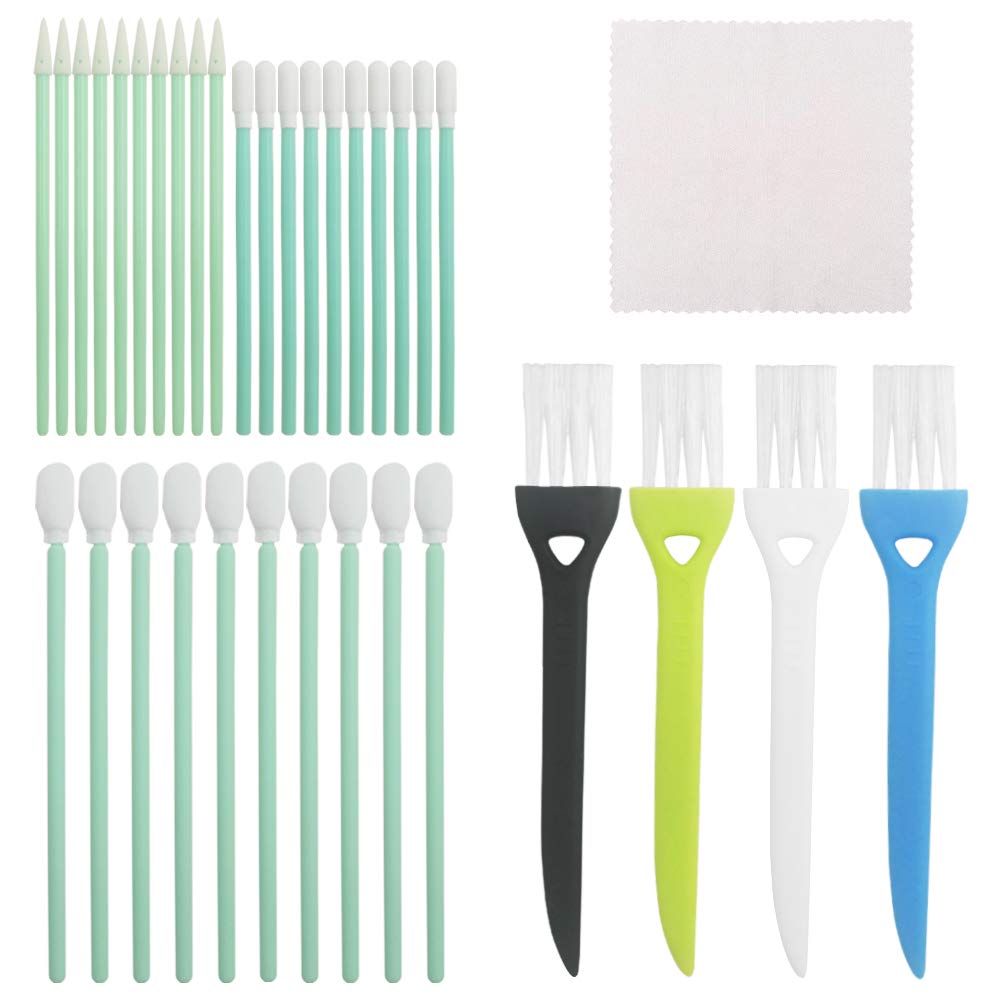
The tips on these swabs are shaped to better seek out the dust and grime lingering in the nooks and crannies on your phone.
$7 at Amazon
ZEISS Mobile Screen Wipes (60ct Box)
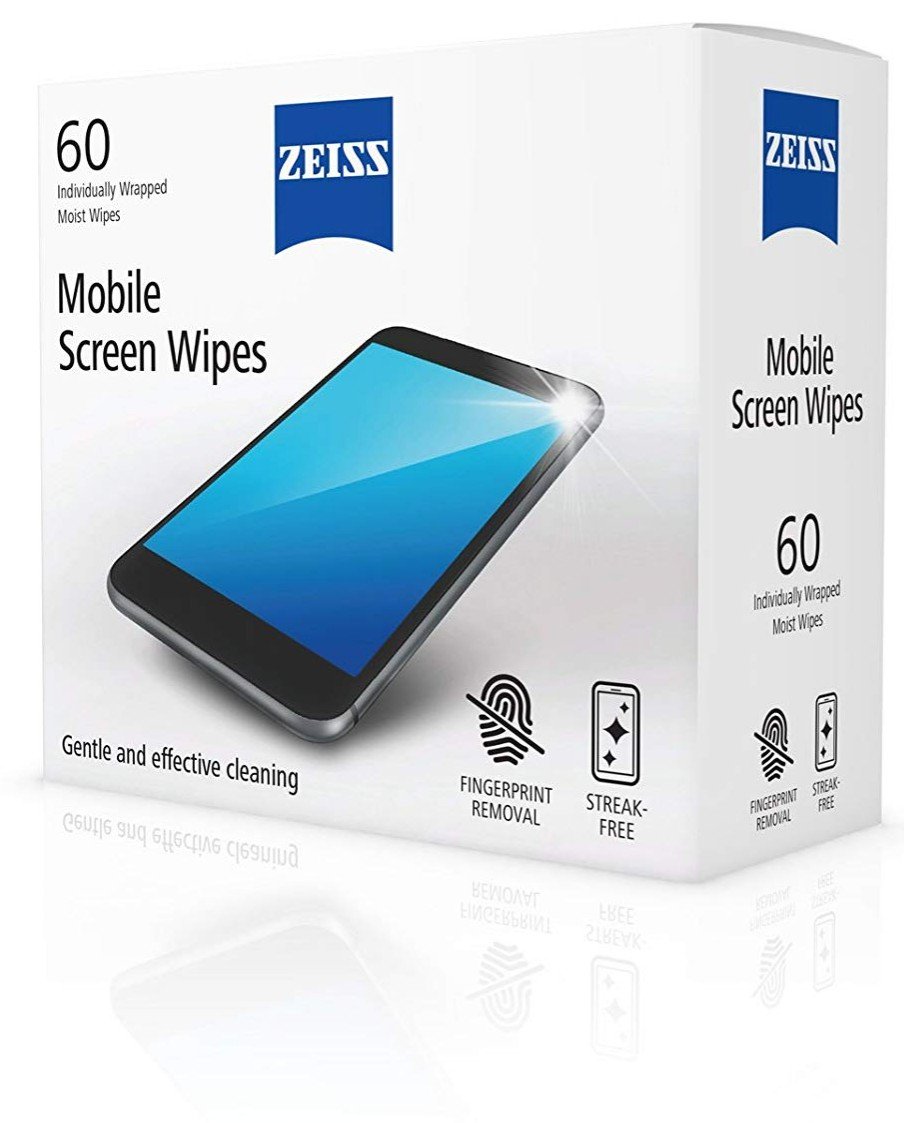
I keep a couple of these easy-to-use wipes in my bag for cleaning my screen after it gets all sweaty and grimy in the parks.
$11 at Amazon
PhoneSoap 3 UV Cell Phone Sanitizer
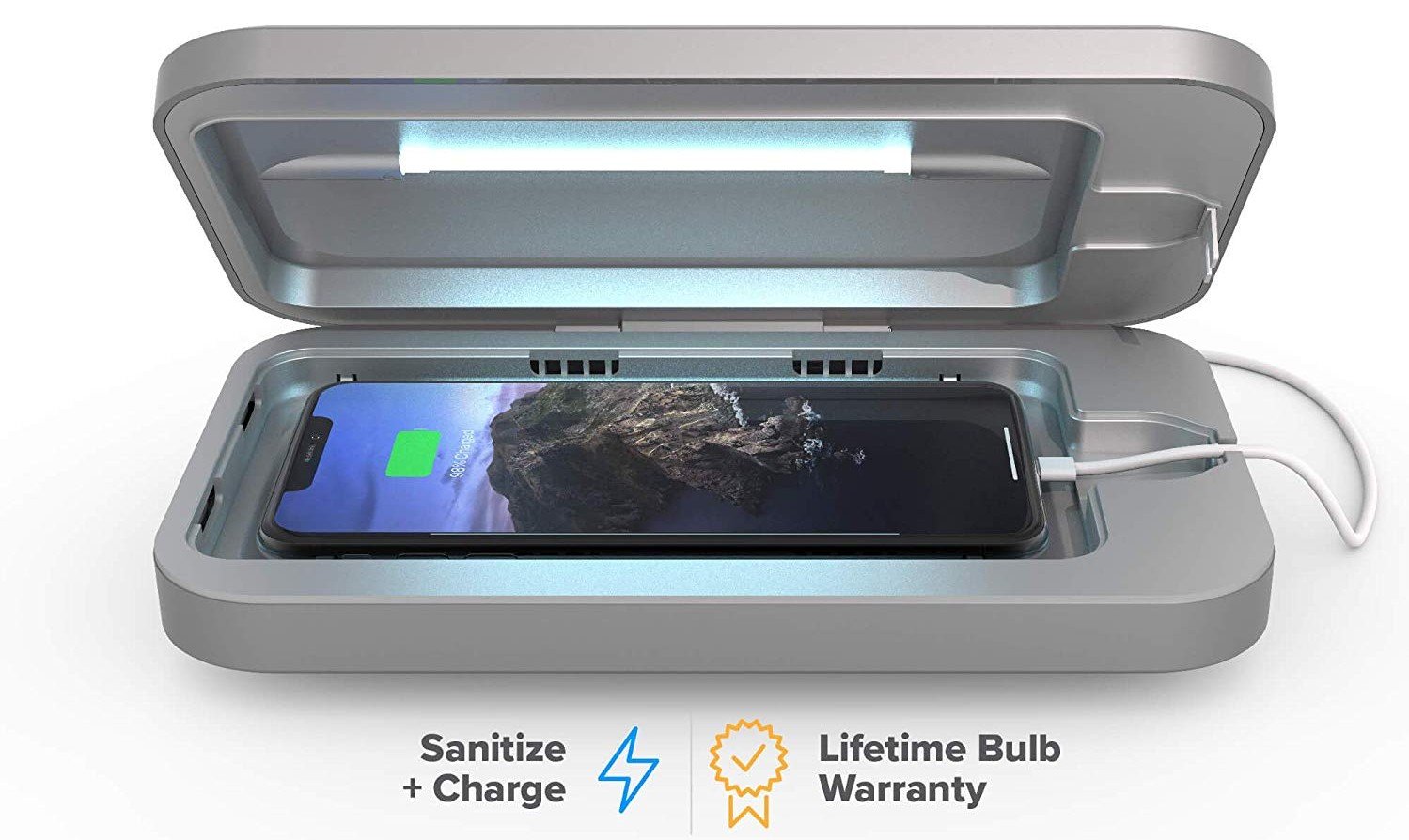
This phone-sized tanning bed uses UV lights to kill the surface bacteria on your phone to keep the germs on your phone from getting you sick.
$80 at Amazon
 This Final Fantasy VII remake could have gone really wrong. There is my weight of expectation (I adored the original) and the awkward between-console-generation launch timing. Square Enix has also changed the core fight mechanics to (mostly) real-tim...

 Renault's latest concept EV is literally a transformer that works for both city driving and long trips. The Morphoz EV in "City" mode normally has a 40 kWh battery that's good for 90 percent of driving in cities or suburbs. However, for the 10 percen...

 NASA is enlisting whatever help it can get to make sure its crewed Moon and Mars missions go smoothly, and that might include help from schools. The agency is running a new round of its Moon to Mars Exploration Systems and Habitation Academic Innova...
 Most people who buy Google smart speakers use them for direct streaming, but that hasn't been entirely voluntary for the past year. Ever since late 2018, people have complained that any Bluetooth connections (from phones or to other speakers) would...